




























What's in Cat Noir's Phone?
About What's in Cat Noir's Phone?
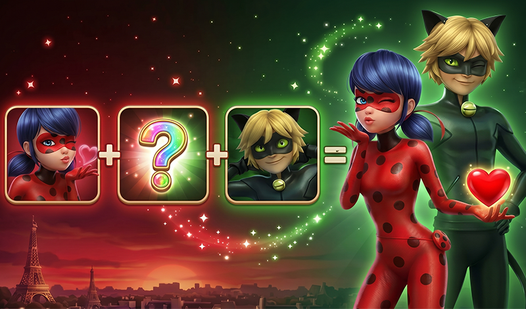
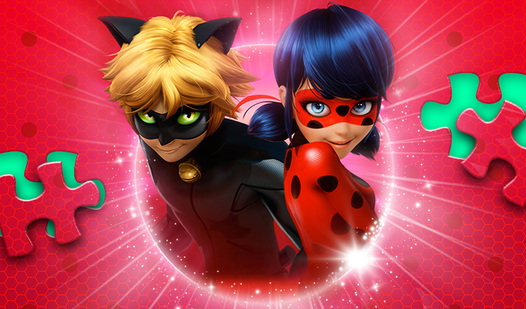
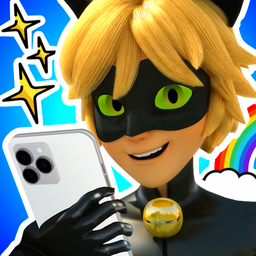
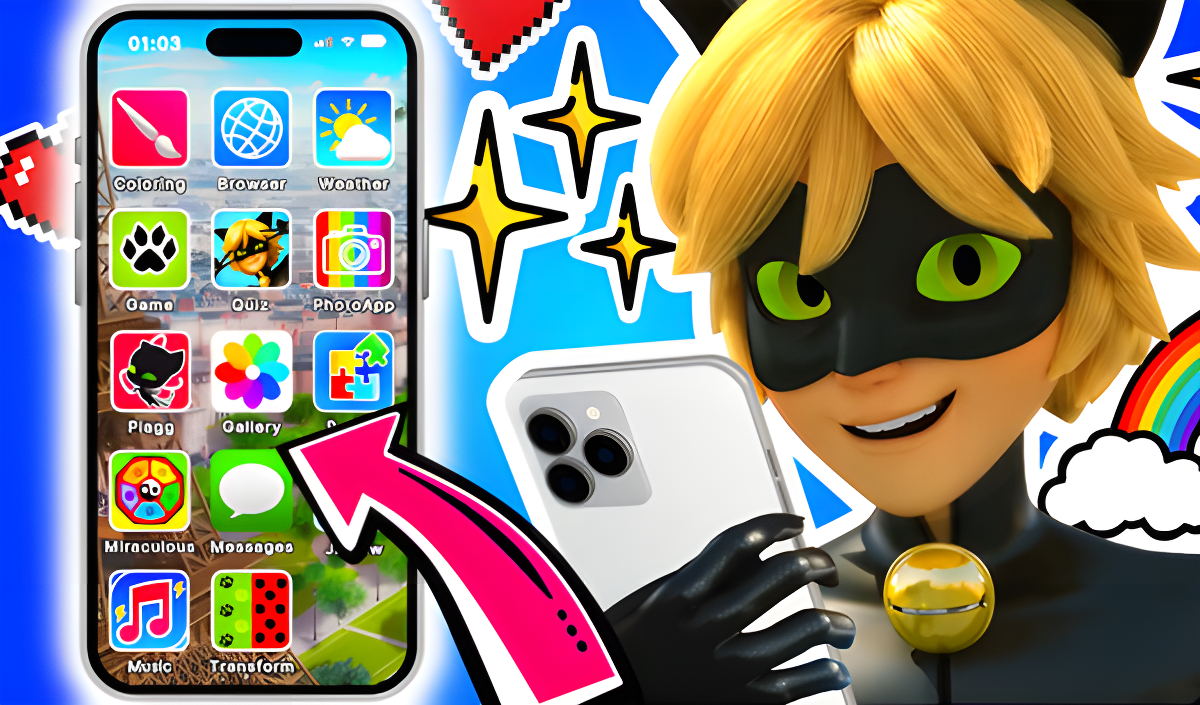
What's in Cat Noir's Phone? drops you into the world of Ladybug and Cat Noir through a phone simulation packed with mini-games, quizzes, puzzles, and interactive chats. Rather than a single linear challenge, the game spreads its content across several distinct applications on a virtual phone interface, each offering a different activity tied to the cartoon's characters and story. The atmosphere leans playful and fan-focused, built around positive interaction with familiar faces like Plagg, Alya Cesar, Adrien Agreste, and Ladybug herself.
Several scenes show Cat Noir's room as the backdrop for the lost-items hunt, and the coloring activity presents Cat Noir as an unpainted figure waiting to be filled in. The overall tone is light and affectionate toward the source material, making it a natural fit for fans of the show looking for a casual, variety-driven experience.
How to Play What's in Cat Noir's Phone?
The phone interface organizes everything into application icons. Tap the icon for the activity you want, and each app opens its own set of rules and goals.
Phone Applications
- Phone Simulation: The interface is made up of various application icons; click the icon of the app you want to open.
- Coloring: Click a color, then click an unpainted area of Cat Noir to fill it in.
- Game: Follow Cat Noir's instructions to find Plagg, Camembert Cheese, and the ring by swiping left or right before time runs out.
- Messages: Chat with Cat Noir's friends and read their messages.
- Kwami: Match each kwami to their own miraculous.
- Quiz: Take a quiz to test how well you know the characters.
- Puzzles: Move puzzle pieces into the selected area to assemble the picture.
- Transformation: Choose a miraculous and transform Adrien Agreste into Cat Noir or Mr. Bug.
The overarching goal in the Game app is to help Cat Noir find lost things in his room so that Ladybug can defeat the Monarch. Exploring Lady Bug's smartphone is also part of the experience, with its own atmosphere to discover.
Controls
- Click icon: Open the selected application on the phone interface
- Click color, then click unpainted area: Apply color to Cat Noir in the Coloring app
- Swipe left or right: Search for lost items in the Game app
- Click: Interact with messages, select a miraculous, and navigate quiz answers
- Move puzzle pieces: Drag pieces to the selected area in the Puzzles app
Games You Might Like
What's in Cat Noir's Phone? sits comfortably among educational games that mix fun activities with character knowledge, and fans of the show will want to explore the full Miraculous Ladybug Games series for more adventures with the same cast. The Ladybug Games series is another direct companion, collecting titles built around Ladybug's world. If the puzzle-assembly app is your favorite part, Jigsaw Puzzles offers thousands of HD pictures to piece together at your own pace. The hidden-item swipe challenge echoes the sharp-eyed gameplay in Find the Differences: Winter tale, a colorful quest built around spotting what's changed. Word lovers who enjoy the quiz app may find Word Search a satisfying next step for testing observation and vocabulary. For a broader mix of mini-games and hidden-object challenges similar to the variety on Cat Noir's phone, BIG ADVENTURE: Trip to Europe 3 combines object searches with memory and thinking activities across many locations. The game also fits naturally into the wider puzzle games category and the adventure games category for anyone browsing by genre.
Video