
























Truck Simulator Pro
About Truck Simulator Pro: Drive a Truck and Explore
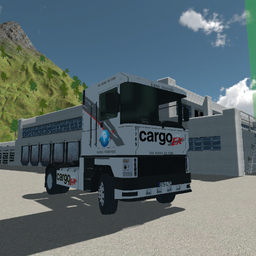
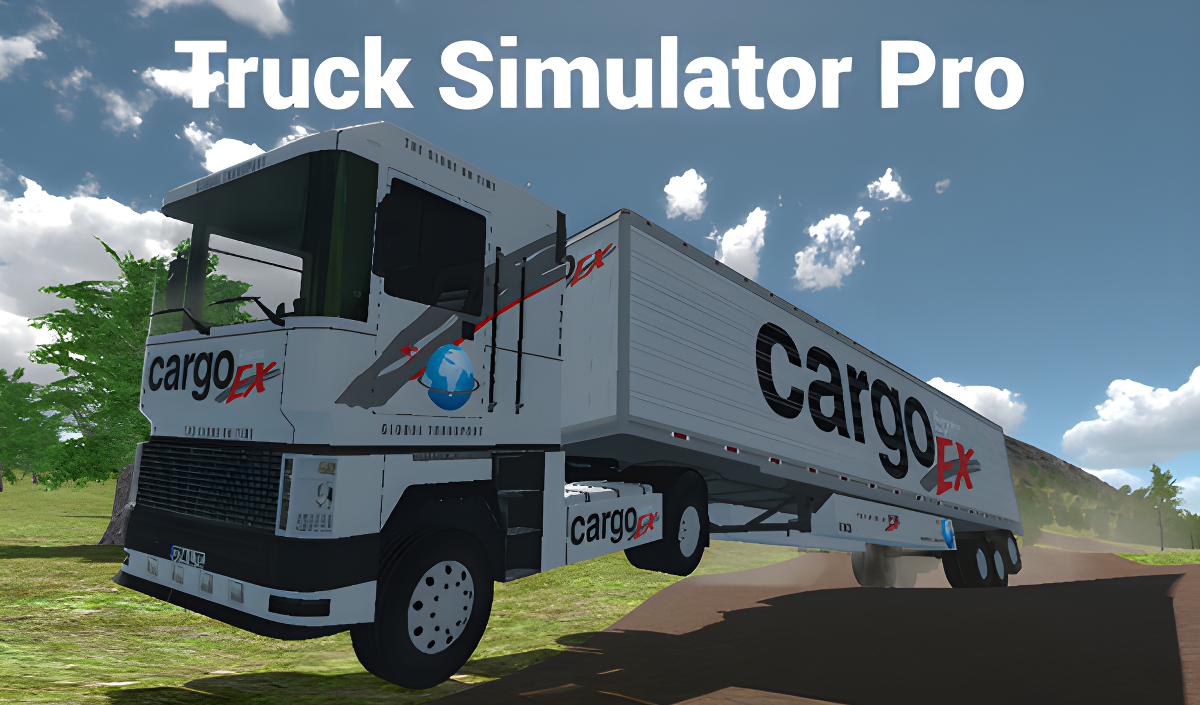
Truck Simulator Pro puts you behind the wheel of a truck and sets you loose in an interesting location to explore. The goal is straightforward: follow the markers, cover the area, and feel like a real truck driver. One scene shows a large grassy mountain with scattered green trees rising behind a white industrial structure with multiple loading bay doors. In another moment, a vertical translucent green beam extends from the ground into the sky near a white warehouse building. Several scenes show a blue globe graphic with a red orbital line on the side of the truck cab.
How to Play Truck Simulator Pro: Follow Markers and Explore
Drive the truck through the location by following the on-screen markers. The controls give you full command over movement, lighting, and signaling, letting you handle the truck the way a real driver would.
Controls
- Arrow Keys / WASD: Control the truck
- Spacebar: Handbrake
- Shift: Acceleration
- C: Change camera view
- Z: Left turn signal
- X: Right turn signal
- L: Low beam
- K: Low beam
- J: Emergency signal
Games You Might Like
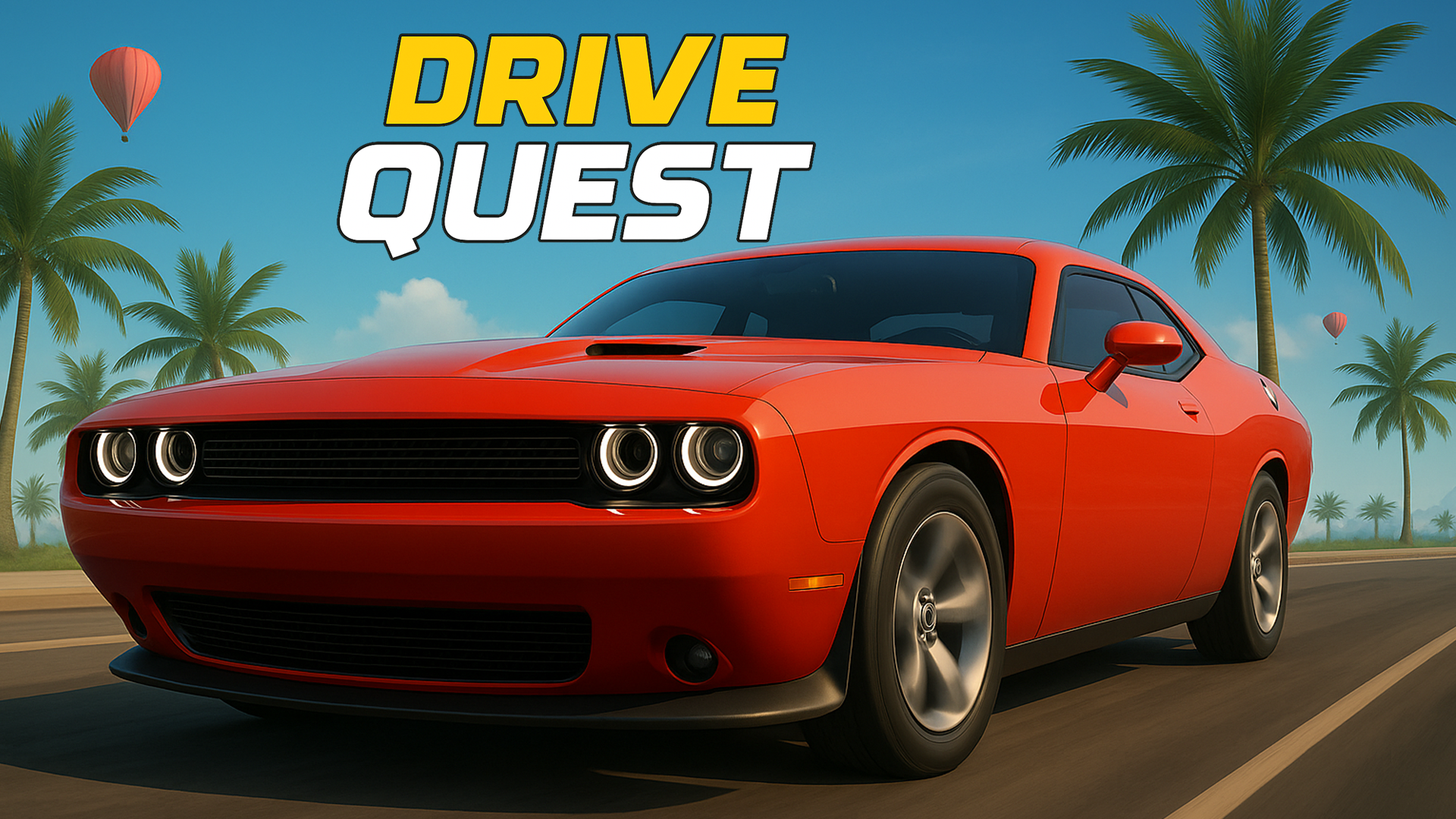
If Truck Simulator Pro has you hooked on big-rig driving, the Long-haul trucking simulator takes that further with real distances between European cities and interface controls for headlights and turn signals. For something broader, Drive Quest offers open-world exploration across a detailed map with ports, highways, and 35 customizable vehicles. Fans of vehicle-based action can jump into Police Chase Simulator, which features over 15 vehicles including trucks across city, countryside, and moon maps. If a tense downhill run appeals, Deadly Descent challenges you to get a car down a mountain in one piece.
Browse the full Driving games collection or explore the wider Simulation games library for more titles in this style.
Video