
























Pixel Animator: creating GIF animation
About Pixel Animator: creating GIF animation
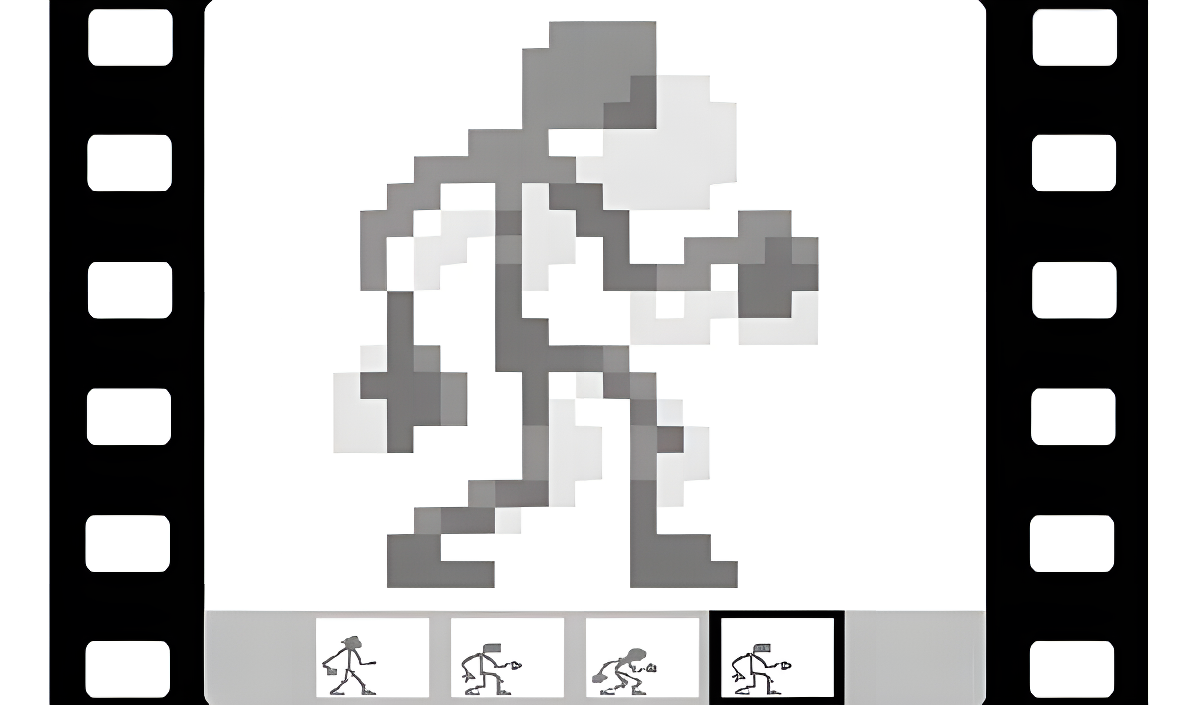
Pixel Animator: creating GIF animation is a program for creating and editing frame-by-frame animation, aimed at anyone curious about bringing pixel art to life. The workflow centers on building animations one frame at a time, adjusting timing, and exporting the finished result as a GIF file. One scene shows a central white canvas filled with red, teal, blue, and pink pixelated strokes, giving a sense of how individual frames take shape. In another view, a grid of 48 rounded color swatches sits against a light grey background, ready to be filled with chosen colors. A separate color picker displays a full spectrum transitioning from white at the top down to black, with vibrant hues running through the middle.
How to Play Pixel Animator: creating GIF animation
Pick a color from the color palette, fill it with the colors you need, and paint onto the canvas. Add new frames, or copy and paste existing ones to build up a sequence. Adjust the frames-per-second rate to control playback speed, then save the finished animation as a GIF file.
Canvas and Frame Size Options
- 8x8
- 16x16
- 24x24
- 32x32
- 64x64
- 128x128
- 256x256
Frames Per Second Settings
- 2
- 3
- 4
- 5
- 6
- 8
- 10
- 12
- 16
Editing and Display Tools
- Enable grid display
- Enable highlighting of the previous frame for more convenient drawing
- Enable display of frame numbers
- Change brush size
- Copy, paste, and move frames of the image
- Undo and redo actions (up to 20 undo times)
- Create up to 2000 frames in one animation
- Increase pixel size when saving as GIF animation
Games You Might Like
If the creative side of Pixel Animator appeals to you, simulation games cover a wide range of building and crafting experiences worth exploring. For another creative sandbox with open-ended making and sharing, Melon Sandbox lets you construct scenes and experiment freely with a broad set of items and tools. If you enjoy the idea of building something from the ground up step by step, Idle Game Dev Simulator puts you in charge of growing a game studio from a small garage into a legendary operation. Story-driven creativity with characters, homes, and locations is at the heart of Toca World Adventure, a colorful world full of customization. For a simulation focused on producing and editing content, Idle Vlogger Simulator walks through planning, recording, and refining videos to grow an audience. Younger creators and curious minds will also find plenty to enjoy across the kids games category.