





















Geometry Dash: Ship Editor
About Geometry Dash: Ship Editor — Create and Fly Your Own Levels
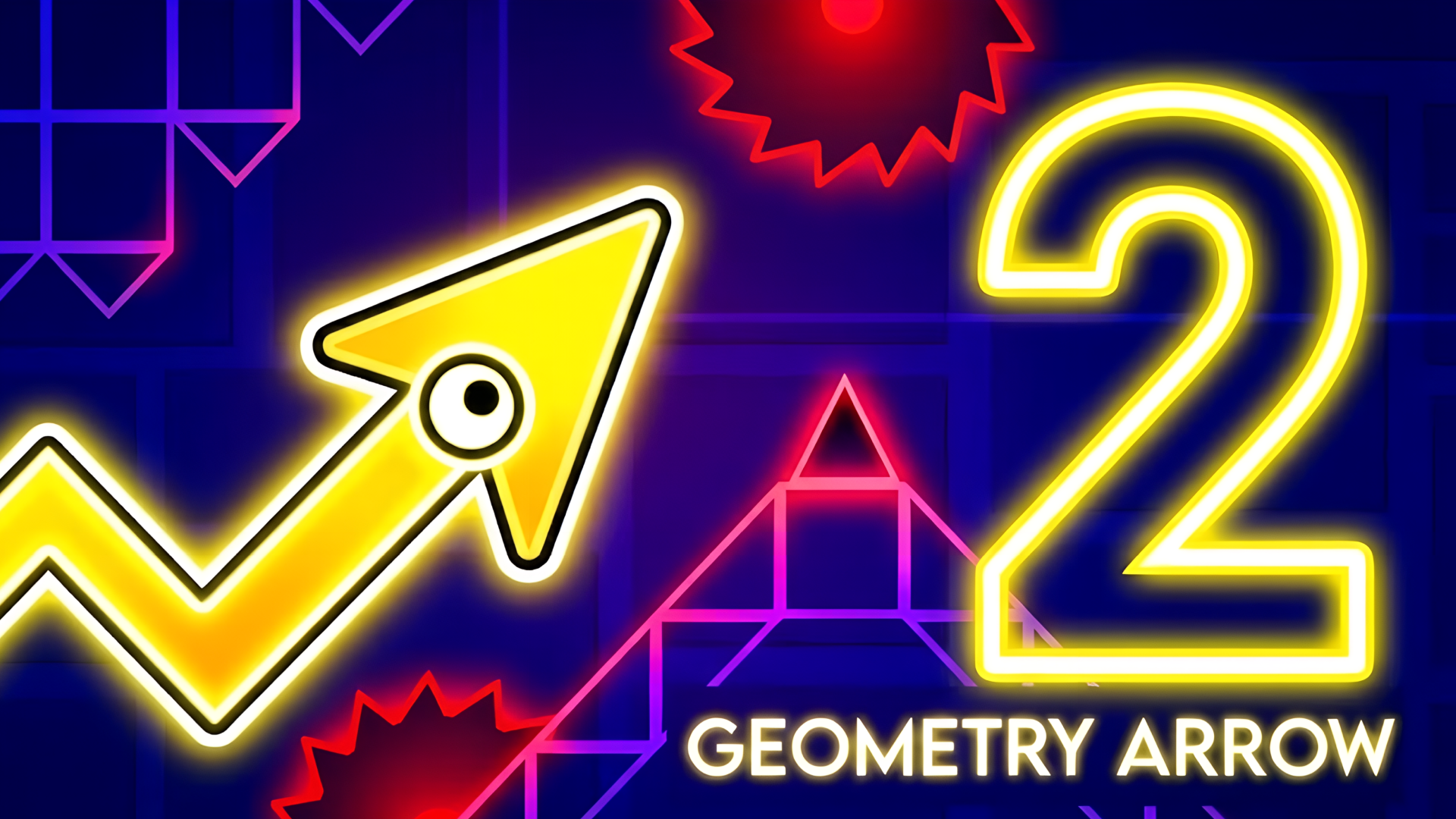
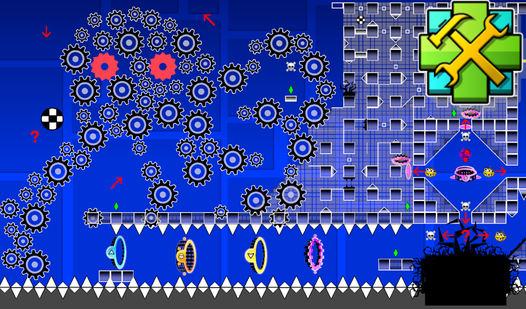
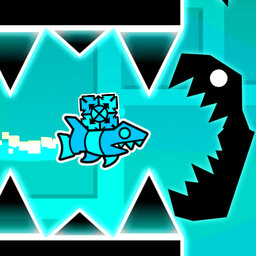
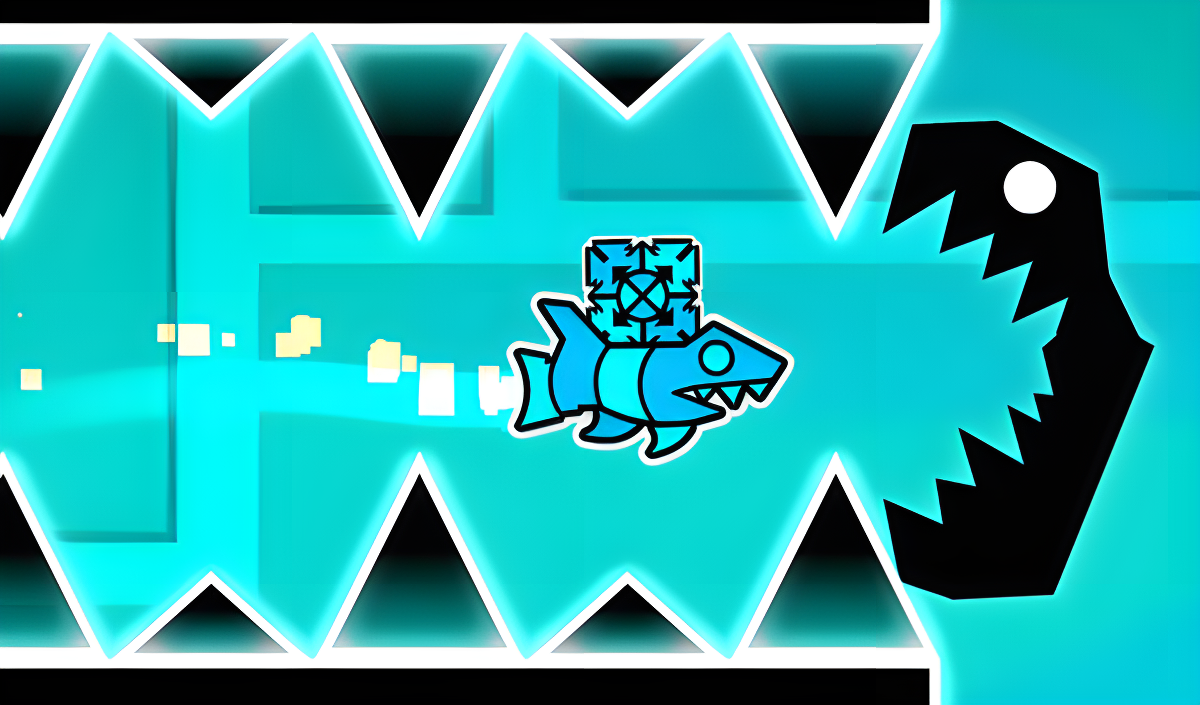
Geometry Dash: Ship Editor takes the ship mode from Geometry Dash and hands the controls of level design directly to you. Instead of running through someone else's course, the entire challenge starts with building one from scratch. Blocks, saws, portals that modify the ball, and portals that change the ball's speed are all at your disposal, ready to be arranged into paths as gentle or as brutal as you like.
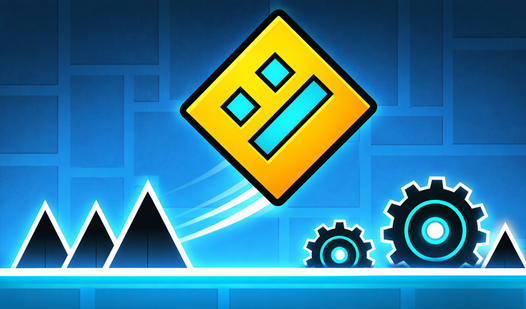
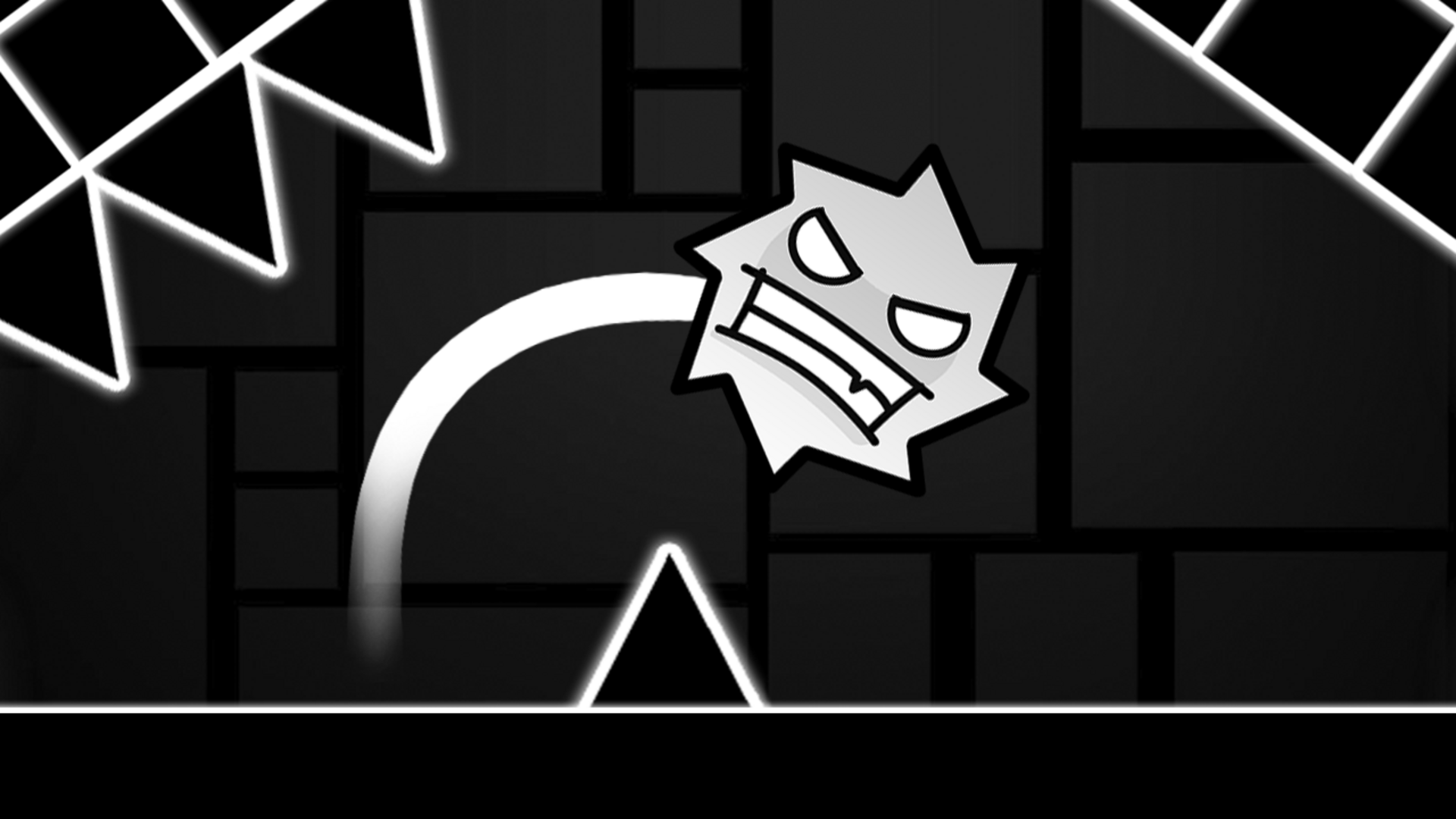
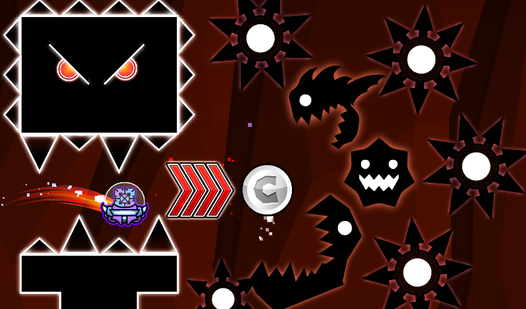
Several scenes show glowing vertical rings in colors including blue, pink, yellow, and green placed within the levels. Large black rectangles with rows of white triangular spikes along their top or bottom edges also appear across the game's views.
How to Play Geometry Dash: Ship Editor
The editor lets you construct levels across the full spectrum of difficulty — easy, difficult, crazy, and even impossible. Every button on screen handles a distinct mechanic, so learning what each one does is the first step.
Flying the Boat
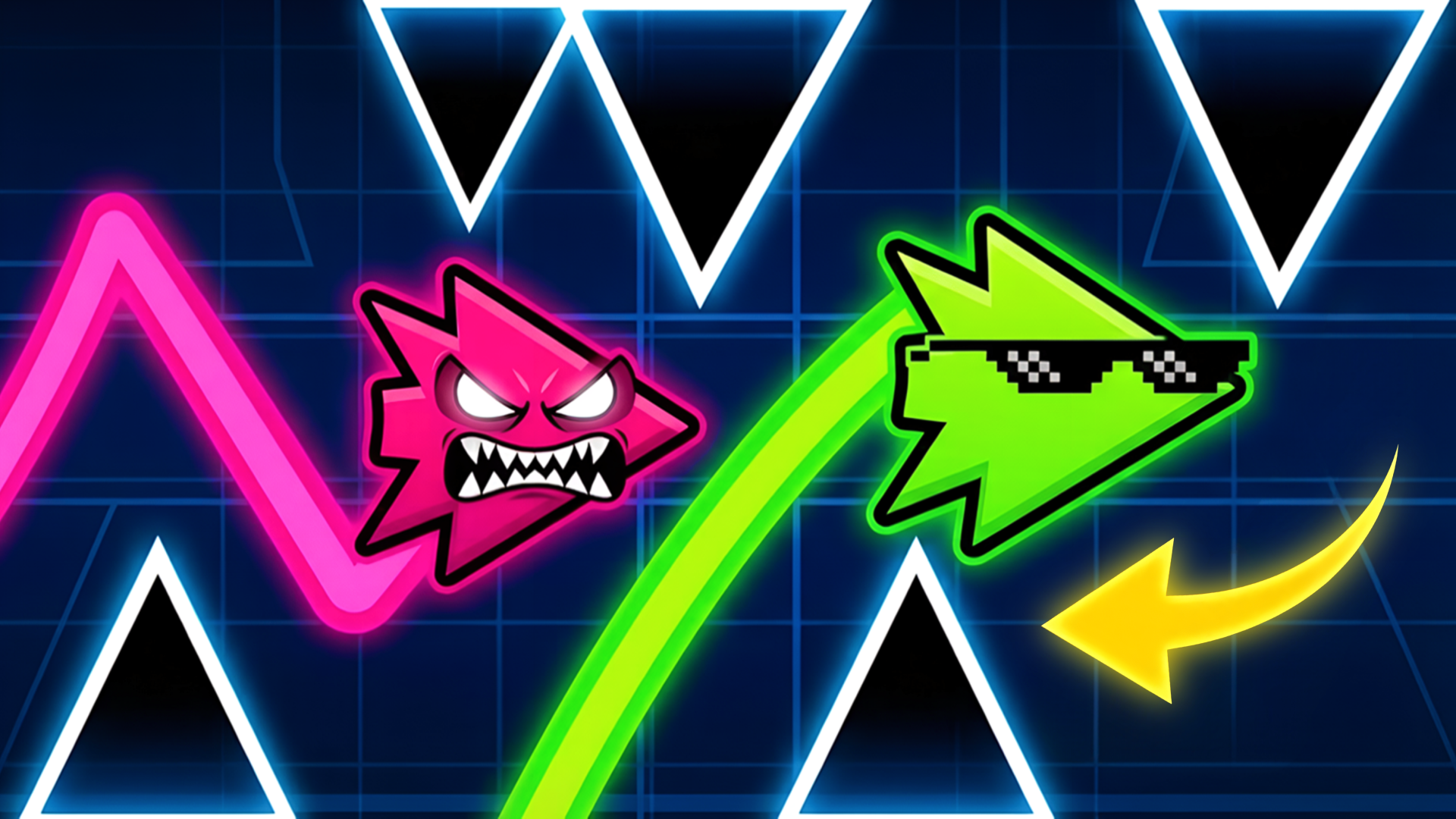
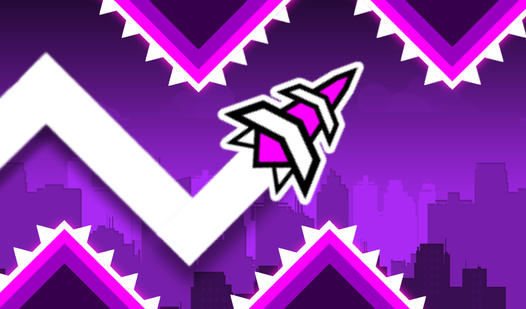
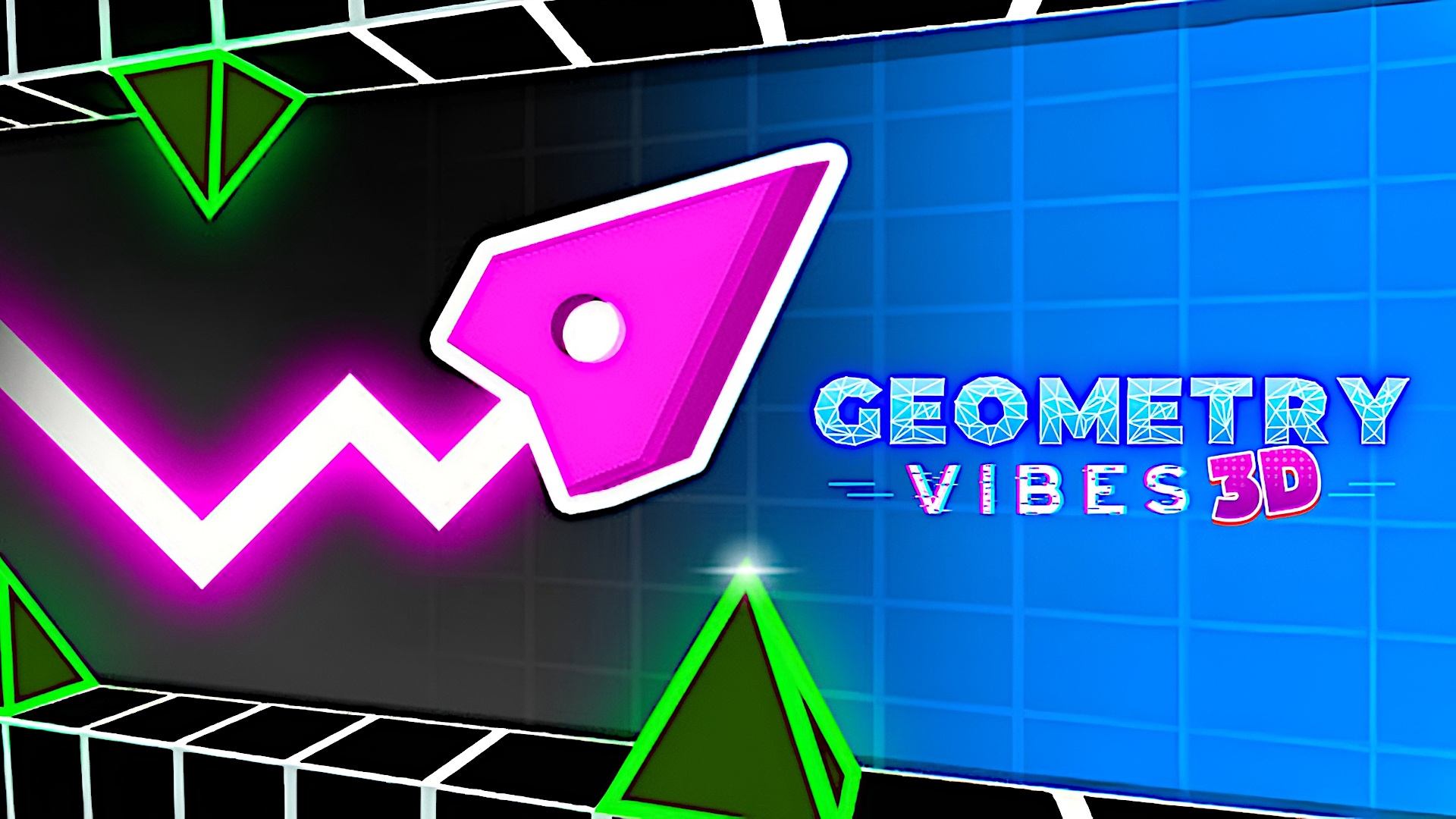
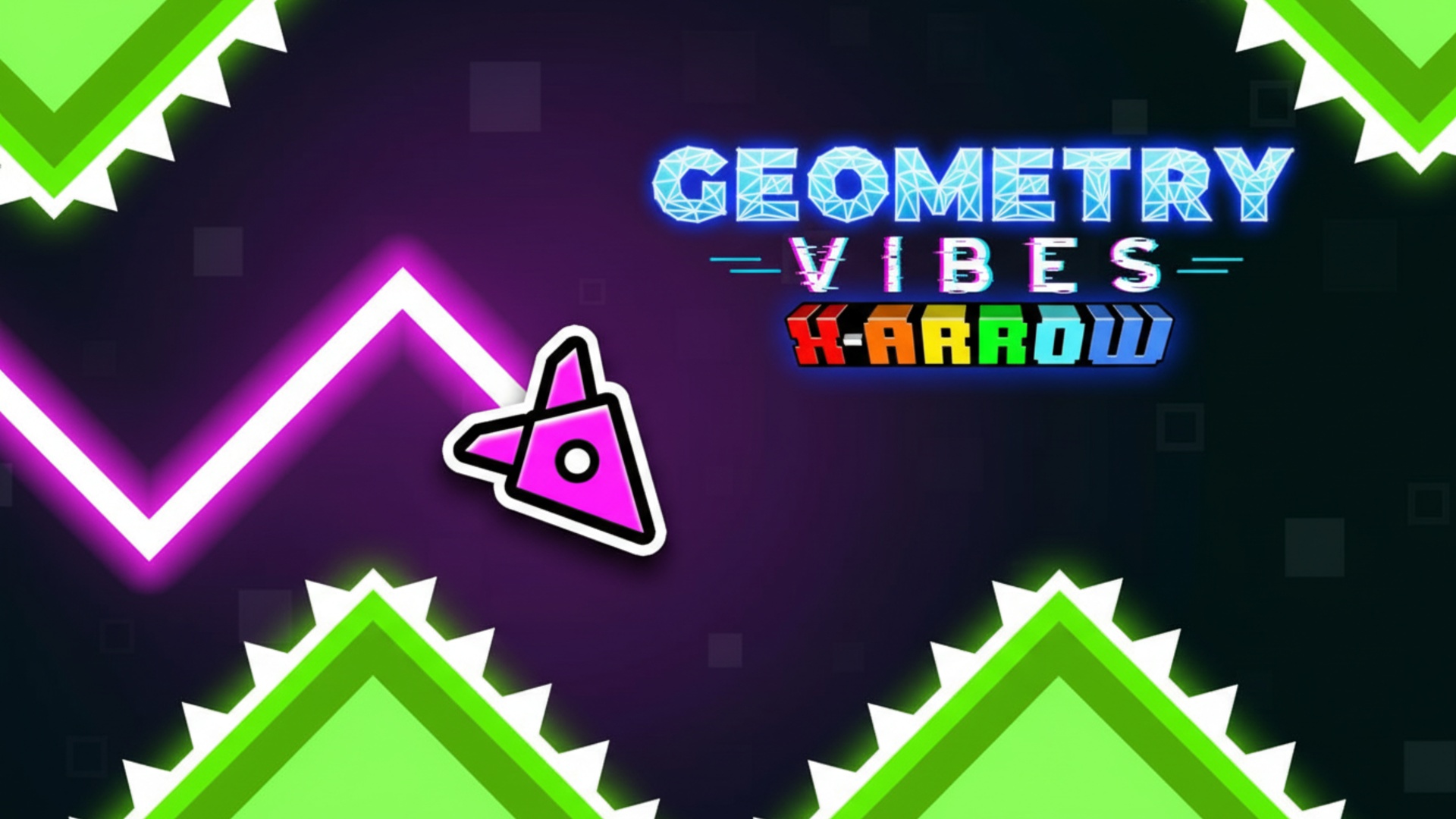
Once you hit Play, you take control of a boat that naturally flies downward. Holding the left mouse button or holding your finger on the screen makes the boat fly upward. Releasing returns it to its downward path. Use that push-and-release rhythm to steer through every obstacle you've placed.
Placing Obstacles and Portals
A dedicated button opens the obstacle and portal creation menu. Click or tap the image of any obstacle or portal and it appears at the center of the screen. From there, drag it with the left mouse button or your finger to position it anywhere in the level.
Editing and Deleting
The gear-shaped button lets you change the background color. The trash can button handles deletion — when it lights up red, any object you click on is removed from the level.
Controls
- Hold LMB / Hold finger on screen: Fly the boat upward
- LMB drag / Finger drag: Move placed obstacles and portals to any position
- Click / Tap obstacle or portal image: Create that obstacle or portal at the center of the screen
- Click / Tap trash can button (lit red): Delete the selected object
- Click / Tap gear-shaped button: Change the background color
- Click / Tap Play button: Play your created level
Games You Might Like
If the creative and skill-based side of Geometry Dash: Ship Editor appeals to you, the broader Geometry Dash series has more rhythm-driven obstacle courses worth exploring. For puzzle-minded players who enjoy careful placement and planning, Blockibo: Color Blocks offers a block-moving challenge where every decision shapes the board. Arrow Puzzle rewards the same kind of deliberate thinking with maze-like grids that grow more strategic as layouts evolve. Arrows puts a collision-avoidance spin on clearing a field, which should feel familiar to anyone who has threaded a boat through tight gaps. Arrow Exit Puzzle is another spatial logic game where finding the right sequence to clear the board is the whole satisfying point.
Browse the full Puzzle games catalog for more titles that mix creativity with challenge, or check out the Action games section for fast-reflex experiences in a similar vein.
Video