













Platformer-Editor
About Platformer-Editor
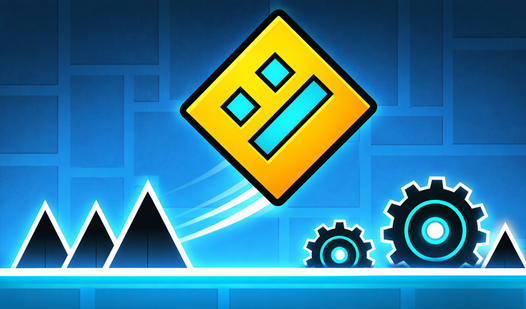
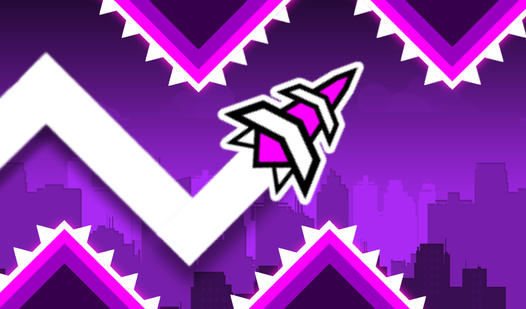
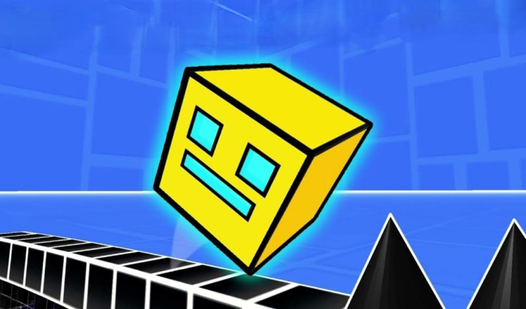
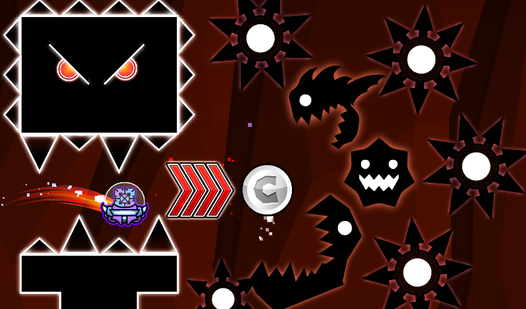
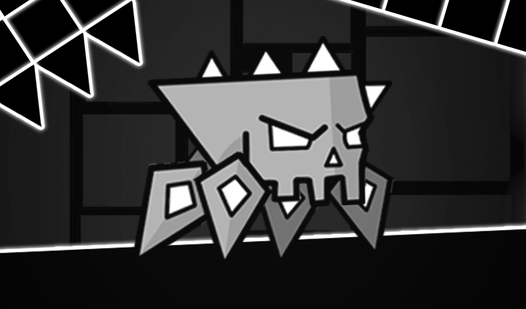
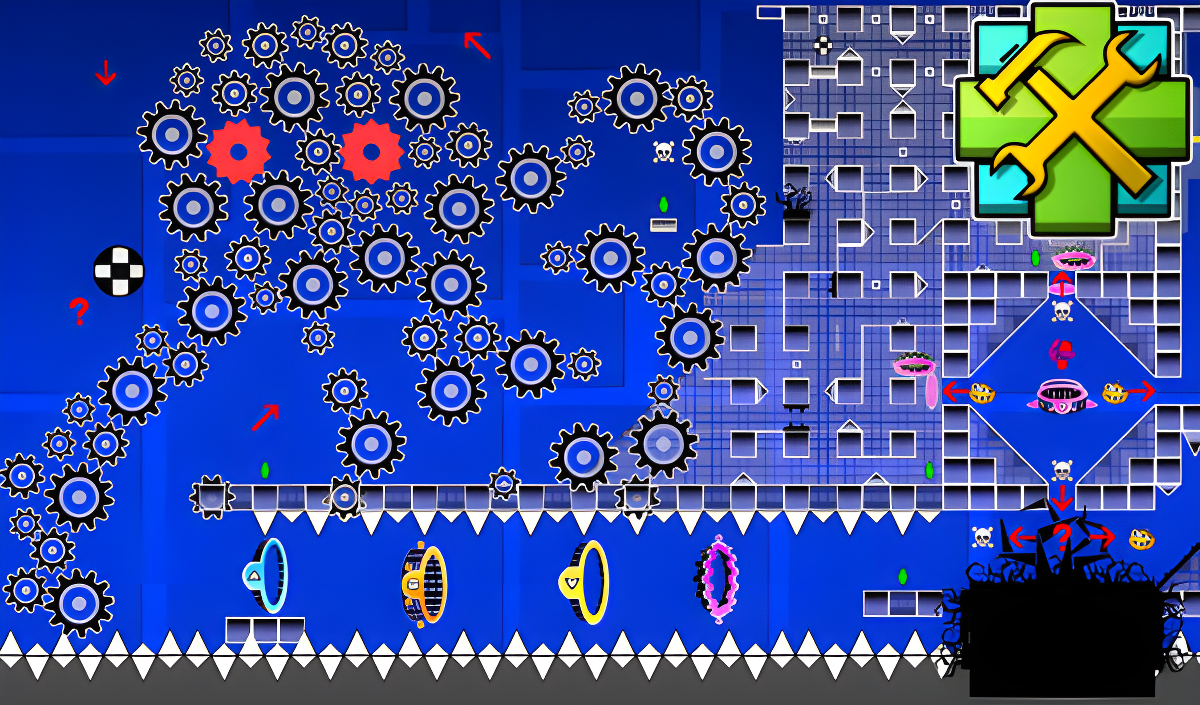
Platformer-Editor is a game similar to "Geometry Dash," combining ready-made levels with a full-featured editor that lets you build your own stages from scratch. The game supports three character modes — cube, ship, and UFO — and includes portals that alter gravity or resize the character, giving both the play and creation sides of the game real variety. Several scenes show neon-colored rings and vertical ovals with glowing outlines placed throughout the layouts. One menu scene displays a circular multi-colored wheel alongside various grayscale landscape thumbnails.
Fifteen ready-made levels are available to play, each completed level unlocking the next at increased difficulty. The final five levels are the most demanding and are designed to sharpen reaction skills. These levels also work as hands-on training for understanding what specific portals do.
How to Play Platformer-Editor
Choose between playing already-created levels or building your own in the editor. In the ready-made levels, each completed stage opens the next, with difficulty rising as you progress. The last five levels are the hardest and serve as a test of reaction.
Editor Mechanics
When you open the editor, a single object is present by default: a red circle called Start Pos, which marks where the character appears at the beginning of a level. Moving it is done by pressing LMB or tapping the button at the bottom left of the screen, then clicking any cell — the object relocates to wherever you click. Only one Start Pos can exist in a level at a time. All other objects are placed using the same method.
A green diamond or crystal functions as a checkpoint: when the character enters it, any subsequent death causes the character to respawn at that checkpoint rather than the beginning.
Editor Objects and Options
- Cube mode
- Ship mode
- UFO mode
- Portals that change the gravity of the character
- Portals that change the size of the character
- Various blocks
- Spikes
- Various drawings
- Checkpoints
- Changing the background
- Changing the color of characters and backgrounds
- Changing the music
- Changing the character's start position
Controls
- A or ←: Move the character to the left
- D or →: Move the character to the right
- W or ↑ (Circle/Cube): Jump
- W or ↑ (Ship, hold): Fly
- W or ↑ (UFO): Jump even in the air
- LMB or finger on bottom-left button, then click a cell: Place or move an object in the editor
Games You Might Like
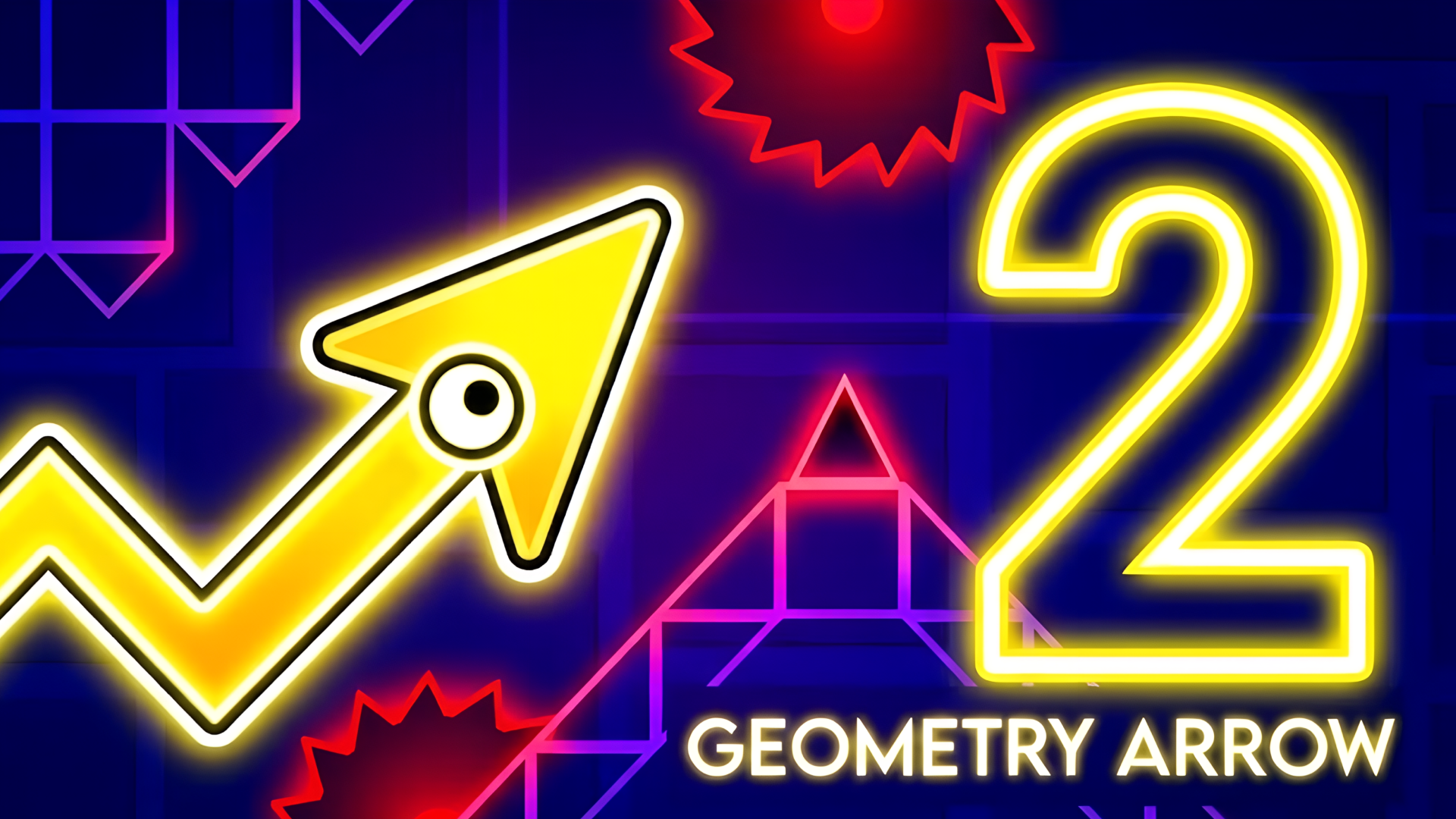
Platformer-Editor sits naturally among skill games that reward timing and precision, and it draws directly from the Geometry Dash series, which shares the same rhythm-and-obstacle DNA. If you enjoy the geometry-based obstacle running here, Geometry Arrow 2 adds a Wheel character and 13 levels mixing Arrow and Wheel segments with customizable looks. The original Geometry Arrow offers six cave levels of escalating difficulty with spikes and portals to dodge. For a different kind of platforming challenge, Obby: Mini-Games packs parkour maps and multiple competitive modes into one package.
Browse more in arcade games for fast-action titles in the same spirit, or explore the full platform games catalog for more level-based adventures.
Video