


























Geometry Dash 3D: Build a level
About Geometry Dash 3D: Build a level
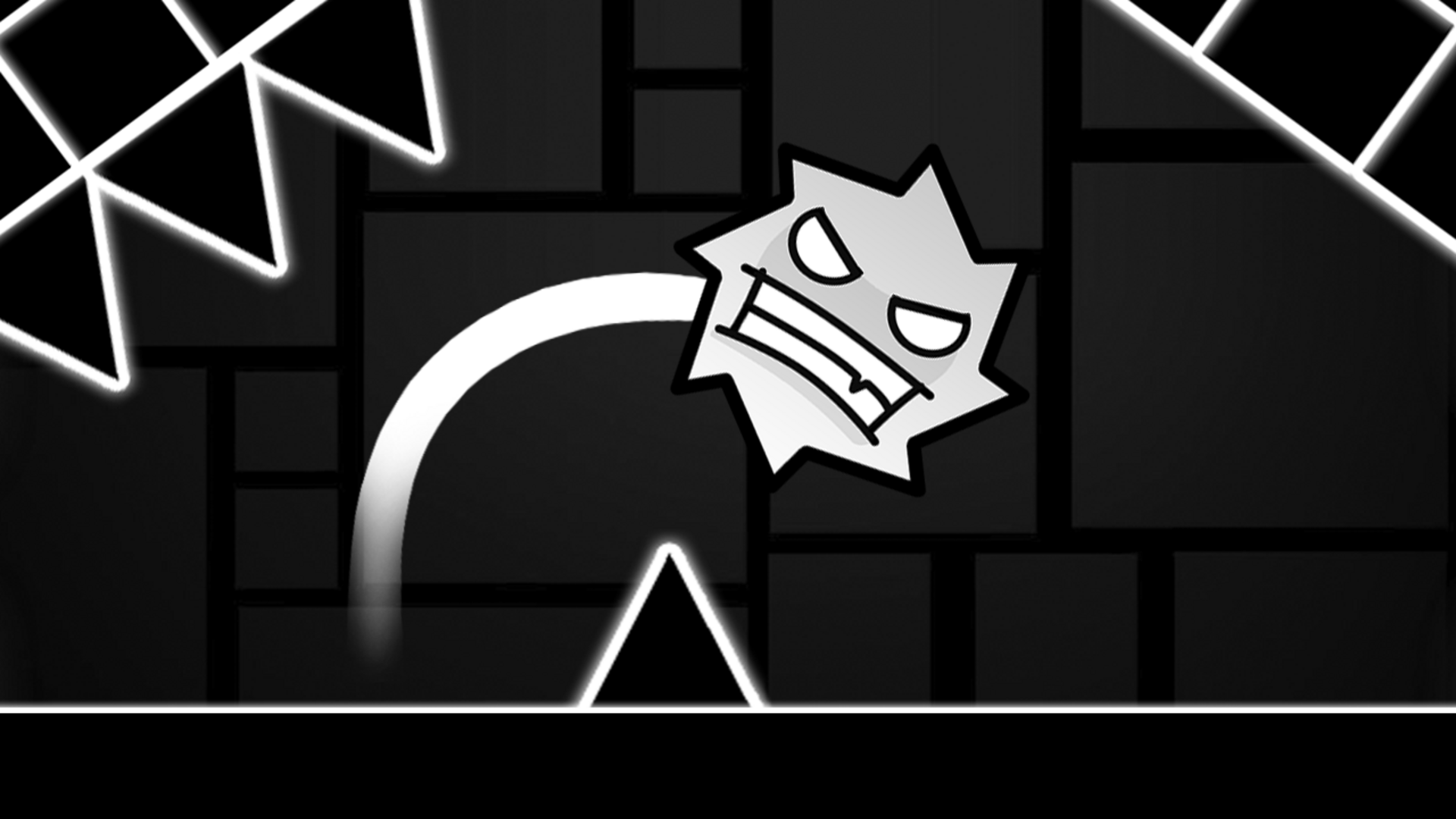
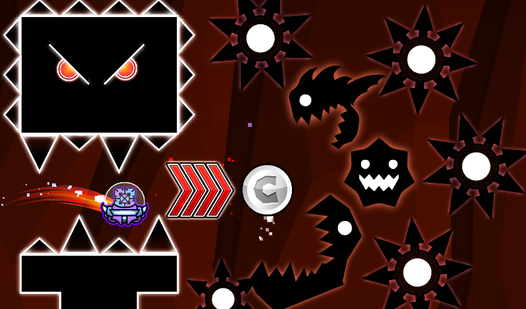
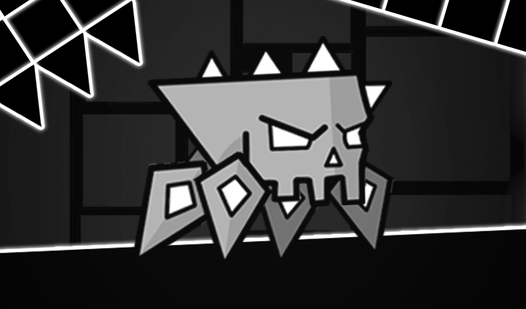
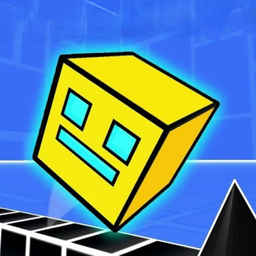
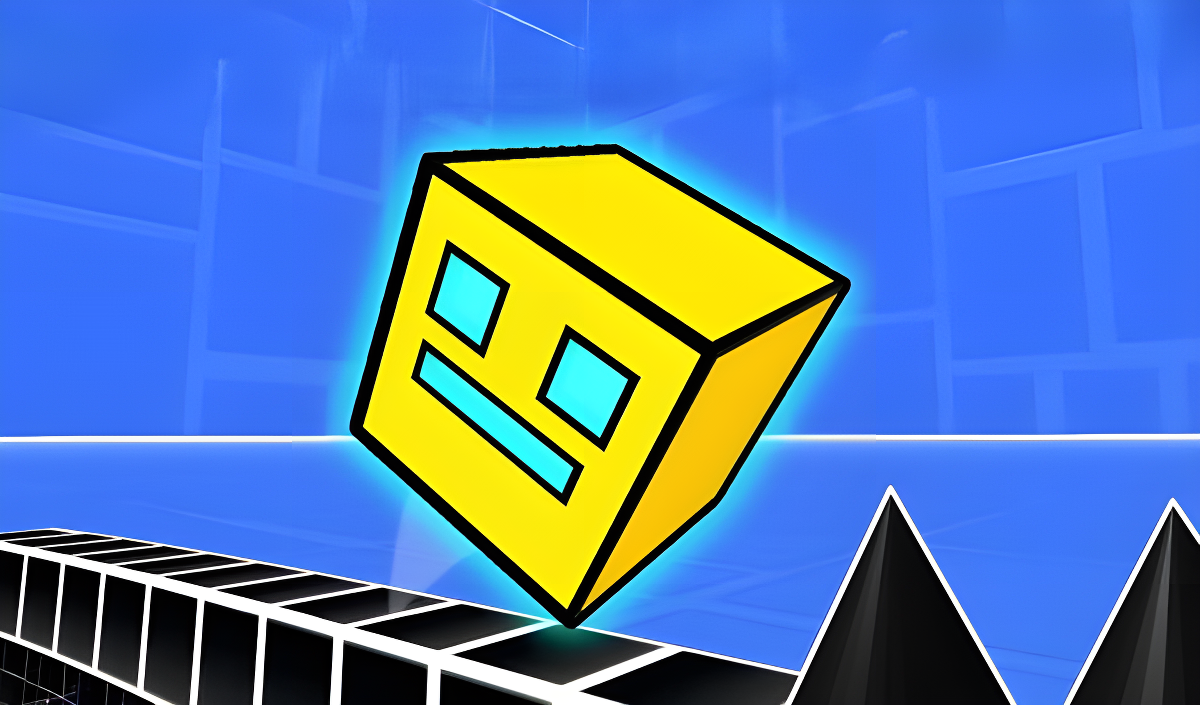
Geometry Dash 3D: Build a level drops players into fast-paced levels packed with obstacles that demand reaction, dexterity, and accuracy. The action unfolds across three-dimensional locations filled with vibrant colors, unique designs, and animations. Several scenes show a yellow cube with blue rectangular features moving along platforms built from black cubes with white edges. Sharp black conical objects appear arranged in a horizontal row along the bottom of the scene across multiple views. In one scene, a vertical purple glowing ring with black markings is attached to a platform structure.
The challenge scales from simple starting levels all the way through complex mazes and traps, making the game approachable for newcomers while still testing experienced players.
How to Play Geometry Dash 3D: Build a level
Select a level to begin — the difficulty is indicated by the emoji drawn on each level button. Tap the screen to jump over obstacles as they come. When a section proves too tough, open the pause menu and enter practice mode, which lets you complete levels using checkpoints.
Controls
- Tap (screen): Jump
Games You Might Like
If the obstacle-dodging rhythm of Geometry Dash 3D: Build a level appeals to you, the Geometry Dash series is the natural next stop, sharing the same cube-running, obstacle-clearing DNA. Geometry Arrow 2 offers 13 levels of varying difficulty with Arrow and Wheel segments, plus customizable arrow and ball looks that add a personal touch. For a different kind of obstacle challenge, Obby Parkour: Tower of Hell throws huge maps, multiple modes, and collectible skins at players who want to push their parkour skills further.
Browse the full Arcade games catalog for more reflex-driven picks, explore the wider 3D games collection for titles with dimensional depth, or check out the Games For PC tag for desktop-friendly options in a similar vein.