













TypeRush
About TypeRush: Browser-Based Typing Speed Trainer
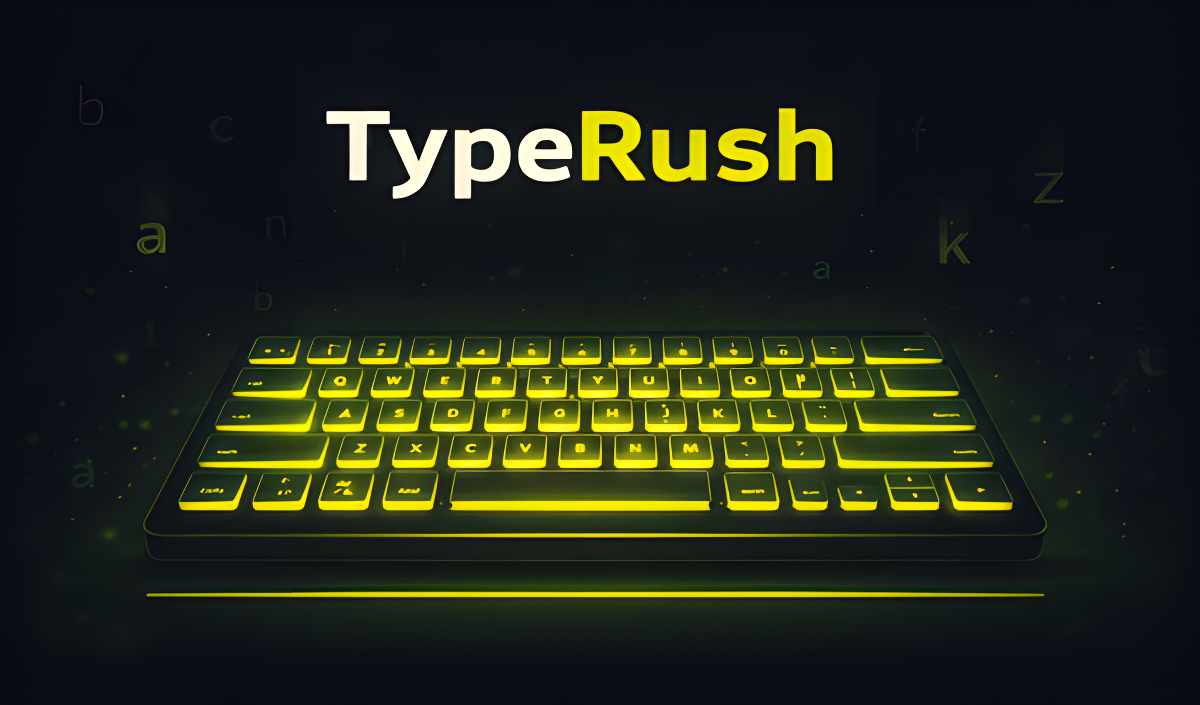
TypeRush is a browser-based typing speed trainer where you compete against yourself — no installation needed, just open it and start typing. The core loop is direct: see a word, type a word. Speed and accuracy together determine how many points and coins you earn, so both matter from the very first keystroke.
Four distinct game modes let you shape each session to your goals, from a brisk 30-second burst to open-ended infinite practice. Two optional challenge modifiers — Turbo and Blindfold — push the difficulty further for anyone who wants a harder test. After every game, a detailed stats screen shows WPM, accuracy, combo, and a speed graph so progress is always visible. Coins earned along the way unlock color themes and word packs in the shop, giving the trainer a light layer of customization. TypeRush supports both Russian and English.
How to Play TypeRush: Type Fast, Build Combos, Earn Coins
Game Modes
- 30 seconds: a quick round for a fast warm-up or score chase
- 60 seconds: a longer session aimed at serious training
- Infinite: open practice with no timer
- Sentences mode: focuses on smooth typing flow with full sentences rather than individual words
Challenge Modifiers
- Turbo mode: the timer runs 1.5x faster, but correct play earns bonus coins
- Blindfold mode: the sentence appears for just 1.5 seconds then disappears — type the rest from memory
Scoring and Stats
The timer starts automatically with your first letter. Every correct word builds your combo and score multiplier. After each game, the stats screen displays WPM, accuracy, combo, and a speed graph. Coins are awarded at the end of every game and can be spent in the shop on color themes and word packs.
Shop and Word Packs
- Color themes: change the visual appearance of the trainer
- IT terms: a word pack focused on technology vocabulary
- Nature words: a word pack built around nature-themed vocabulary
- Advanced vocabulary: a word pack for experienced typists looking for a harder challenge
Controls
- Any key (first letter): starts the timer automatically
- Keyboard typing: type words or sentences as fast and accurately as possible
- SHIFT: clears the current word so you are able to start it over
- 2: skips a difficult word
- 1: returns to the main menu
Games You Might Like
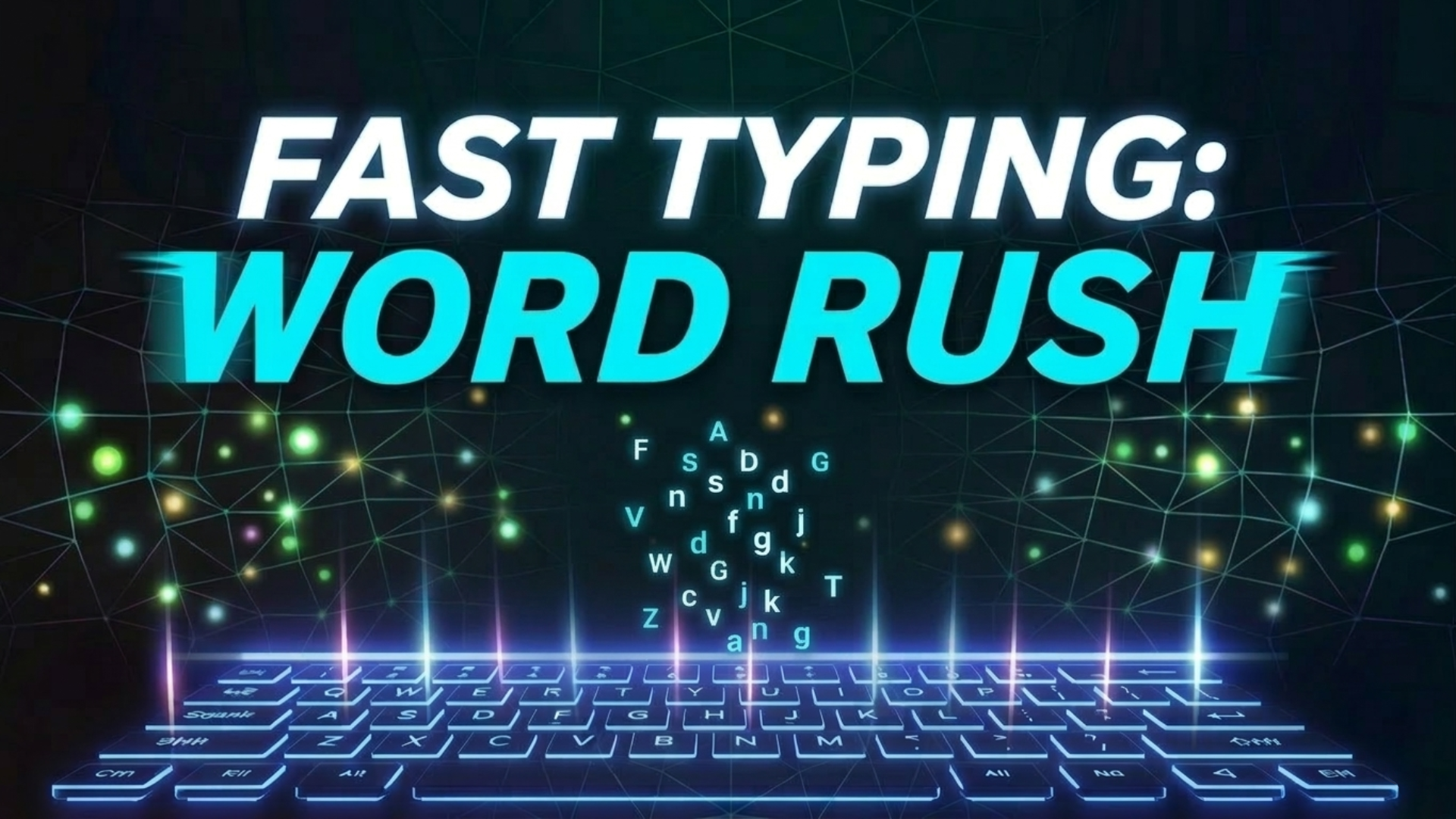
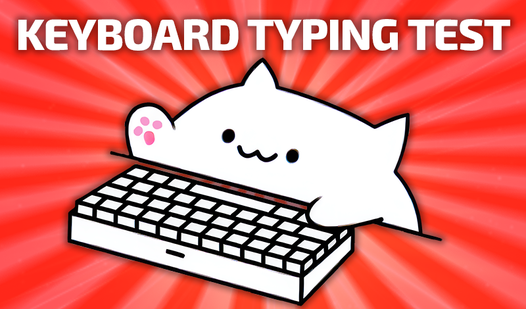
If TypeRush has you chasing faster WPM scores, the full collection of typing games on Playgama is worth exploring for more keyboard challenges. Keyboard Typing Test offers timed sessions at 15, 30, 60, and 120 seconds across more than a dozen languages, making it a natural companion for anyone tracking speed across different timer lengths. Fast Typing: Word Rush keeps a continuous countdown running while words flash on screen, rewarding the same accuracy-under-pressure mindset that Turbo mode demands. Mister Chef wraps typing challenges inside a kitchen setting where orders grow faster and words grow longer as the game progresses.
For more browser-friendly options, the games for PC tag surfaces titles that run directly in the browser just like TypeRush does, and the games for teens tag highlights fast-paced skill trainers well suited to younger players building keyboard confidence.