





















Driving Simulator
About Driving Simulator
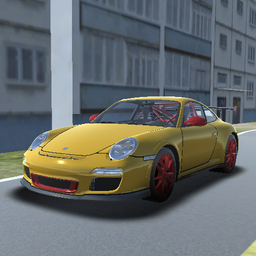
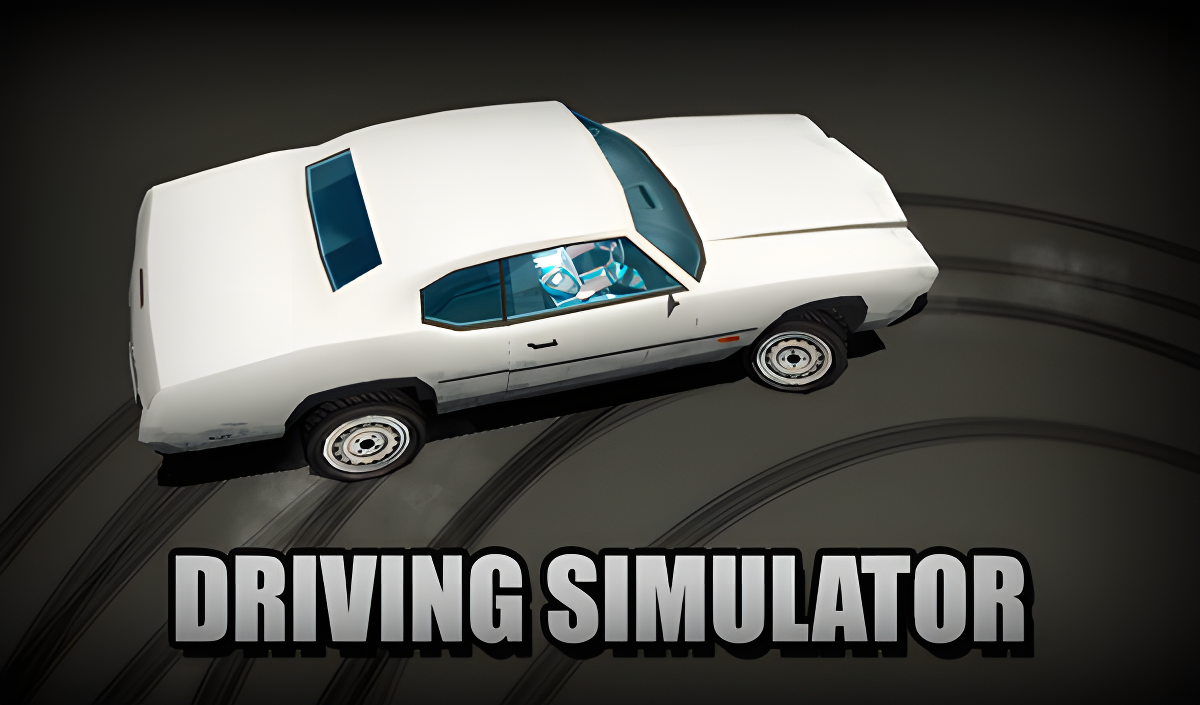
Driving Simulator puts you behind the wheel — or handlebars — of a wide range of vehicles in a deserted city built for unhurried exploration. The premise is refreshingly low-pressure: pick a vehicle, hit the road, and ride. The lineup stretches from motorcycles and cars to a police car and even a school bus, so there is always something different to take out for a spin.
Several scenes show a blonde character in a blue and grey suit riding a red motorcycle through the environment. One scene opens with two green hills dotted with dark green trees rising behind a brown fence and a paved sidewalk.
How to Play Driving Simulator
The goal is simple — choose from the available vehicles, get in, and cruise through the open city at your own pace. Walk up to any car, motorcycle, police car, or school bus and press F to get inside. Press F again to step back out and switch to something else. From there, WASD handles all movement, Shift gives you a burst of acceleration, and Spacebar brings you to a stop. Tap C at any point to cycle through the available camera views.
Controls
- WASD: Move
- F: Get into the car / get out of the car
- Spacebar: Brake
- Shift: Acceleration
- C: Change camera view
Games You Might Like
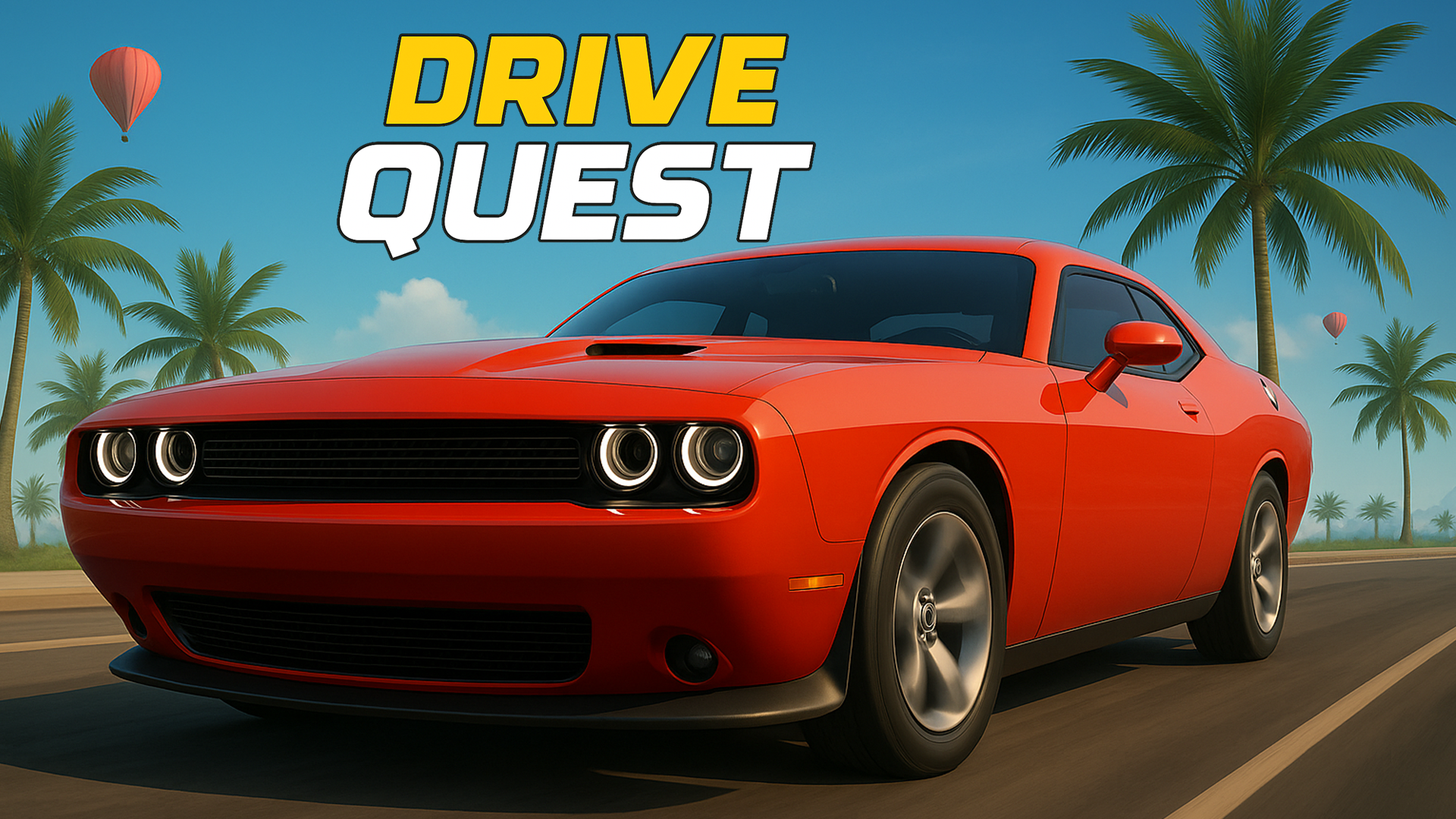
If open-world driving is your thing, the broader driving games catalog on Playgama has plenty more to explore. For something with more structure, Drive Quest expands the open-world formula with 35 customizable vehicles, drifting challenges, and a detailed map packed with ports and hidden zones. Fans of police vehicles will find a natural next stop in Police Chase Simulator, which offers over 15 vehicles across city, moon, and countryside maps with full tuning options. For city driving with a chaotic edge, Crime and Vice City Police adds realistic car deformation, online multiplayer, and a tuning system across urban and hill locations. The racing games section rounds out the options for anyone who wants to push the speed further.
Video