


















Kindergarten story
About Kindergarten story: A Visual Novel of Childhood's Final Days
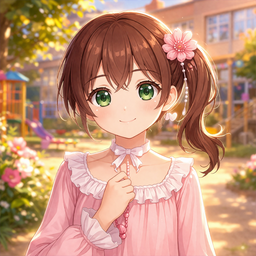
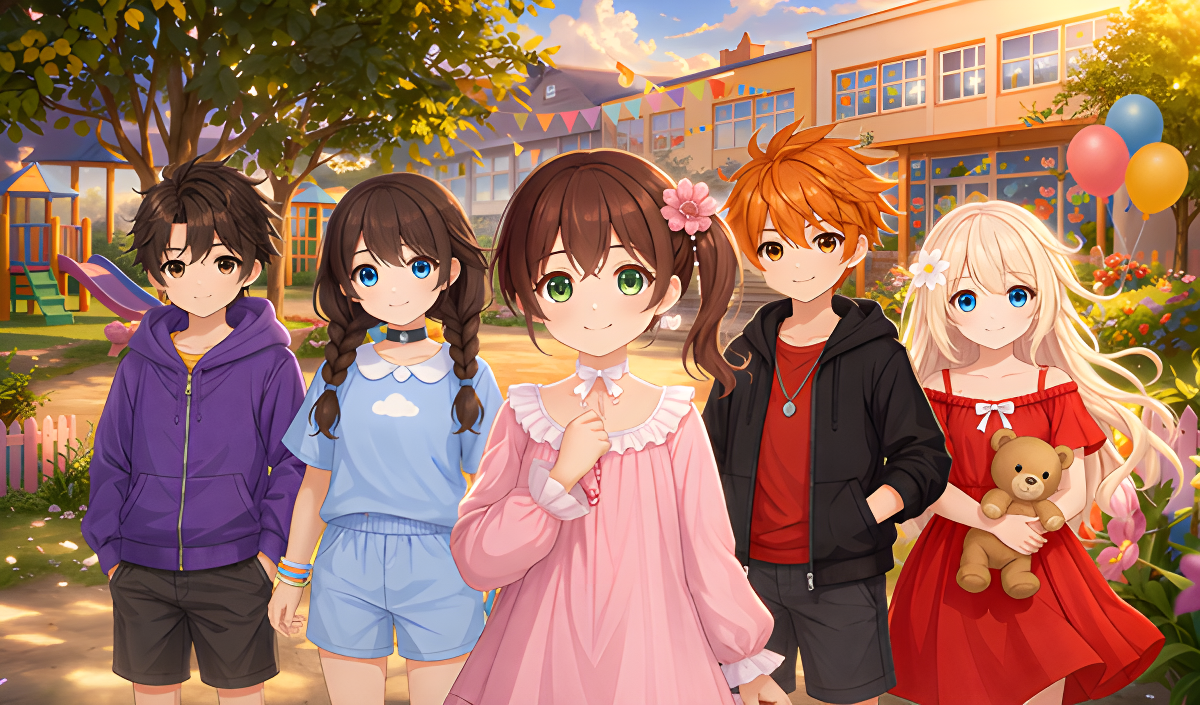
Kindergarten story is a quiet, touching visual novel set in the last days of kindergarten — a time of small rituals, growing friendships, and the feeling that something familiar is about to end. The main character spends her remaining days in a world she knows well, watching the children around her, drawing closer to a friend named Snezhana, and discovering how much weight even the simplest moments can carry. The story moves through childhood feelings: shyness, warmth, and the slow awareness that everything is about to change.
One scene opens on a playground with an orange slide and a rainbow-colored side panel, a wooden sandbox holding primary-colored buckets and shovels nearby. Several scenes show an indoor room with low wooden tables, colorful chairs, shelves lined with plastic bins, a large teddy bear, and a giraffe plush toy. One moment places a female character with auburn hair and a pink dress in a room with gymnastics mats and a basketball hoop.
Choices made throughout the story shape how it ends, making each playthrough a personal experience of this brief, meaningful chapter of childhood.
How to Play Kindergarten story
Kindergarten story unfolds through dialogue and choices. Advancing through scenes, rolling back to revisit earlier moments, and navigating menus are all handled through mouse or keyboard input. At key points, the choices made determine the direction and ending of the story.
Mouse Controls
Keyboard Controls
- Esc: Opens the game menu.
- Ctrl: Skips dialogue while held down.
- Tab: Toggles skip mode.
- Page Up: Rollback through the story.
- Page Down: Rolls forward after rollback.
Controls
- Left Click: Advance dialogue and activate the interface.
- Middle Click: Hides the user interface.
- Right Click: Opens the game menu.
- Mouse Wheel Up: Rollback through the story.
- Mouse Wheel Down: Rolls forward after rollback.
- Enter: Advance dialogue and activate the interface.
- Space: Advance dialogue without making choices.
- Arrow Keys: Navigate the interface.
- Esc: Opens the game menu.
- Ctrl: Skips dialogue while held down.
- Tab: Toggles skip mode.
- Page Up: Rollback through the story.
- Page Down: Rolls forward after rollback.
- H: Hides the user interface.
- S: Takes a screenshot.
Games You Might Like
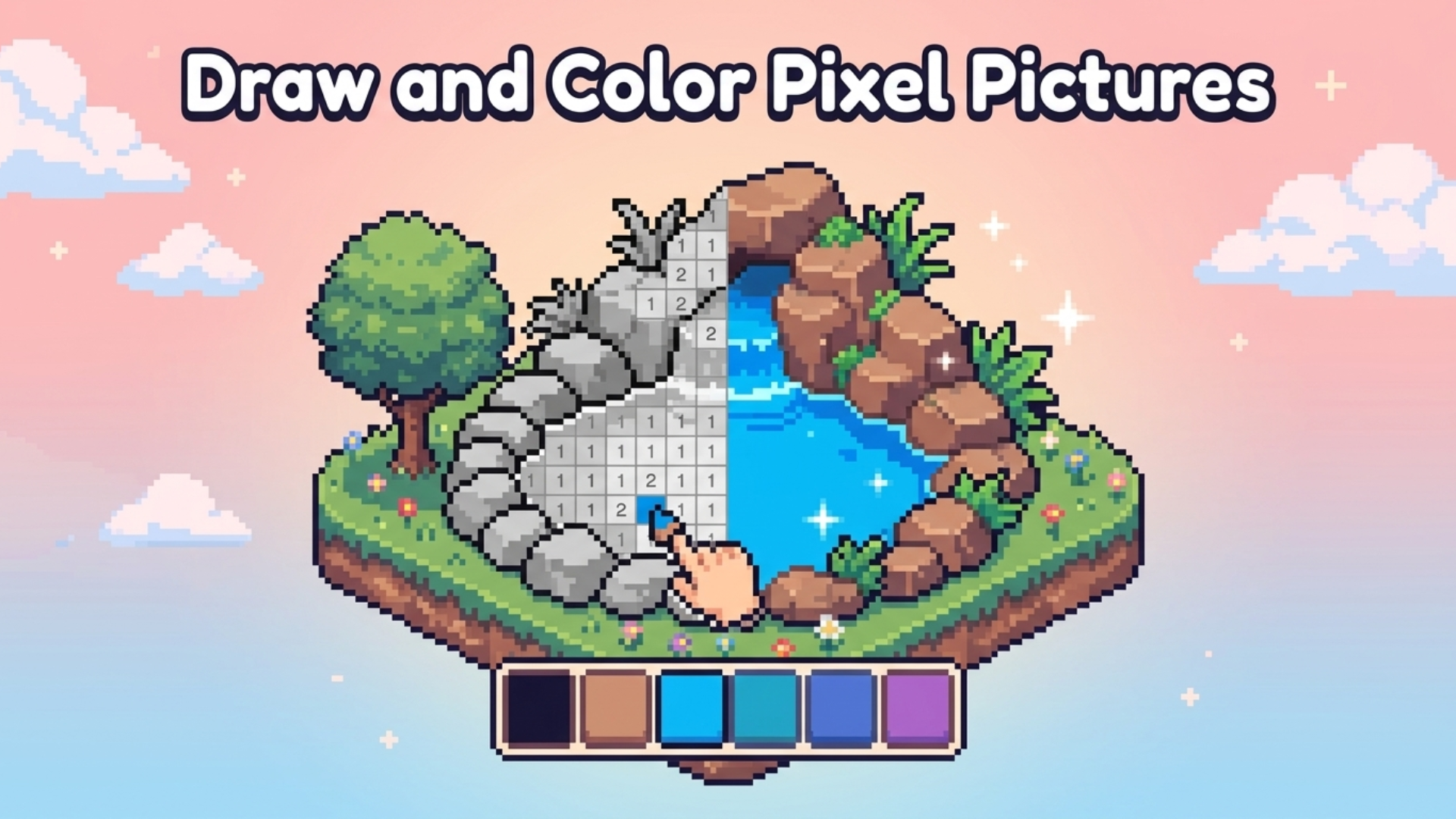
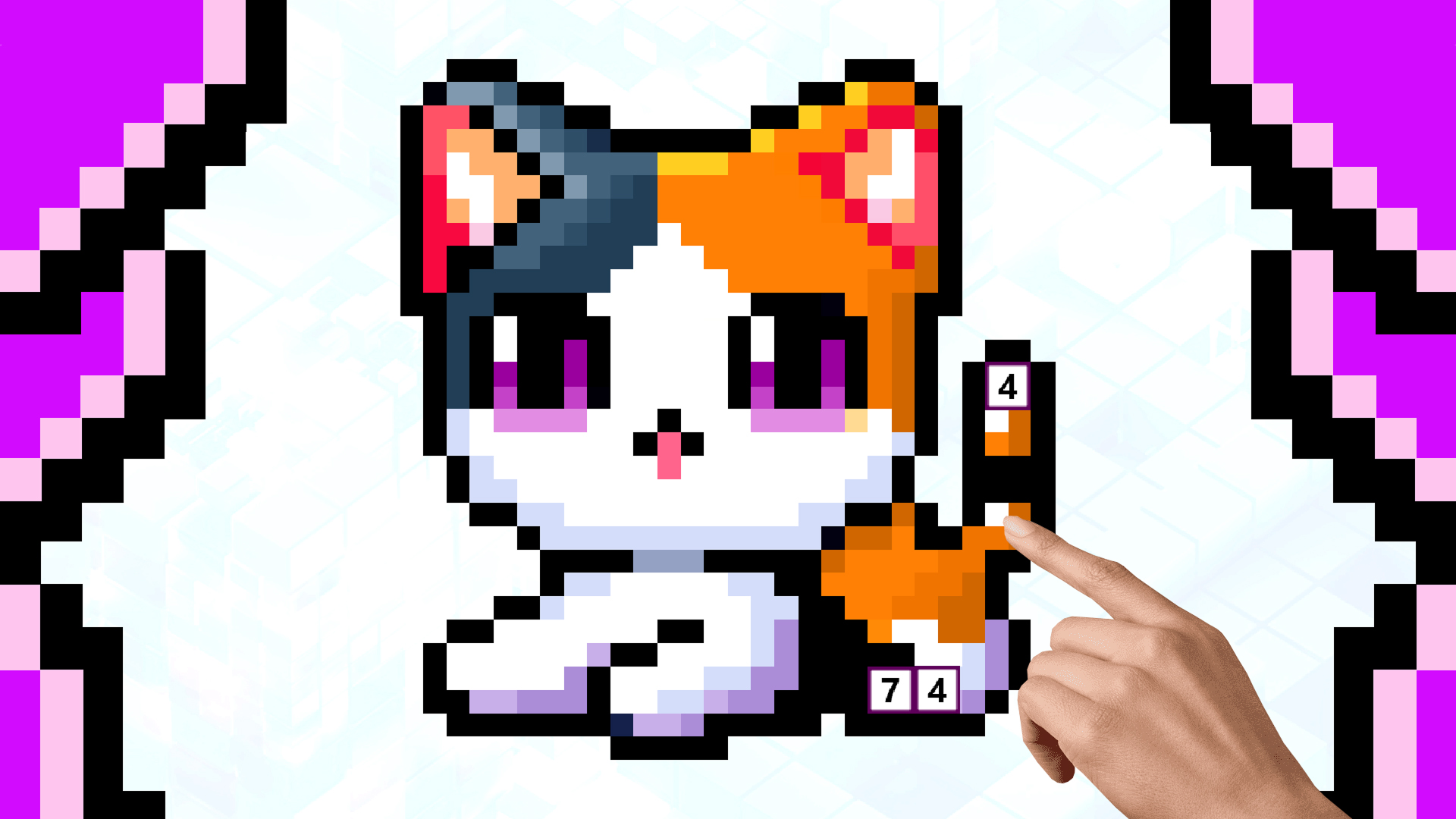
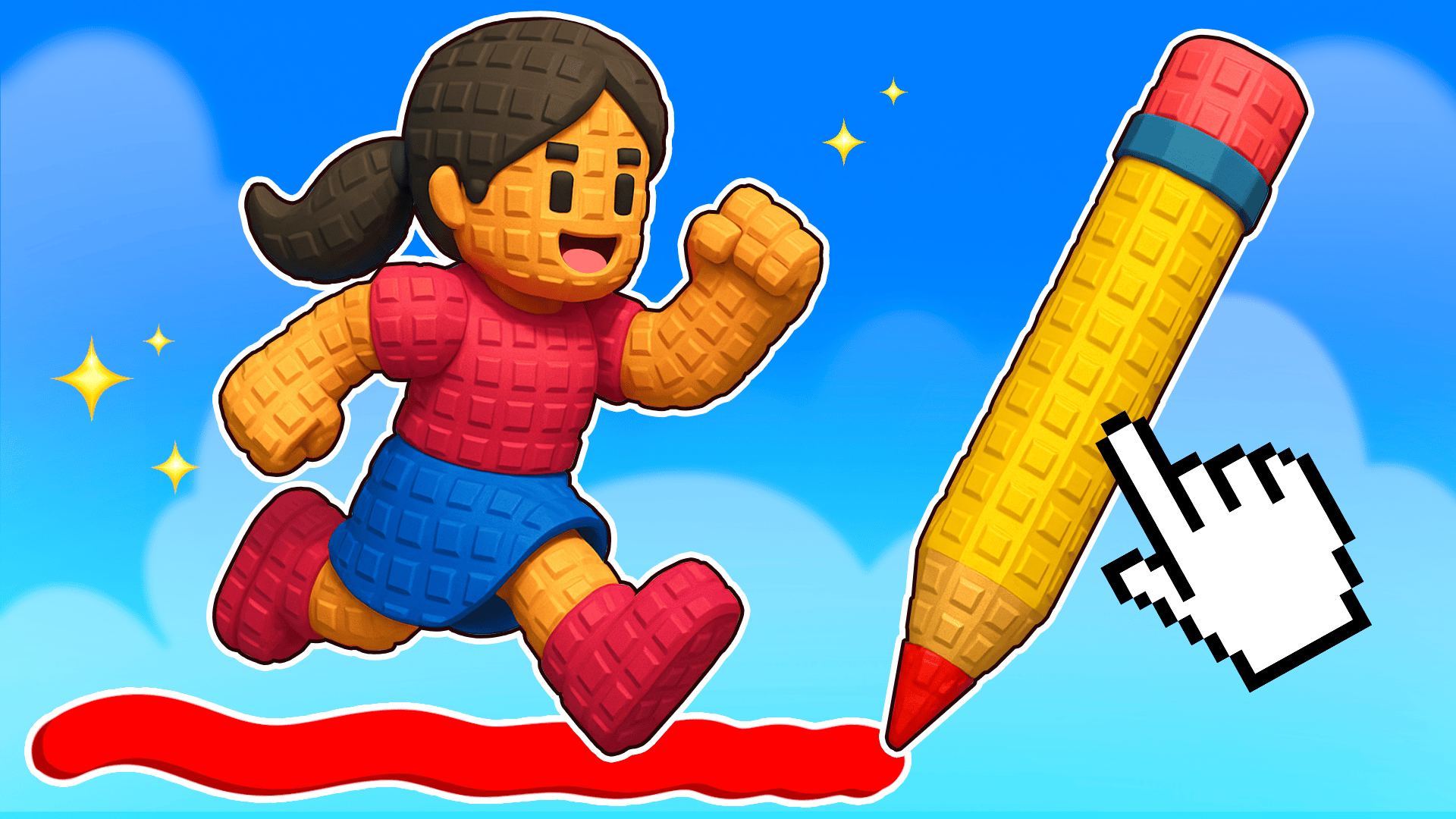
If the gentle, creative side of Kindergarten story appeals to you, Colorizing offers a relaxing pixel-art coloring experience with ready-made images and the option to design your own. For something equally hands-on and expressive, Draw with Pencils - Coloring Book! lets you fill outlines with bright colors or start from a blank canvas using a wide palette of pencil tools.
Kindergarten story sits naturally among anime games, which share its character-driven storytelling and expressive visual style, and the broader world of drawing games on Playgama connects to its warm, illustrated aesthetic.