

























Geometry Dash: Make your level with a wave
About Geometry Dash: Make your level with a wave
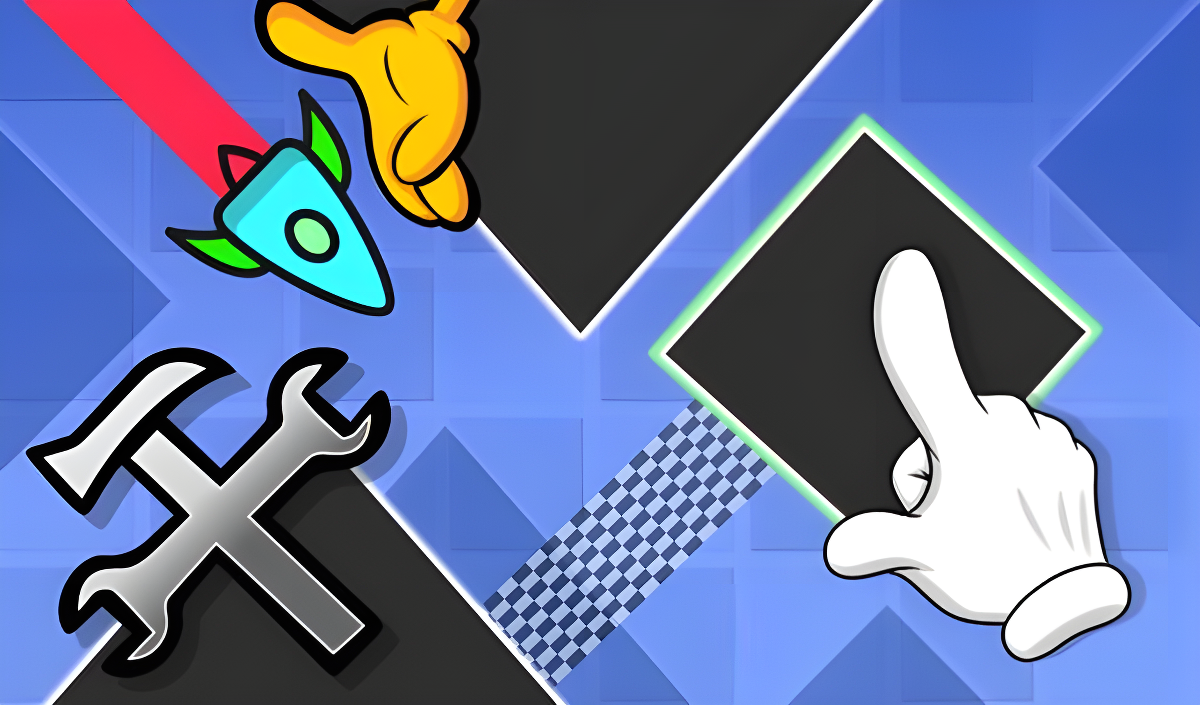
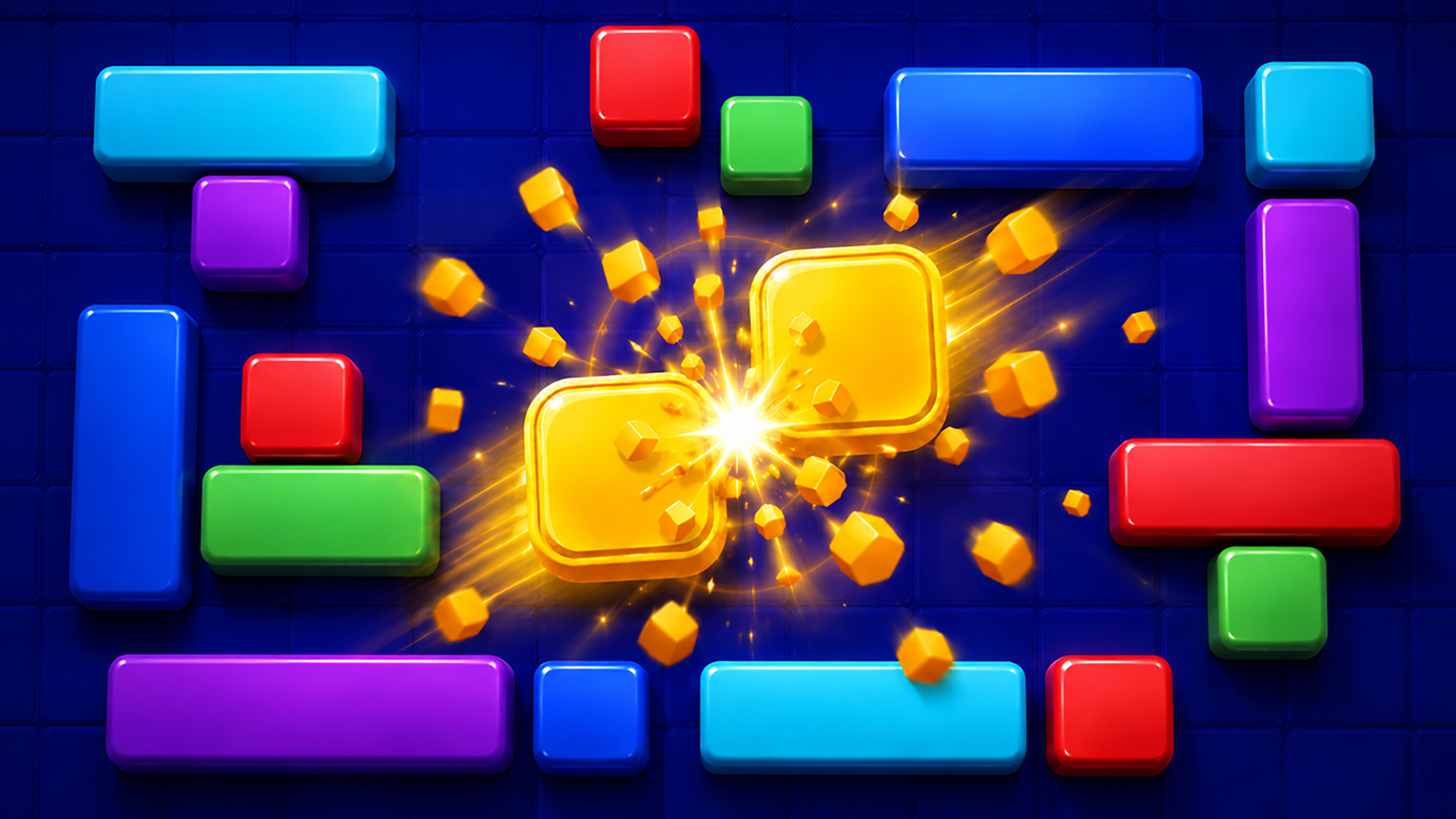
Geometry Dash: Make your level with a wave puts a full-fledged level editor in your hands, built entirely around wave mode. Rather than running a pre-built course, the focus here is construction: assembling a wave-mode stage from a large selection of blocks, obstacles, effects, and special triggers. Those triggers can shift the wave's speed and change the background colors along both the lower and upper borders, giving each creation a distinct feel. A background of repeating dark blue square grid panels is visible across several scenes of the editor. One important caveat — the game has no save feature, so leaving before you're done means starting over from scratch.
How to Play Geometry Dash: Make your level with a wave
The editor opens immediately when the game loads. Pick any block, object, effect, or trigger from the available selection, then position it by moving it with your cursor or mouse. To remove a placed item, tap the trash can icon first, then click the item you want to delete. Camera position is adjusted using the dedicated buttons along the bottom of the screen.
When the layout is ready, hit the Start button to run the wave through the level. Pressing Start again stops playback. If the wave fails, the editor reopens so construction can continue. Because there is no save function, quitting the game at any point will erase the level entirely.
Controls
- Cursor / Mouse: Move selected blocks, objects, effects, or triggers into position
- Click (trash can icon, then item): Delete a placed item
- Bottom-screen buttons: Switch the camera view
- Start button: Begin or stop level playback
Games You Might Like
If the block-placing and spatial planning in this wave editor appeals to you, Color Block Pairs offers a satisfying puzzle challenge built around moving and matching colored blocks across a board. For more block-based logic, Blockibo: Color Blocks layers gates, obstacles, and boosters onto colorful block movement in a way that rewards careful planning. If you enjoy the precise, calculated thinking that level design demands, Arrows channels that same mindset into a direction-based puzzle where every move must be mapped out in advance.
Browse the full Puzzle games catalog for more construction and logic titles, or explore the Action games section if you want something with faster-paced play alongside your creative sessions.
Video