














Coloring Book for Kids
About Coloring Book for Kids: Creative Coloring and Drawing Game
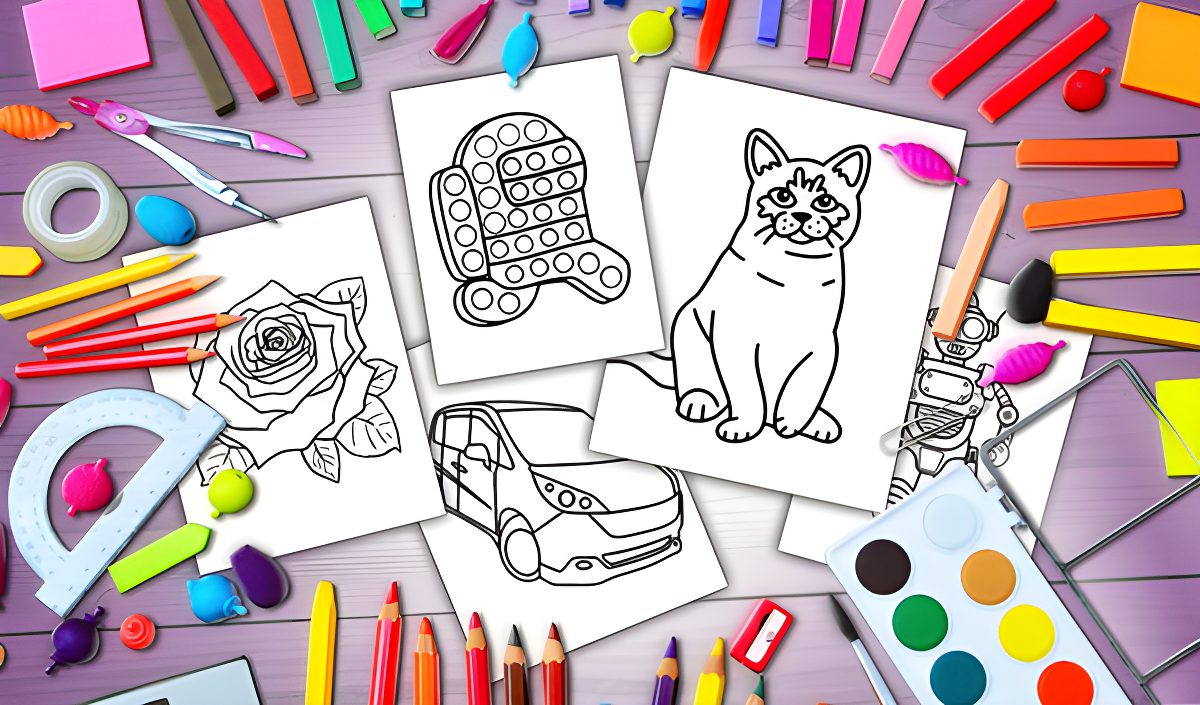
Coloring Book for Kids — published under the in-game name Fun Colors — is a creative coloring and drawing game designed to help children and adults bring their artistic ideas to life. The canvas sits at the center of the experience, and the tool set goes well beyond a basic paint bucket: an endless palette, multiple brush types, zoom controls, and the ability to upload personal photos or custom coloring pages make every session genuinely open-ended. A night mode lets you switch the interface to reduce eye strain during longer creative stretches, and finished artwork can be saved directly to your device or sent to a printer without ever leaving the game (printing is available on PC only).
One canvas in the game shows a black and white line drawing of a dinosaur with circular spots on its back. Another view features a photograph of a dog alongside a child wearing black glasses and a red shirt, illustrating how personal photos can sit right on the canvas. A red rose with green leaves appears against a dark gray background in one scene, showing the range of subject matter available across the coloring pages.
How to Play Coloring Book for Kids
The core loop is straightforward: open a coloring page from one of the available categories, or switch into drawing mode to start from scratch. From there, pick a preset color or dial in an exact shade using the full palette, then choose your brush size and type before putting marks on the canvas. Zoom in for fine detail work and zoom back out to see the full picture. If you make a mistake, the undo button reverses the last action. When the artwork is finished, save it to your device or send it straight to print.
Coloring Page Categories
- Coloring pages of different categories
- Upload your own coloring pages (NEW!)
- Upload your own photos to the game
Canvas and Drawing Tools
- Mode for drawing and coloring
- Adjusting the size and type of brush
- Zoom in / out of the canvas
- Undo the last action
Saving and Output
- Save game progress
- Save drawings to your device
- Printing drawings from the game
- Night theme
Controls
- Mouse (PC): Move or scale the canvas
- Gestures (touch): Move or scale the canvas
- Interface buttons: Choose a preset color or open the palette, adjust brush size and type, upload photos or coloring pages, save drawings to your device, or send drawings to print
Games You Might Like
If the creative side of Coloring Book for Kids appeals to you, the broader Girls games collection on Playgama is packed with art, dress-up, and design titles worth exploring. For hands-on crafting with a personal twist, DIY Phone Case Maker lets you design and decorate custom phone cases with your own artistic flair. TB World channels that same creative energy into building unique looks and cozy interiors from scratch. If you enjoy coloring and styling characters, Animal Hair Salon puts you in charge of designing, cutting, and coloring hairstyles for adorable animals. Open-ended imaginative play continues in Toca World Adventure, where you decorate homes, dress up characters, and explore a vibrant city full of surprises.
The Kids games section on Playgama offers a wide range of age-friendly titles that pair well with a relaxed coloring session, and the Funny games category is a great next stop when you want something lighthearted after finishing your latest masterpiece.