




























Ad Testing
About Ad Testing
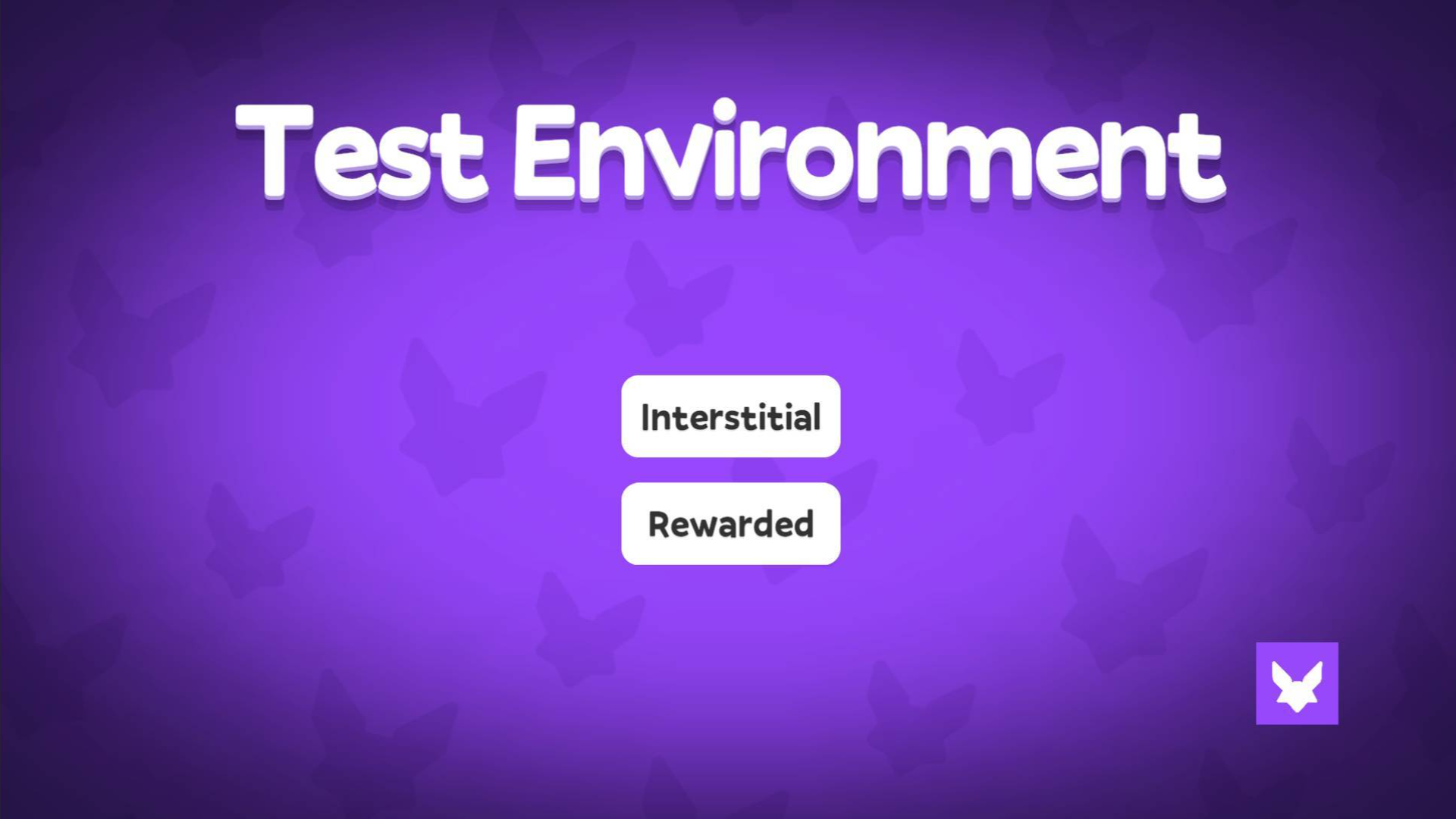
Ad Testing is a minimal Unity-based tool designed to let developers verify ad integrations directly in a game environment. The entire interface is stripped down by design — no buttons, no UI elements, and no on-screen text — so that only a single rendered item occupies the screen at any time, keeping the testing surface clean and unambiguous.
How to Play Ad Testing
Interaction happens entirely through keyboard inputs. Each key triggers a specific ad type or adjusts a display parameter, making it straightforward to cycle through different ad formats and rendering conditions.
Controls
- Arrow Up: Increase devicePixelRatio
- Arrow Down: Decrease devicePixelRatio
Controls
- I: Interstitial
- R: Rewarded
- B: Banner
- Arrow Up: Increase devicePixelRatio
- Arrow Down: Decrease devicePixelRatio
Games You Might Like
If you enjoy testing and app-store-style experiences, browse the full App Store games collection on Playgama for a wide range of titles, or explore the Testing Games category for more tools and experimental play in the same vein as Ad Testing.
For something with more action, Ragdoll Crash-Test: Throw and Break! puts physics-driven destruction front and center as you hurl a stickman into chaos. Crash Test and Car Crash Simulator lets you drive vehicles off cliffs and inspect the wreckage with a free camera and slow-motion controls. Demolition Derby Derby is a hyper-casual game where you tap to toss dynamite and swipe to send rocks crashing into buildings. Battle Arena Race to Win drops you into team-based car battles where you collect, upgrade, and race to dominate the arena leaderboard.