


























Space Rocket Simulator
About Space Rocket Simulator
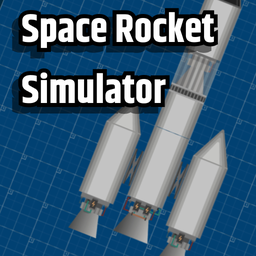
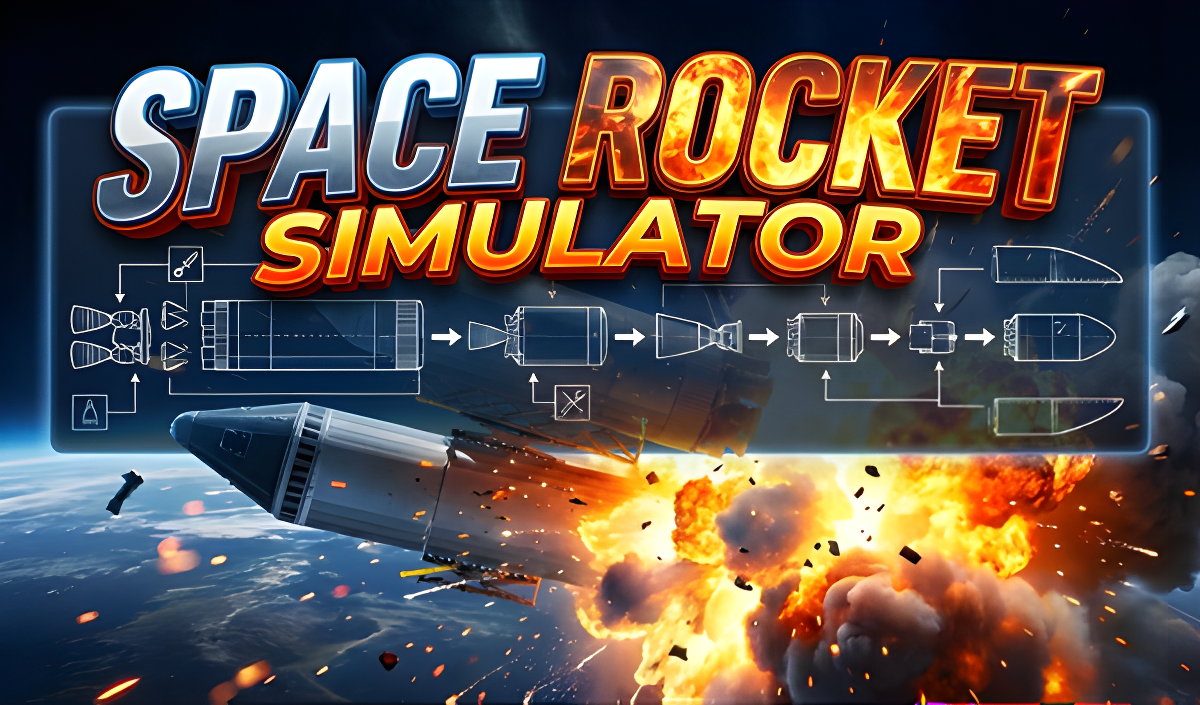
Space Rocket Simulator puts you in charge of designing your own rocket from individual parts, then sending it out to overcome long distances and explore outer space and various planets. The experience centers on hands-on construction and testing rather than a fixed campaign — you assemble, adjust, and launch at your own pace. One scene shows a rocket centered on a blue grid background, its silver-colored body fitted with three distinct engine nozzles. In another moment, a small white flame effect appears at the base of a rocket above a flat dark-brown textured ground layer.
How to Play Space Rocket Simulator
Start by selecting a rocket part from the panel on the left and placing it onto the canvas. Clicking on any placed part lets you rotate it or make other adjustments. Once your rocket is assembled, click on the engine to activate it, then press the power button on the right and set the traction force. To choose a destination, switch to map view by clicking the camera button, then click on any planet to set it as your flight target.
Controls
- A / D keys (PC): Control the rotation of the rocket
- Left-Right buttons (smartphone): Control the rotation of the rocket
Games You Might Like
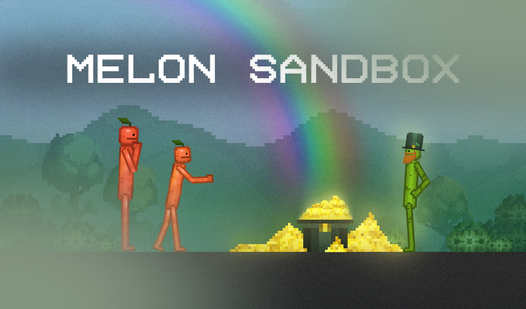
If the planet-targeting side of Space Rocket Simulator appeals to you, Solar Smash lets you wield cosmic power to destroy planets, trigger supernovas, and even create black holes — a fitting companion for anyone drawn to outer-space sandbox play. For a broader sandbox building experience, Melon Sandbox offers a wide range of items and a map you construct from scratch, sharing the same open-ended creative spirit. Fans of the build-and-ride loop will also enjoy Build an Aquapark, where you assemble custom water slides from combinable parts and then ride them at full speed.
Browse more titles in the Simulation games category for additional hands-on experiences, or check out the collections of games for PC and 2D games to find more desktop-friendly titles in a similar style.