











Omni Playground
About Omni Playground: Sandbox with Pixel-Style Characters and Physics
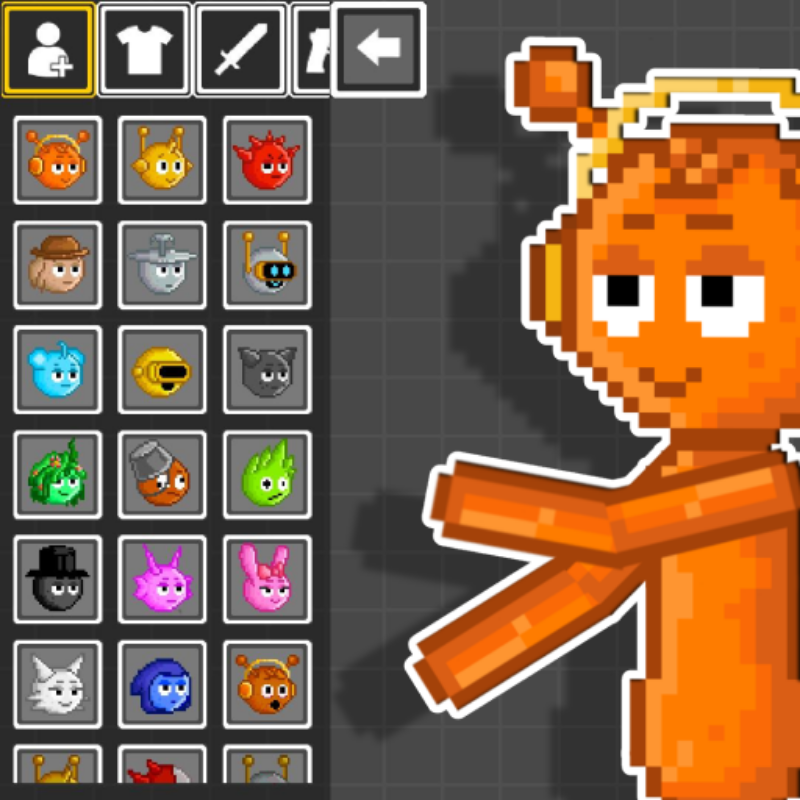
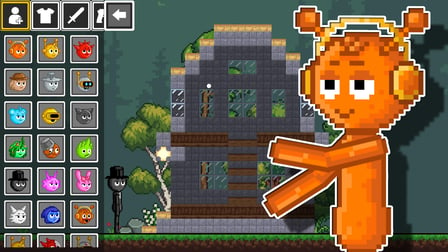
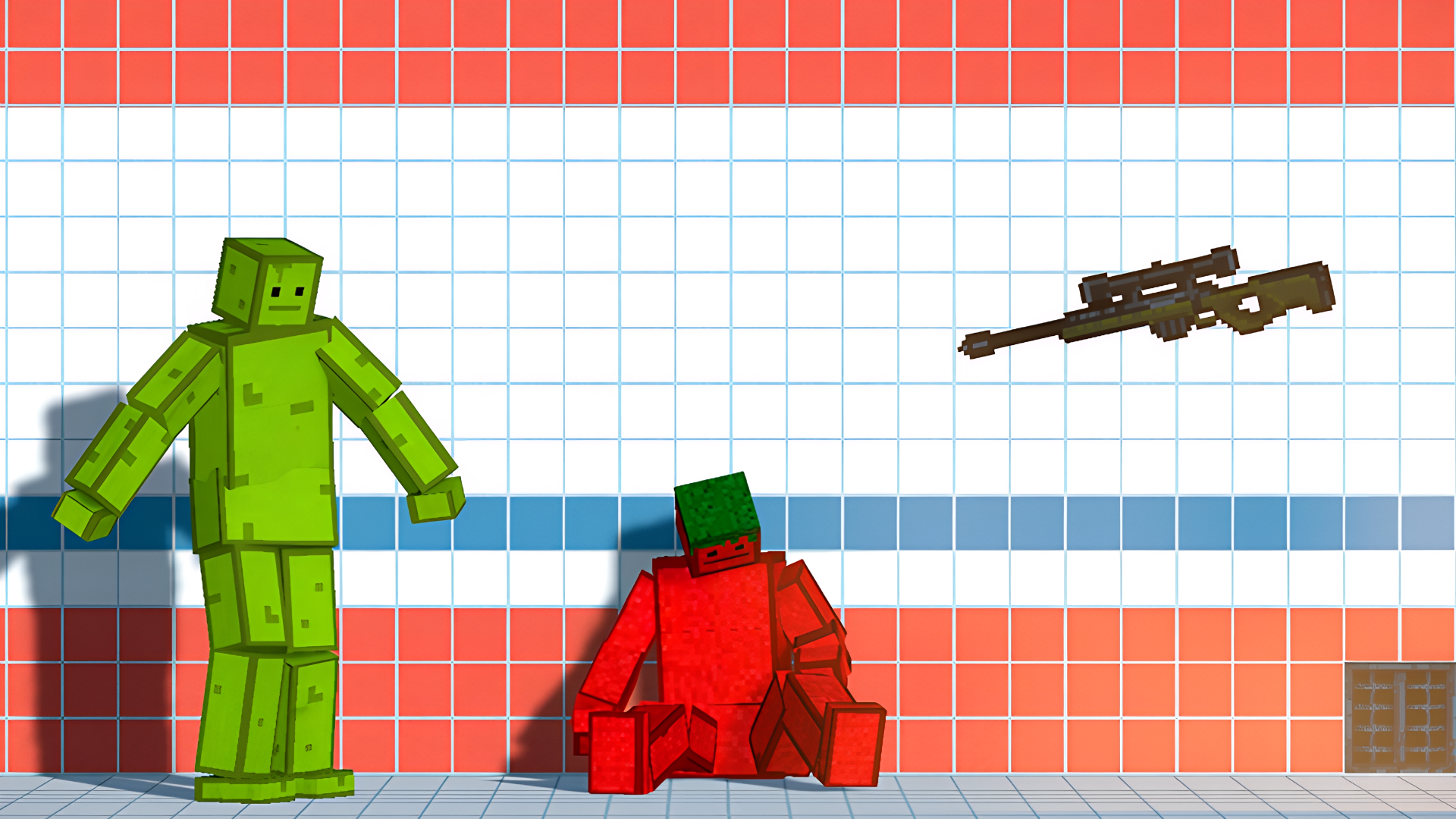
Omni Playground is a sandbox where anime characters and other pixel-style heroes come to life at your direction. The premise is simple: create, destroy, experiment, and set up your own scenes with complete freedom. Build, roll, shoot, blow up, and watch the chaos unfold — everything here is up to you.
The game runs on realistic character destruction and spectacular explosions backed by realistic physics. A layer-by-layer equipment system lets you dress characters in armor, weapons, and accessories. Light and dark sides add a combative dimension — characters of opposing sides fight each other. Customization and scene-saving mean you are able to return to any setup at any time. The whole experience is wrapped in pleasant sounds and a relaxing atmosphere.
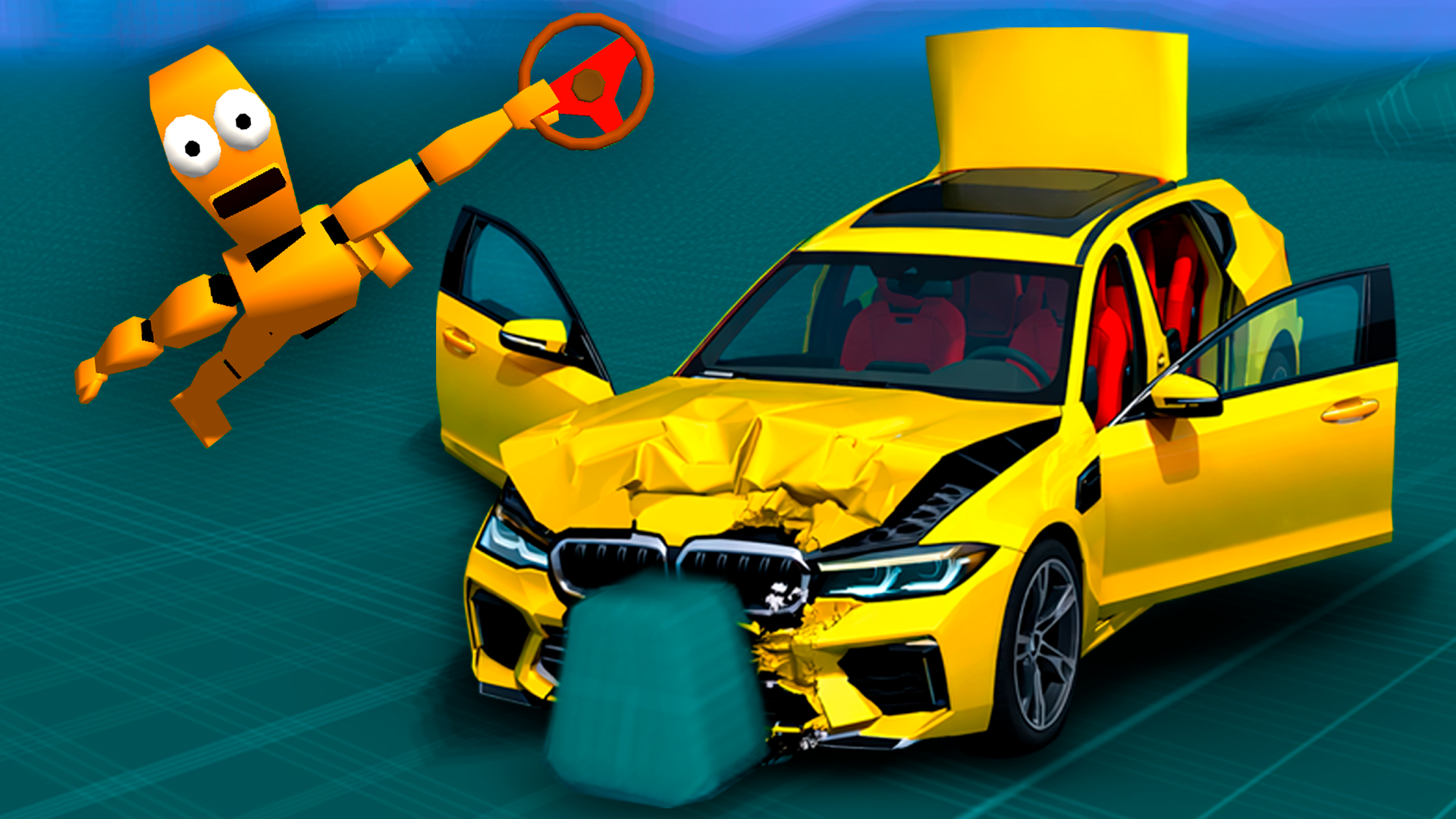
In one scene, a yellow sports car rests on a brown dirt floor edged with green grass. Another moment shows a character standing on the roof of a yellow vehicle, aiming a firearm that emits a green laser beam. Several scenes show small green pixel clouds appearing behind characters as they are struck by melee weapons.
How to Play Omni Playground
The core loop is about spawning objects, equipping characters, and watching interactions play out. Select any item and click or tap the screen to place it on the field. From there, the controls open up a wide range of actions.
Equipment and Modules
- Install modules onto weapons by dragging and dropping them directly onto the weapon itself.
Character and Vehicle Controls
- Use the light and darkness change button to set a character's side; characters of different sides fight each other.
Scene Management
- Pick up a weapon with the cursor and press the space bar or the on-screen button to fire it.
- Stop everything with one click using Time Freeze for precise actions.
- Remove unwanted objects through the control panel with Scene Cleanup.
Controls
- Click / Tap: Select an item and spawn it on the field
- Drag and drop (onto character): Equip armor, weapon, or accessory
- Drag and drop (onto weapon): Install a module on the weapon
- Double-click (character): Open the behavior menu
- Double-click (vehicle): Take control of the vehicle
- Light/darkness change button: Switch a character's side
- Cursor + Space bar / on-screen button: Fire a held weapon or launch a missile
- Time Freeze button: Stop all action for precise placement
- Control panel: Remove unwanted objects from the scene
Games You Might Like
If Omni Playground's ragdoll chaos appeals to you, the broader ragdoll games category on Playgama is packed with physics-driven sandboxes worth exploring. For pixel-style sandbox fun with TNT, block-building, and characters like Noob, Pro, and Zombie, Noob Playground Human Ragdoll delivers advanced ragdoll mechanics in a familiar creative format. Fans of building stages, adding weapons and armor, and watching singing characters battle will find Sprunki Playground Mod a natural next stop with its full creative freedom and ragdoll physics. For a more focused mix of destruction, combat, construction, and explosives under your own rules, Sprunki Sandbox: Ragdoll Playground Mode keeps the sandbox spirit alive.
The simulation games section covers a wide range of experimental and scene-building experiences similar to Omni Playground's sandbox approach, while funny games rounds out the lighter, chaos-driven side of the catalog.