

















Geometry Cube 2: Challenge
About Geometry Cube 2: Challenge — Control the Cube, Avoid Obstacles
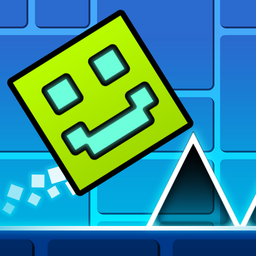
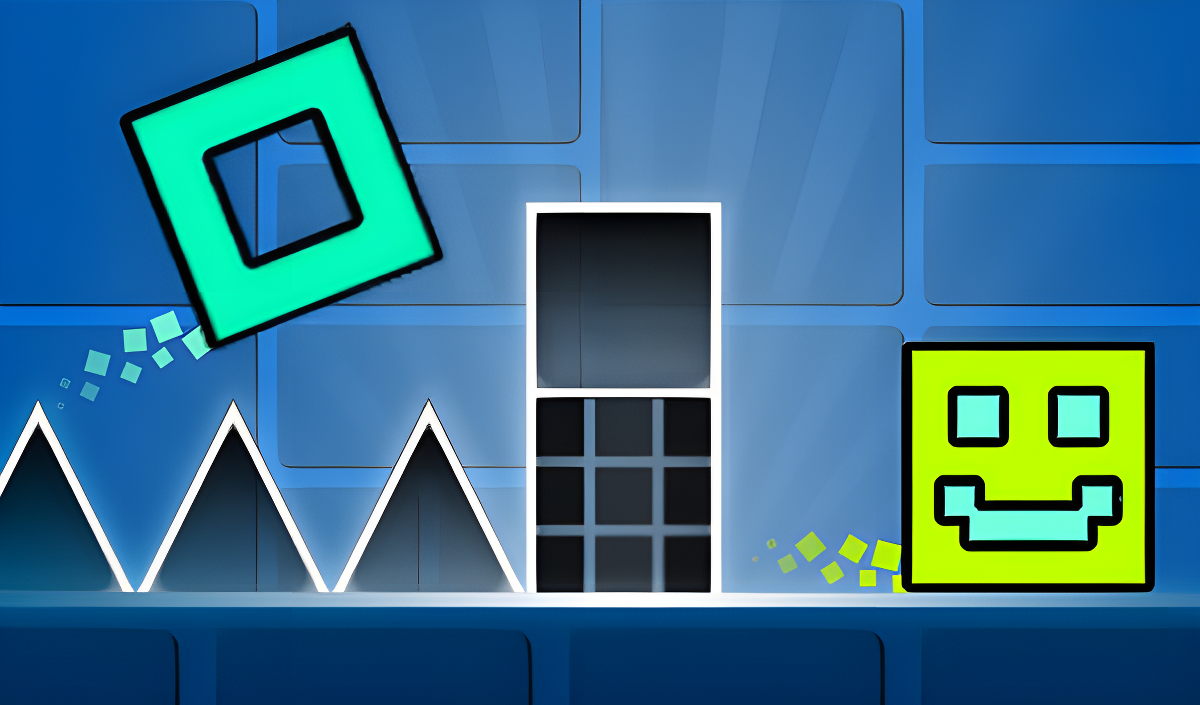
Geometry Cube 2: Challenge puts you in control of a Cube navigating 20 levels that scale from easy to extremely difficult. The goal is straightforward: avoid every obstacle, collect coins along the way, and reach the end of each level. Precision and agility are tested at every turn, and the game pairs its action with rhythmic music. One scene shows white-outlined triangles with a blue internal glow positioned on horizontal surfaces. Another moment places a yellow circular object bearing a black-outlined five-pointed star above a platform.
When a level feels overwhelming, practice mode lets you hone your skills before committing to a full run — a genuine path to mastering the toughest stages. With 57 skins available and the ability to customize the Cube's appearance, there is plenty of room to make the experience your own. Control stays minimal throughout: a single finger or one button is all it takes.
How to Play Geometry Cube 2: Challenge
Avoid obstacles and reach the end of each level while collecting coins. Respawn sends the Cube 2 seconds back rather than restarting from the very beginning. Practice mode includes checkpoint tools so you are able to isolate and drill the sections that give you the most trouble.
Controls
Smartphone Controls
- Tap once: make the Cube jump
- Hold your finger down: make the Cube jump non-stop
- Don't press anything: stop the Cube from jumping
Computer Controls
- Left mouse button / Spacebar (press): make the Cube jump
- Left mouse button / Spacebar (hold): make the Cube jump non-stop
- Don't press anything: stop the Cube from jumping
- Q: add a checkpoint in practice mode
- E: delete the last checkpoint in practice mode
- ESC or P: pause
Games You Might Like
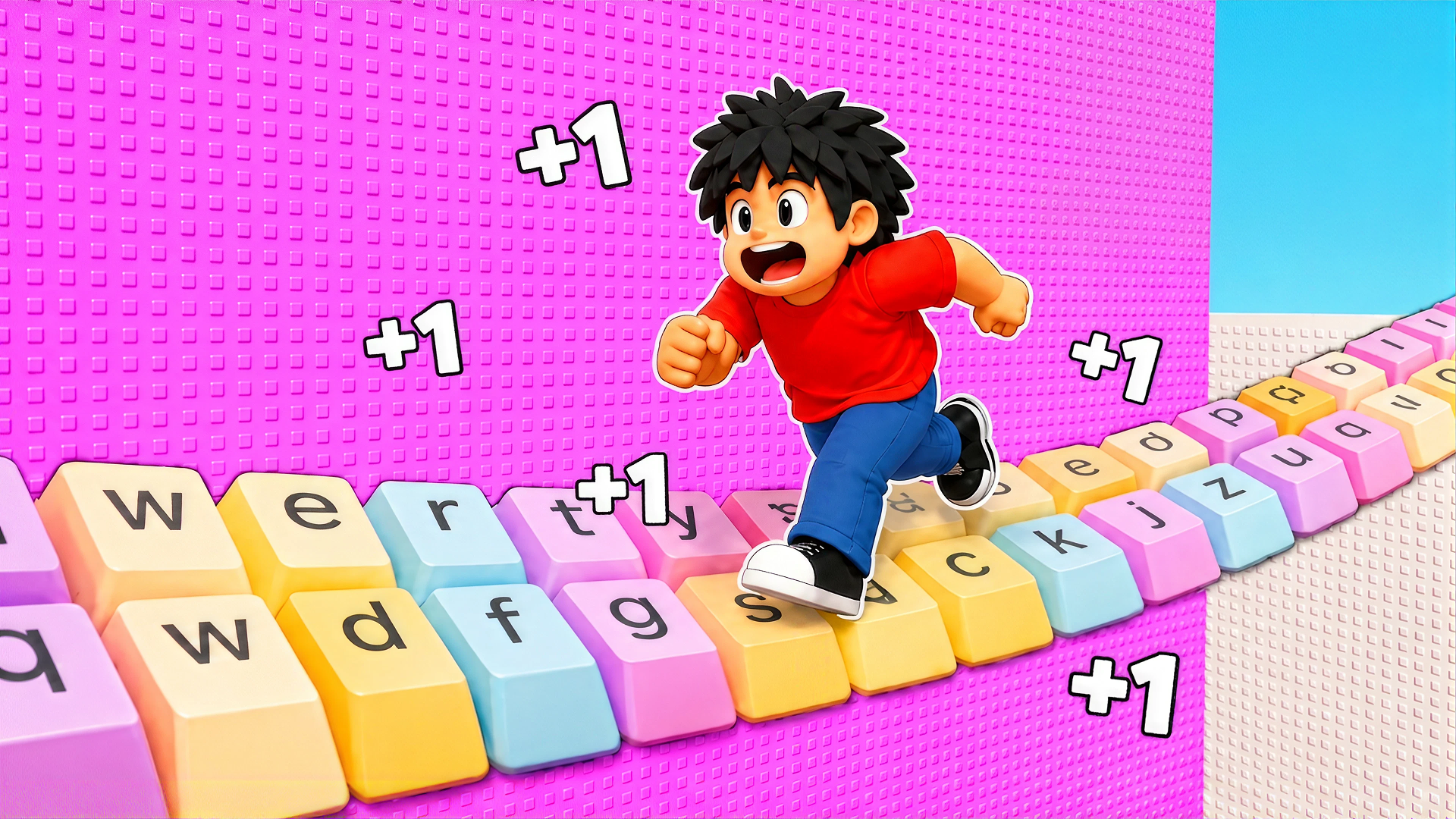
If the obstacle-dodging challenge of Geometry Cube 2: Challenge appeals to you, the broader Arcade games catalog on Playgama is packed with fast-reflex titles worth exploring. Geometry Arrow 2 shares the same obstacle-course DNA, sending you through 13 levels with Arrow and Wheel segments and full character customization. For a different kind of precision run, Obby: Supercar Race on Keyboard challenges you to clear stages and overcome dangerous obstacles while upgrading your speed. +1 Speed Keyboard Escape: Obby keeps the one-more-run energy alive with obstacle-filled keyboard-key tracks and a leaderboard to climb.
Robby: Double Jump for Brainrots offers a jumping-and-collecting loop with speed and jump upgrades that fans of coin-collecting runs will recognize. All of these and more are waiting in the Games For PC games section if you want to keep the challenge going on a larger screen.
Video