



















Chess online with a computer
About Chess online with a computer: Classic Chess for Amateurs and Professionals
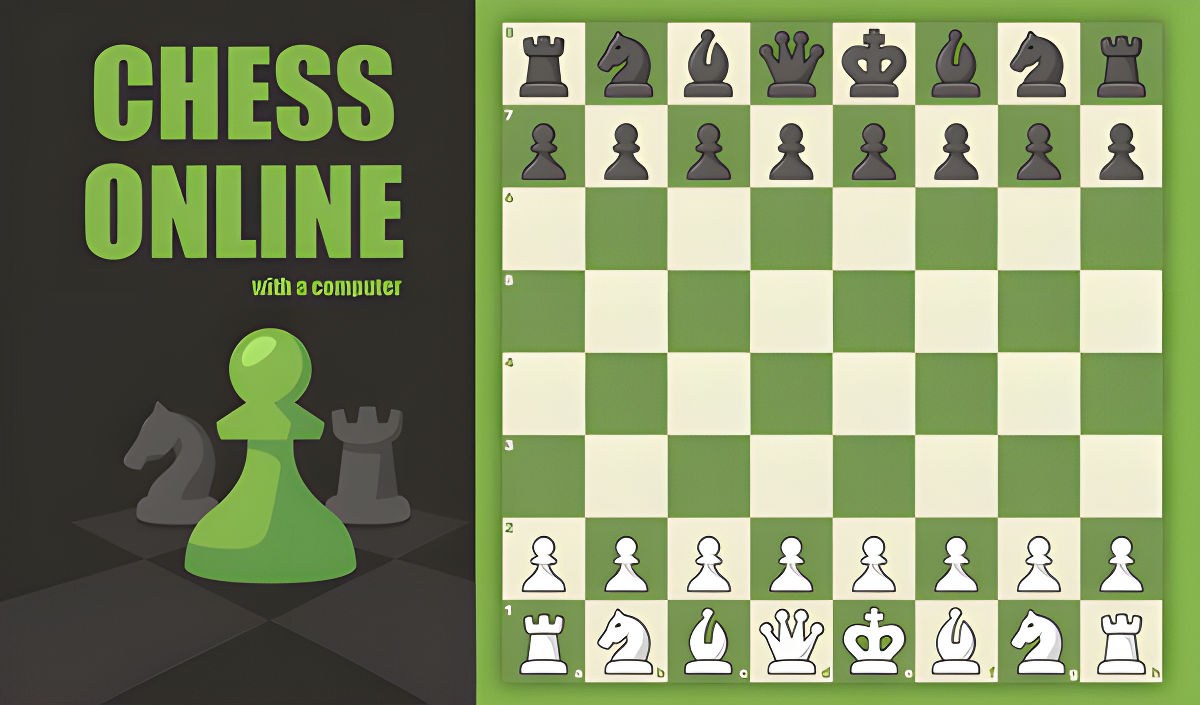
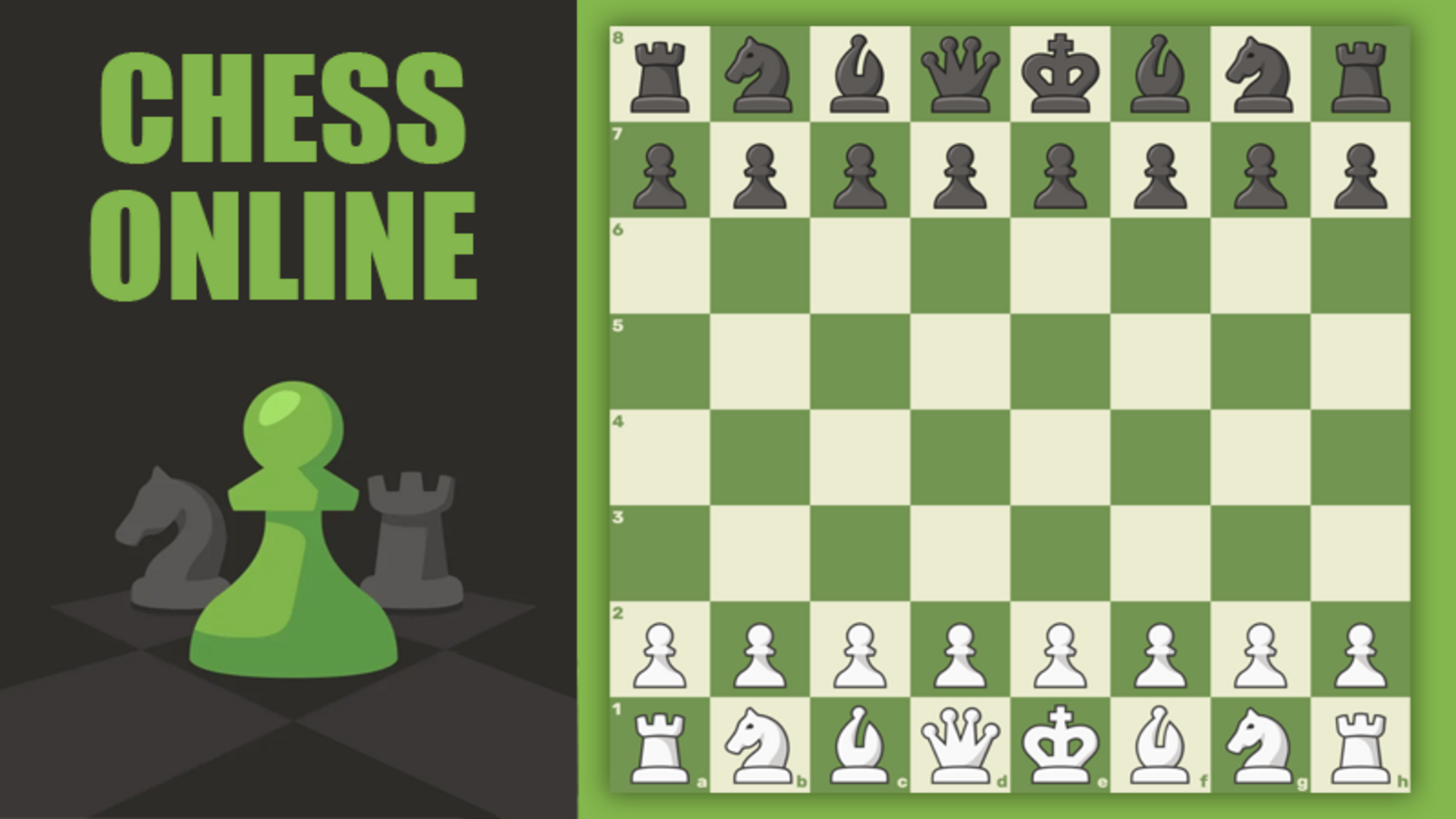
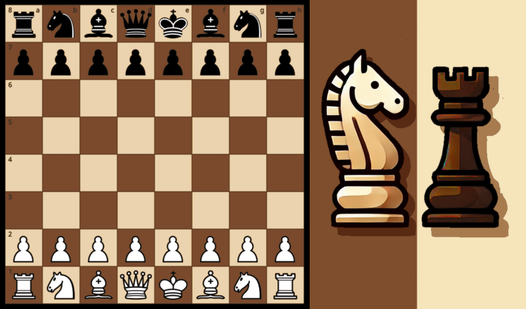
Chess online with a computer brings the classic game into a modern version, offering full functionality for both amateurs and professionals. The game supports three distinct ways to play: against real opponents from around the world, against an AI opponent at a chosen difficulty level, or alongside friends in private rooms or on the same device. Several scenes show the familiar 8x8 grid of alternating light-cream and dark-green squares that forms the board.
How to Play Chess online with a computer: Checkmate the King or Win on Time
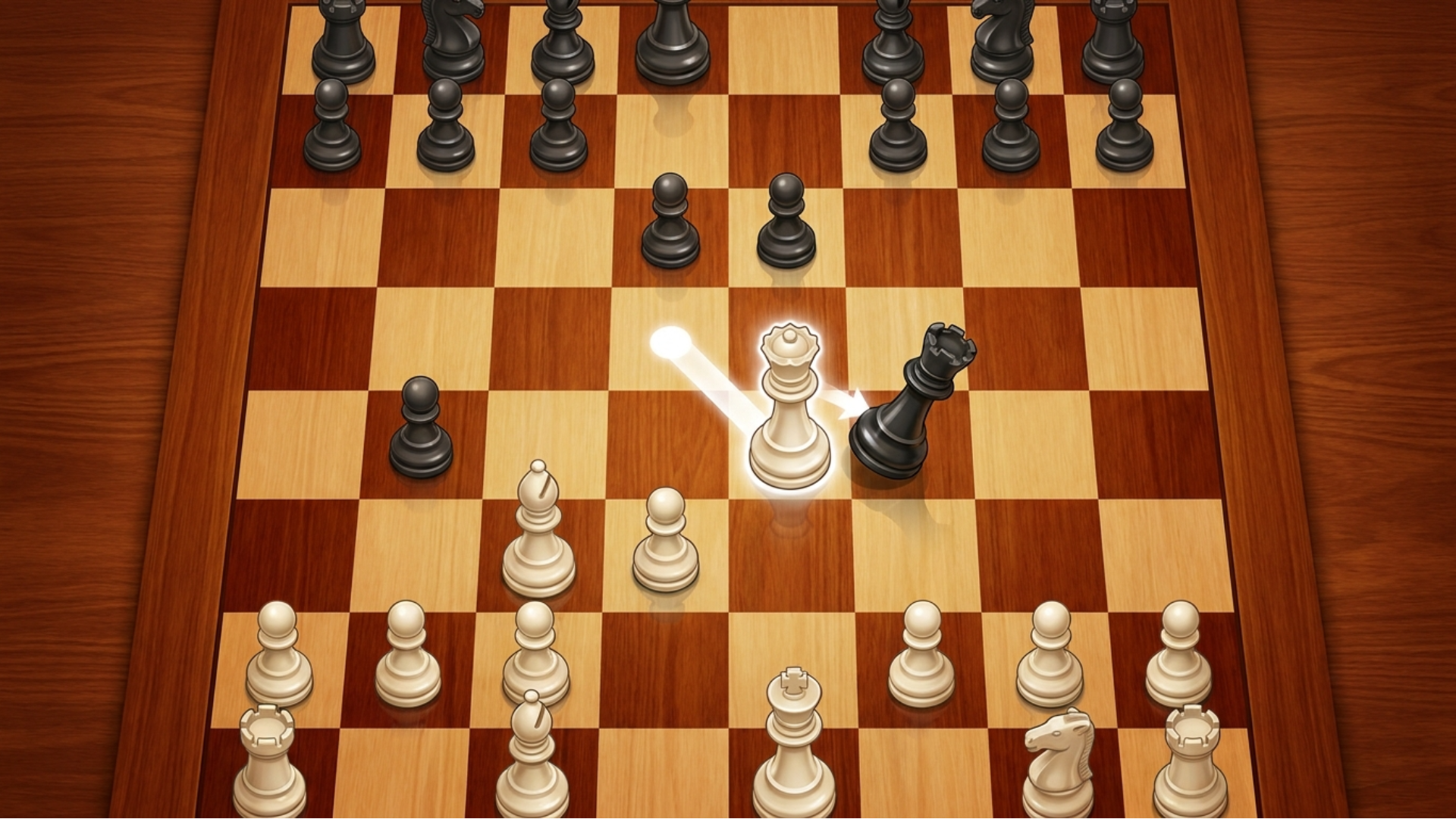
From the main menu, click "Play" and select one of the three available modes: online, with a computer, or with a friend. To make a move, click on your piece and then on the destination square. The goal is to checkmate the opponent's king or win in time.
Game Modes
- With real players: Challenge opponents from all over the world online, increase your rating, and prove your superiority.
- With a computer: Train against advanced AI with a difficulty level ranging from beginner to master.
- With friends: Create private rooms for online battles, or play classic mode on the same phone by passing the move to each other.
Themes and Appearance
- Open the "Themes" section to change the appearance of the pieces and the board.
- Select options in the "Shape type" block to mix piece styles.
- Select options in the "Board type" block to change the board appearance.
Controls
- Click on a piece: Select that piece to move.
- Click on a destination square: Place the selected piece on that square.
Games You Might Like
If you enjoy chess against AI, Chess with a computer offers five difficulty levels and per-level statistics of victories and defeats. For a chess experience with a game assistant and alternate mode, Chess Versus Computer adds realistic graphics and built-in artificial intelligence.
Browse the full Chess games collection on Playgama for more board challenges, or explore Two Player games for head-to-head competition and Logic games for more brain-training strategy titles.
Video