




















Chess against the computer for free
About Chess against the computer for free
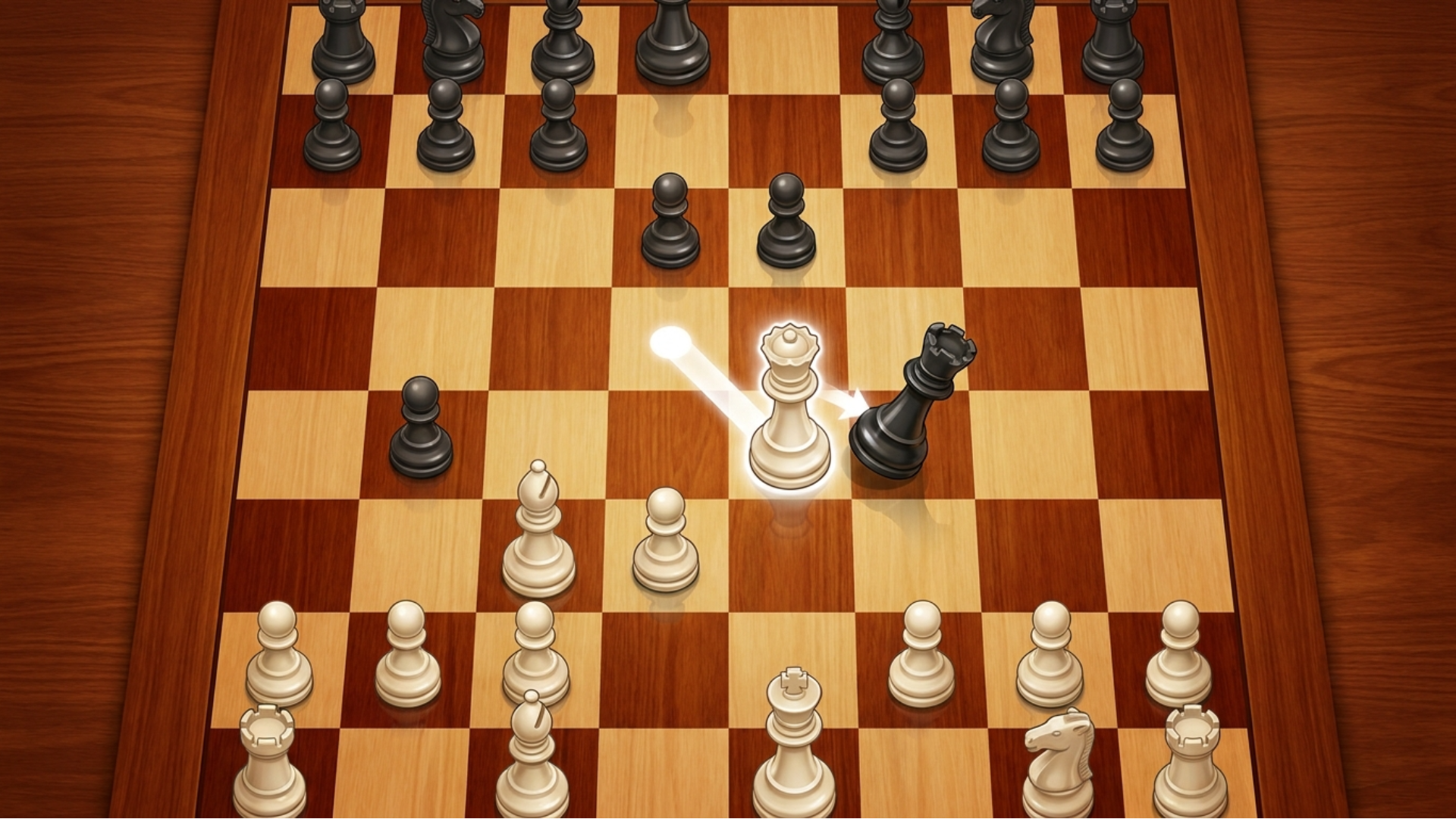
Chess against the computer for free brings one of the world's oldest strategy games — over one and a half thousand years old — to your smartphone, tablet, or computer. Despite everything that has emerged around it, from the Internet to social networks, chess has never lost its following, and this version makes it easy to see why.
The game covers four distinct ways to play: online matches against other players, computer opponents at different levels of difficulty, local games with a friend on the same device, and a large collection of chess problems to solve. Whether you want a competitive match or a quiet puzzle session, there is something here for every kind of chess player.
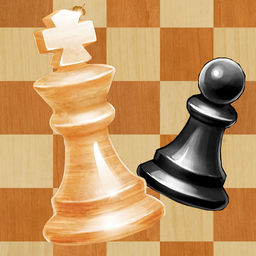
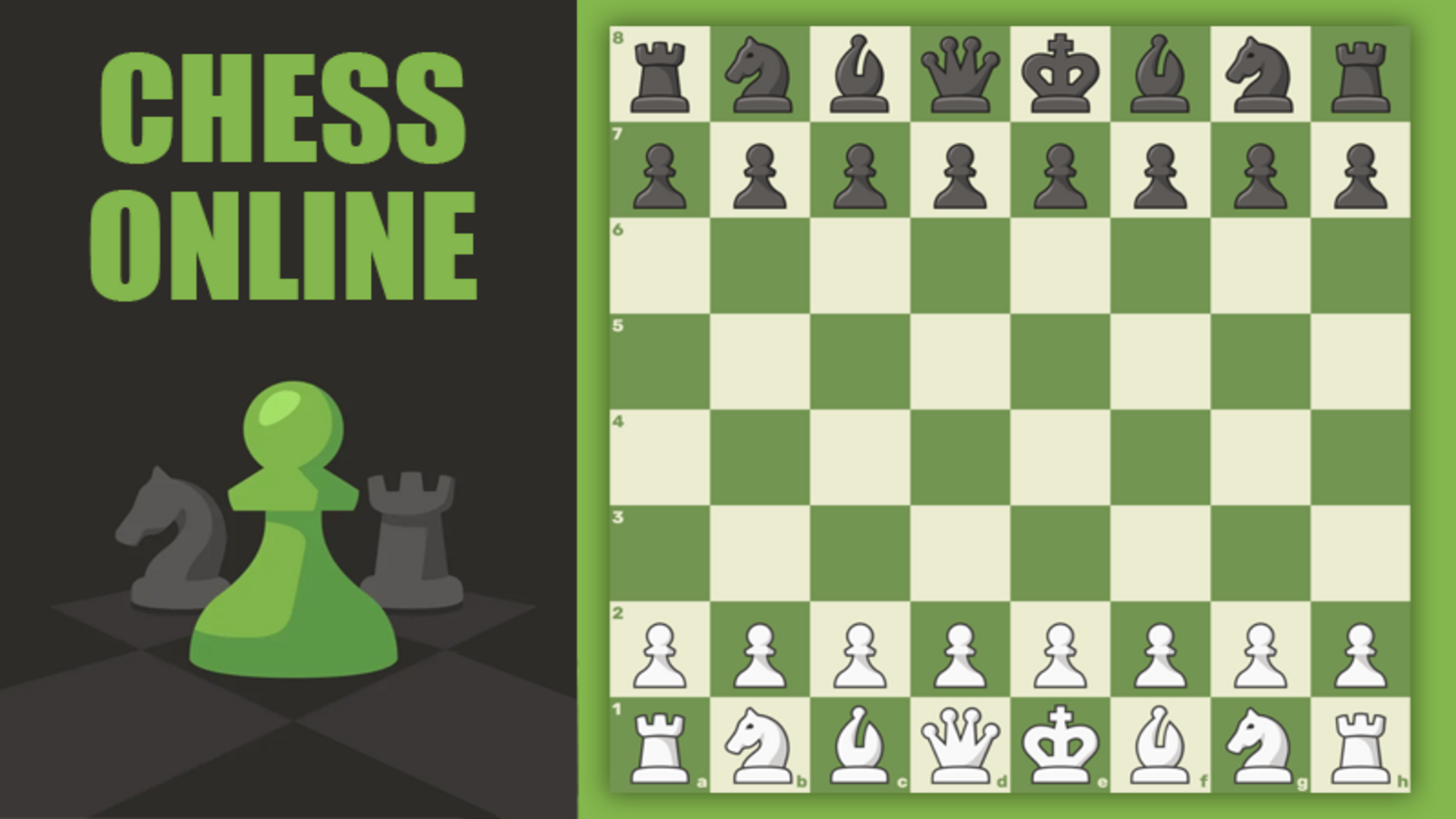
In one scene, a red square appears beneath the white king piece. Several scenes show two dark green squares marking the start and end positions of the most recent move on the board.
How to Play Chess against the computer for free
When the game loads, a chess board opens on the screen. Select the piece you want to move using the mouse or by touching the screen, then select the destination cell on the board. That completes your move — the game handles the rest.
Game Modes
- Play online against other players
- Play with the computer at different levels of difficulty
- Play with a friend on the same device
- Solve chess problems
Controls
- Mouse click: Select a piece and choose its destination cell on the board
- Screen touch: Select a piece and choose its destination cell on the board
Games You Might Like
If you enjoy testing your chess skills at various difficulty levels, the full Chess games category on Playgama has a wide range of titles to explore. Chess Gambit stands out with four difficulty levels, beautifully designed boards and pieces, interactive hints, and a move-undo feature — great for players who want a little guidance. Chess Grandmaster pairs classic AI matches with a dedicated chess problems mode, including checkmate puzzles solvable in two, three, or four moves. Chess with a computer offers five difficulty levels against the AI, a two-player local mode, adjustable background colors, sound effect toggles, and a statistics tracker that records victories and defeats by difficulty level.
For a broader mix of strategic and logic challenges, the Puzzle games category is worth a look if you want to keep your brain working between chess sessions.
Video