
















Car Crash
About Car Crash
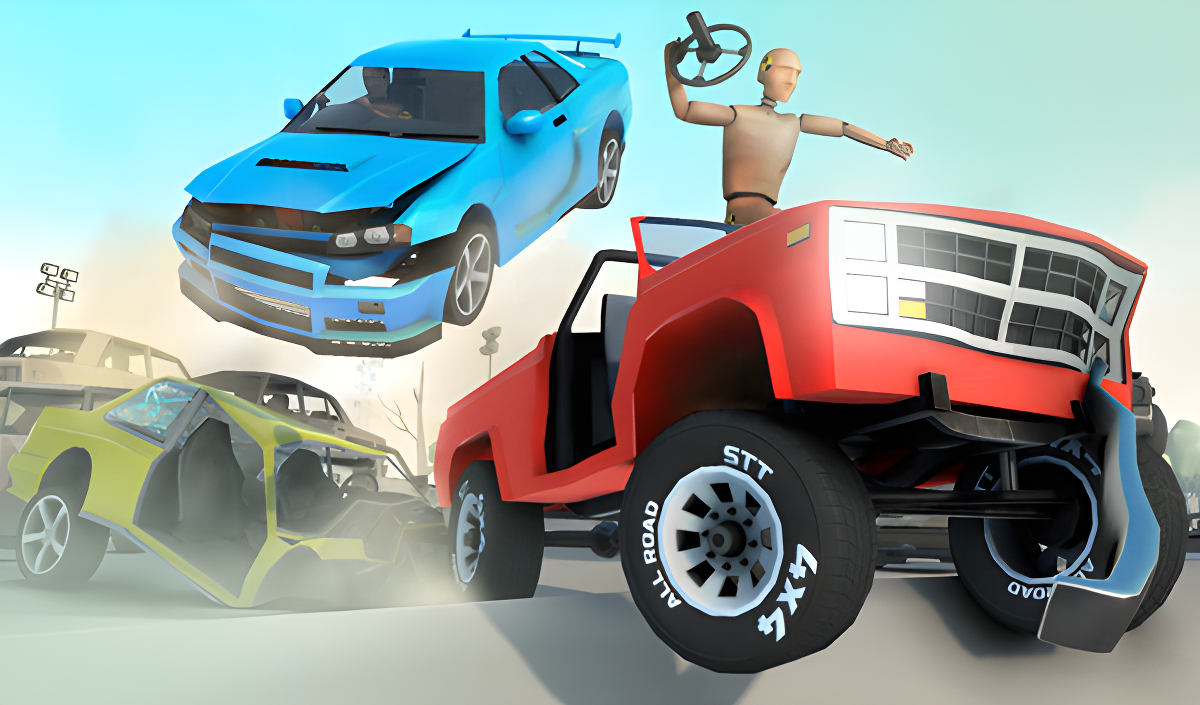
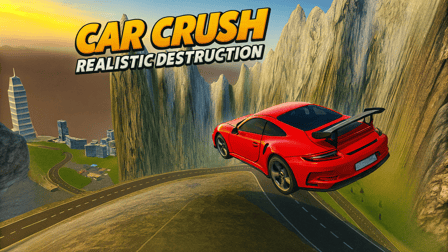
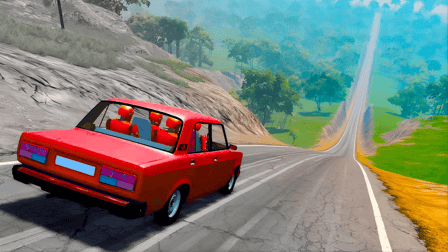
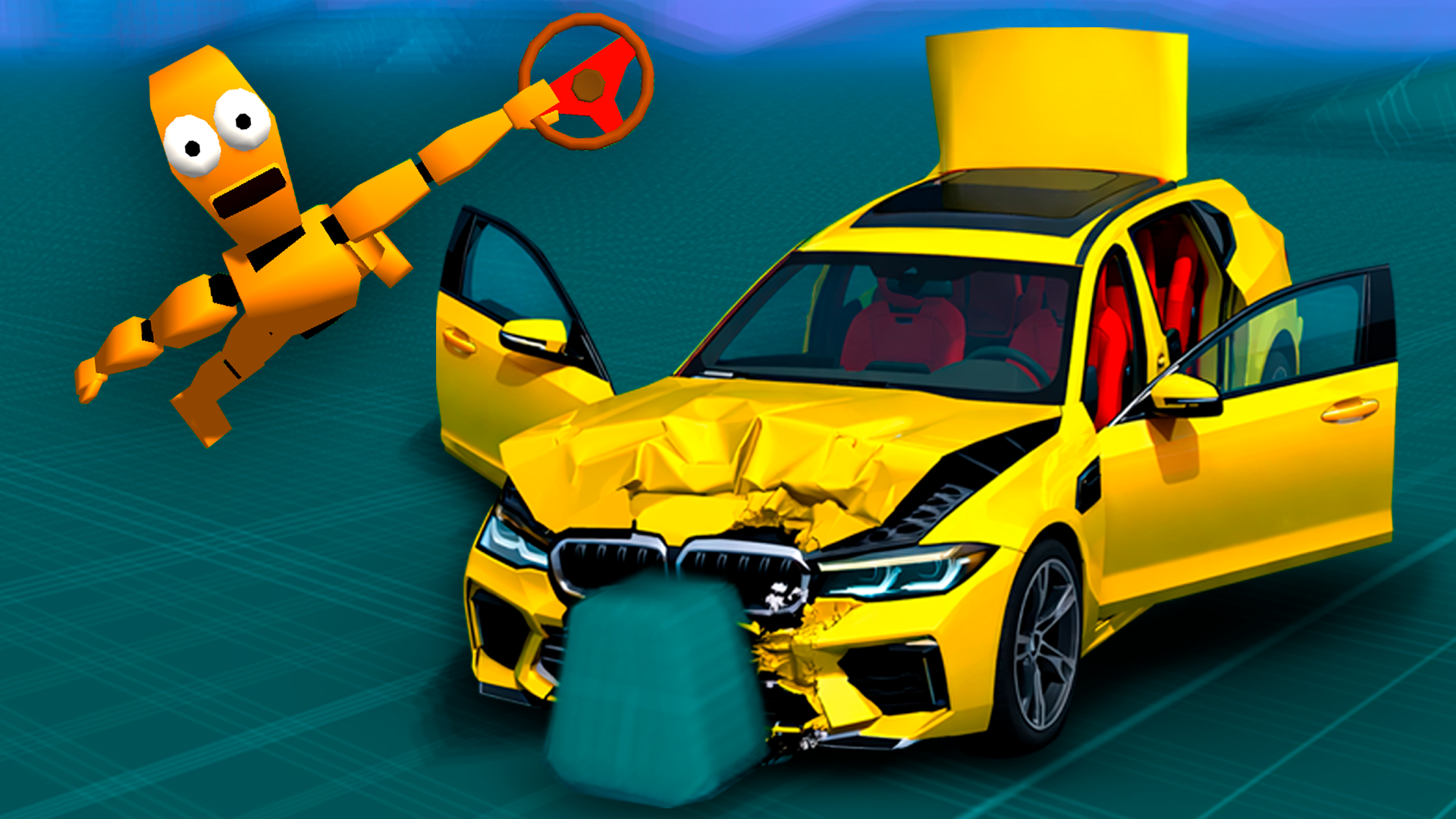
Car Crash puts you behind the wheel with one clear mission: destroy cars in as many ways as possible. The game runs on realistic physics and clean three-dimensional graphics, making every collision feel grounded rather than cartoonish. Several scenes show a tan crash test dummy marked with yellow and black circular symbols seated in the driver position, and across multiple views vehicles display crumpled hoods, missing bumpers, and shattered glass effects that reflect the physics system at work. One environment features stacks of rusted, immobile car frames alongside a large building lined with brown garage doors. The loop is direct — crash cars, collect coins, buy new cars and cards, then crash again.
How to Play Car Crash
The core cycle runs through four steps: crash cars, earn coins for the damage, spend those coins on new cars and cards, and return to crashing. Each run rewards destruction, keeping the progression loop tight and immediate.
On-Screen Buttons
- Level reset
- Main menu
- Time dilation
Controls
- WASD / Arrow keys: Drive the car
- Mouse: Rotate the camera in standard first-person view
- C: Change camera view
- Space: Handbrake
- R: Reset level
- H: Open main menu
- T: Toggle time dilation
- Escape / TAB: Make the mouse cursor visible
- Mouse click: Activate on-screen buttons as an alternative to keyboard shortcuts
Games You Might Like
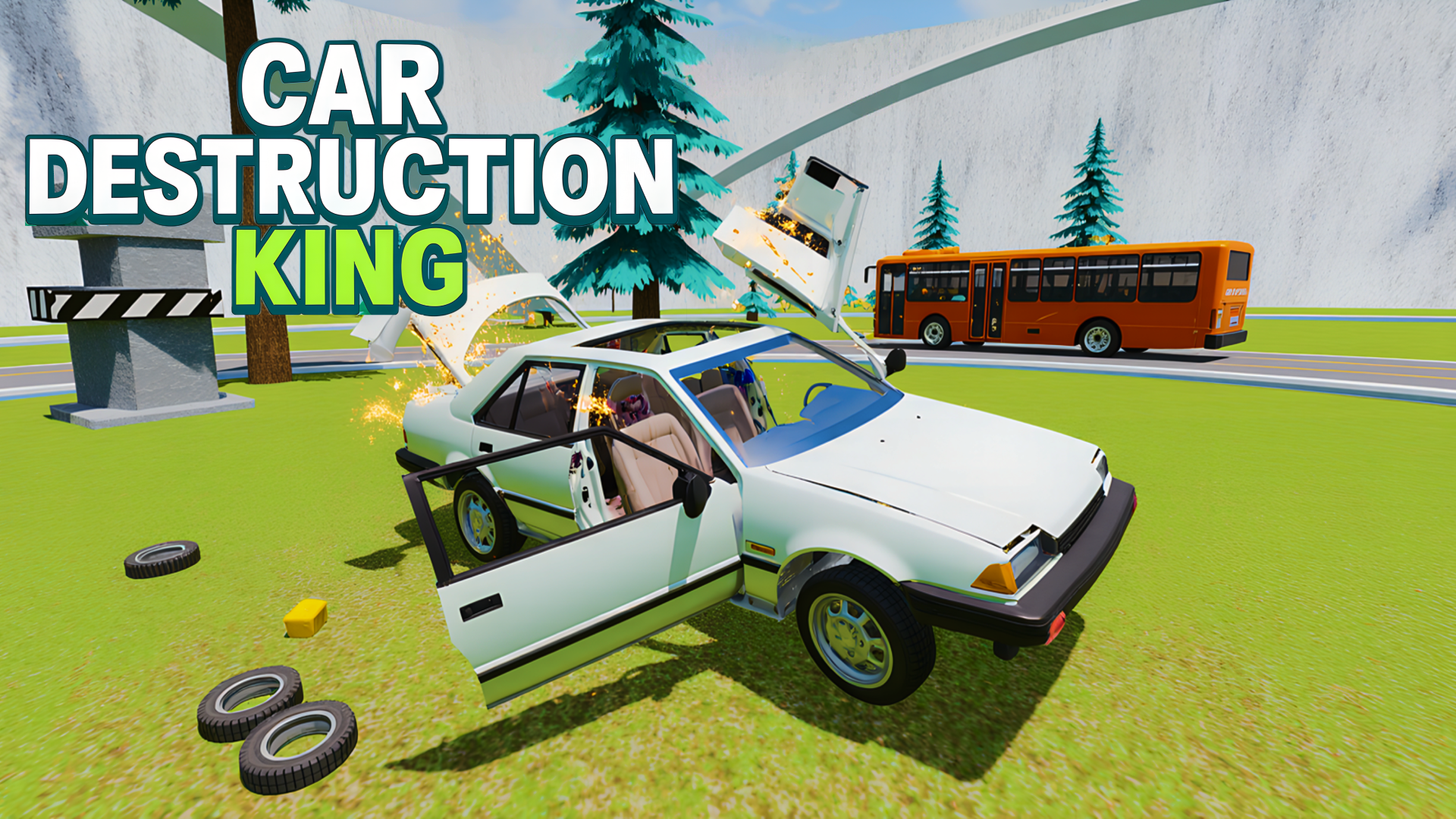
If smashing vehicles is your thing, BMG: Car Destruction delivers a realistic collision simulator where cars shed individual parts depending on the obstacles they hit, and a truck lets you crush other vehicles for maximum damage. For a broader destruction experience, Car Destruction King adds rotating hammers, presses, catapults, multiple maps, and a slow-motion mode that lets you watch every crash in detail.
Browse the full driving games collection for more vehicle-based action, or check out the racing games category if you want speed alongside the carnage.