









Battle chicks
About Battle chicks: Casual Two-Player Chicken Combat
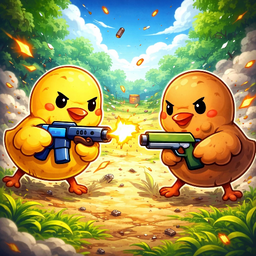
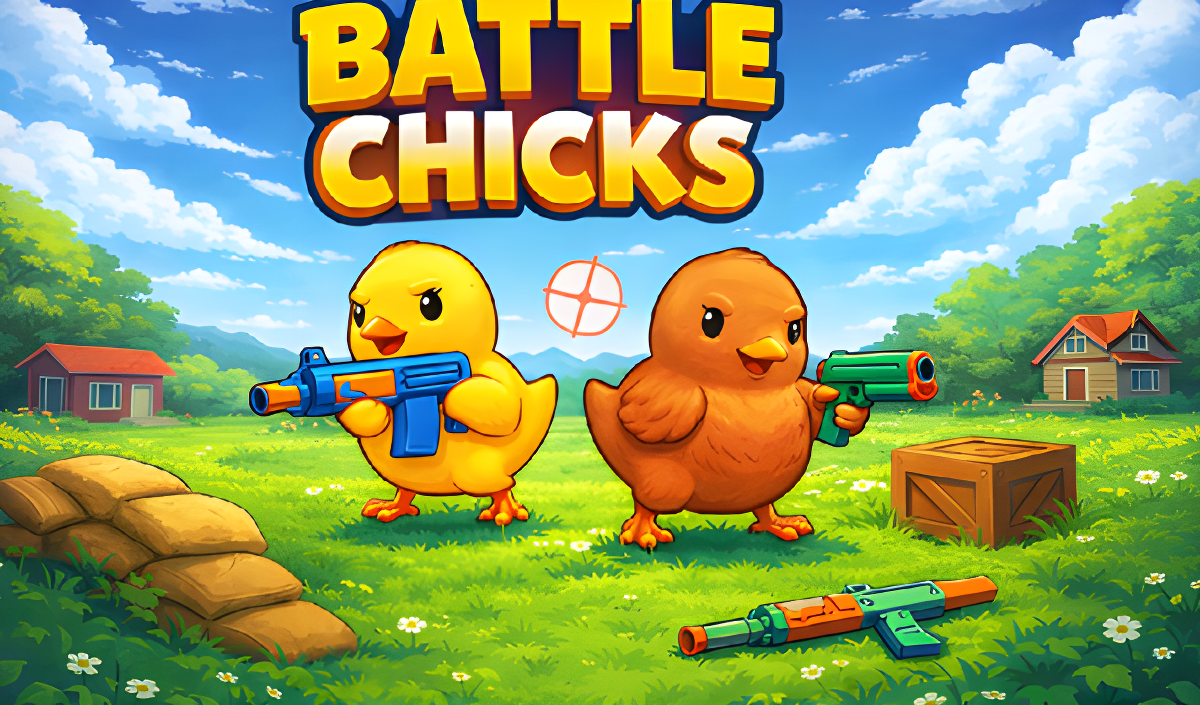
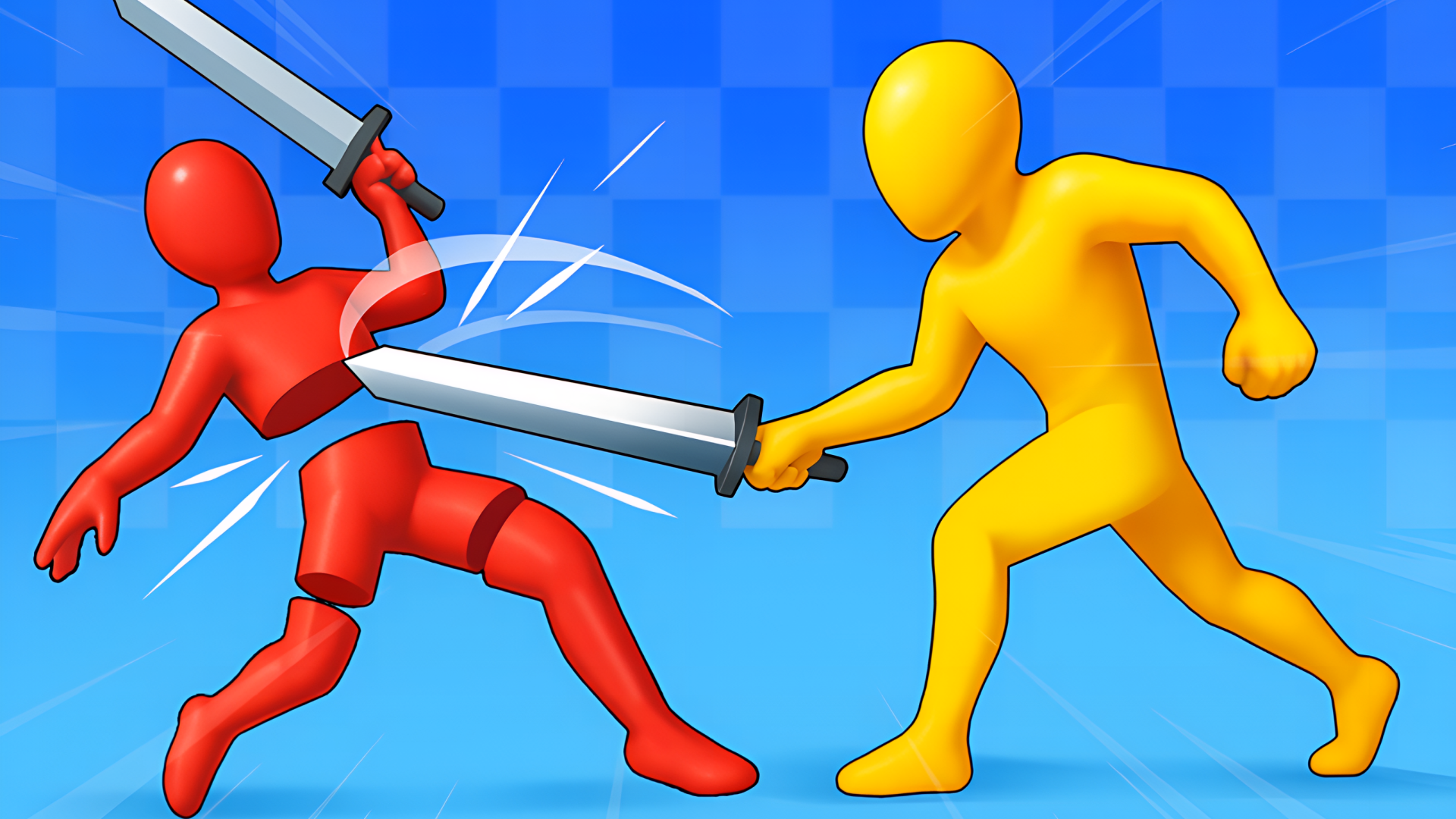
Battle chicks is a casual game for two players sharing one PC, where each player controls a customizable chicken and fights to outlast the opponent. The two chickens can be tailored to each player's taste before the match begins. Several existing maps are available to fight across, and a built-in level editor lets players construct entirely new arenas from scratch. The weapon selection spans a variety of guns — some capable of destroying blocks as well as shooting — plus katanas that work in close combat and can also be thrown at enemies from a distance.
One arena in the game shows a large central structure made of green blocks shaped like a skull, with hollow eyes and a jagged mouth. In another scene, three grey circular saw blades with jagged teeth hang from chains along the bottom of the arena. A separate scene features small light-blue triangular points arranged in two groups on a wooden platform.
How to Play Battle chicks
Player Controls
- Player One (Left) — Move: W, A, S, D keys
- Player One — Pick up / Drop weapons: E key
- Player One — Attack: R key
- Player Two — Attack: LMB (left mouse button)
Creating Custom Maps
- Move the canvas: Hold RMB and drag
- Place a block: Select it in the bottom panel, then click LMB on the map location where the block should go
- Remove a block: Select the eraser and use it on the desired block
- Set the map's center and initial size: Use the button on the right with four arrows pointing in all directions
⚠️ Custom maps are not saved when the page is refreshed.
Controls
Player One / Left
- W A S D: Move
- E: Pick up / Drop weapons
- R: Attack
Player Two / Right
- Up / Left / Down / Right arrow keys: Move
- RMB (right mouse button): Pick up / Drop weapons
- LMB (left mouse button): Attack
Level Editor
- Hold RMB + drag: Move the canvas
- Mouse wheel: Zoom in
- Select block in bottom panel + LMB on map: Place a block
- Eraser tool + LMB on block: Remove a block
- Four-arrow button (right side): Set the map's center and initial size
Games You Might Like
If the two-player chaos of Battle chicks appeals to you, the broader physics games catalog is packed with similarly unpredictable action. H.O.G.S. swaps chickens for war hogs in a turn-based artillery game fought across fully destructible pixel landscapes — a great pick for fans of weapon variety and map destruction. Soccer Random brings the same two-player-on-one-device energy with chaotic physics-based soccer built around one-button controls. For close-quarters weapon combat with ragdoll physics, Epic Sword Battle! Fight in the Ragdoll Arena! pits knights and gladiators against each other in sword duels. Sprunki Playground Mod scratches the level-editor itch with a sandbox where you build stages, place characters, and add weapons freely.
Browse the full two player games section for more shared-screen showdowns, or check out funny games for lighthearted competitive titles in the same spirit as Battle chicks.
Video