



























Aviation Simulator
About Aviation Simulator: Flight Through Diverse Skies and Aircraft
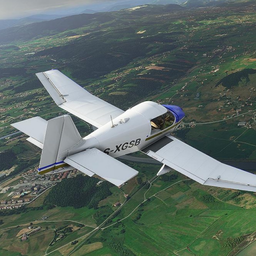
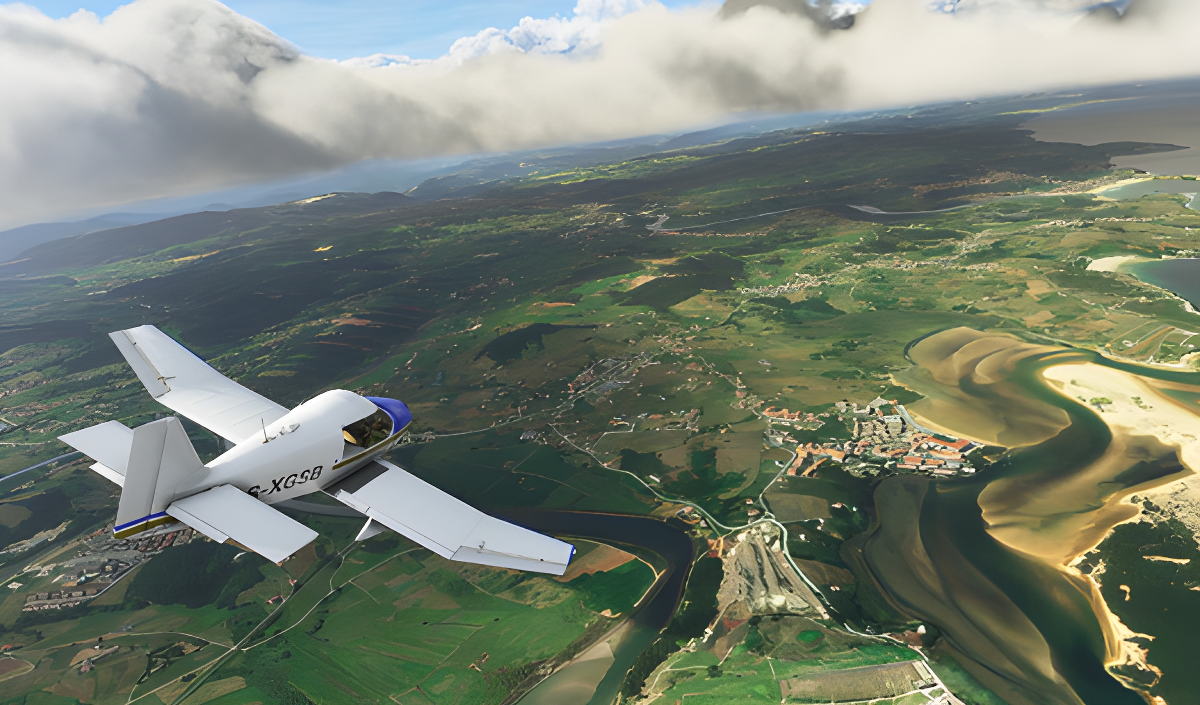
Aviation Simulator puts you in the cockpit for a flight experience that spans classic cornhuskers, modern passenger airliners, and powerful fighter jets. Each aircraft carries its own handling characteristics, giving every plane a distinct feel in the air. The game pairs that variety with maps drawn from diverse real-world landscapes — European peaks, Arctic deserts, and other locations — so no two routes look the same.
Quests and assignments run through the experience: completing tasks unlocks new planes and maps, giving each session a concrete goal beyond free flight. Stunning graphics and detailed post-processing shape the visual side, with weather, lighting, and atmospheric effects that shift the mood of each flight.
One scene shows snow-capped gray mountains sitting beneath a dark blue sky dotted with small white circular lights. Another moment captures a bright yellow light source washing over a hazy valley of green-textured ridges and a flat body of water below.
How to Play Aviation Simulator
The core loop in Aviation Simulator is straightforward: take off, navigate the landscape, and work through quests and assignments. Finishing those tasks is what opens up additional aircraft and new map locations. Each plane behaves differently, so switching between a propeller-driven cornhusker and a fighter jet means adjusting to new characteristics rather than repeating the same routine.
Controls
On Computers
- WASD: Steering
- Q / E: Steering wheel
- F: Air / ground braking
- Shift: Full throttle
- Up arrow: Increase throttle
- Down arrow: Decrease throttle
- 1 / 2: Flaps
- Y: Parking brake (handbrake)
- T: Engine start
- U: Engine stop
- G: Chassis
- C: Camera change
- Left mouse button (LKM): Camera rotation
- Right mouse button (PCM): Moving the camera
- Middle mouse button (SCM): Zoom in and out of the camera
On Phone
- Screen and corresponding buttons: Full aircraft control
On Gamepad (PlayStation DualShock 4)
- L3: Steering wheel
- L2 / R2: Steering
- Square: Engine start
- Right arrow button: Engine stop
- Cross: Increase throttle
- Circle: Decrease throttle
- Left arrow button: Handbrake
- Triangle: Brakes
- L1 / L2: Flaps
- Options: Camera change
- R3 + Hold and direct: Rotate the camera
- Upper / lower arrow buttons: Increase and decrease camera distance
Games You Might Like
If open-world exploration and mission-based progression appeal to you, Wild Horse Simulator Racing Games delivers a similarly quest-driven experience across vast landscapes with multiple modes to unlock. For more simulation games ranging from flight to vehicles and beyond, the full category has plenty to explore. Fans of vehicle variety and open city driving will find Crime and Vice City Police worth a look, with its multiple locations and tuning system. The 3D games category and the physics games category both surface titles that share Aviation Simulator's emphasis on realistic handling and detailed environments.
Car Crash Sandbox brings realistic physics simulation to high-speed vehicle collisions, a natural companion for players who enjoy detailed physical modeling. For something lighter between sessions, Summer Vacations Picnic Party Game offers mission-based travel through beaches, forests, and hill stations with a relaxed pace.