













Avatar
About Avatar
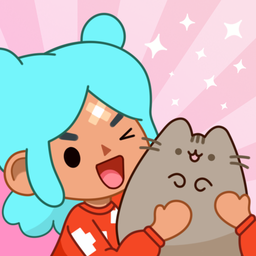
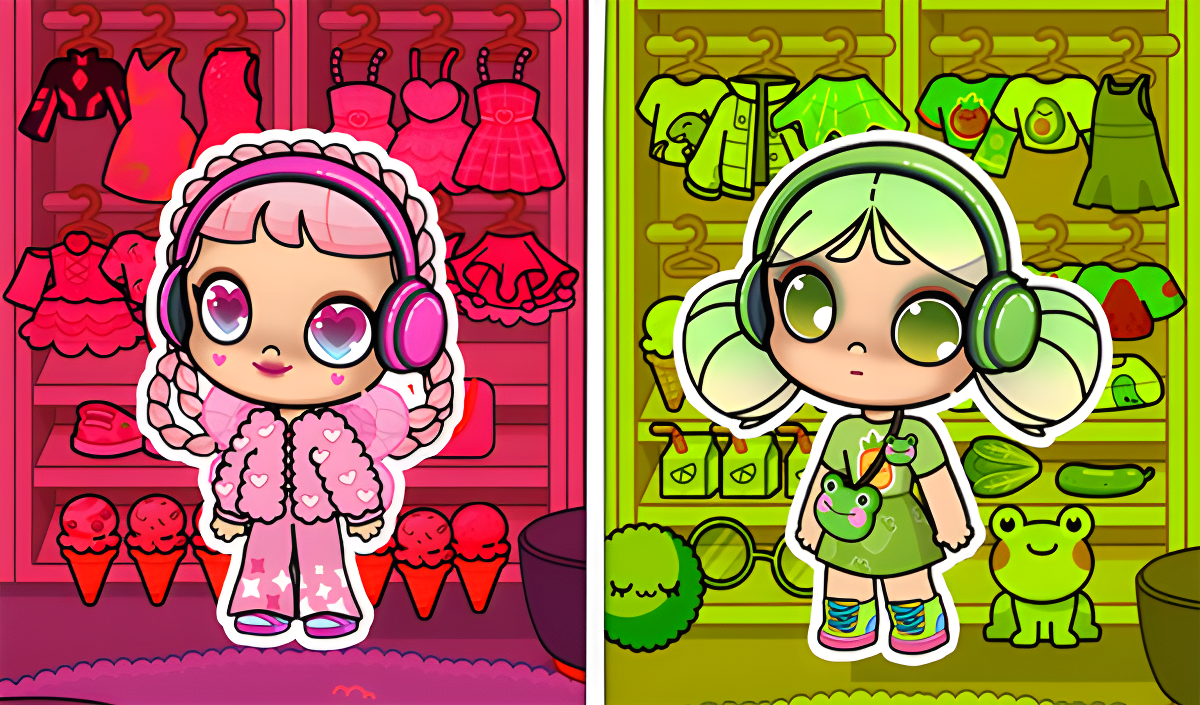
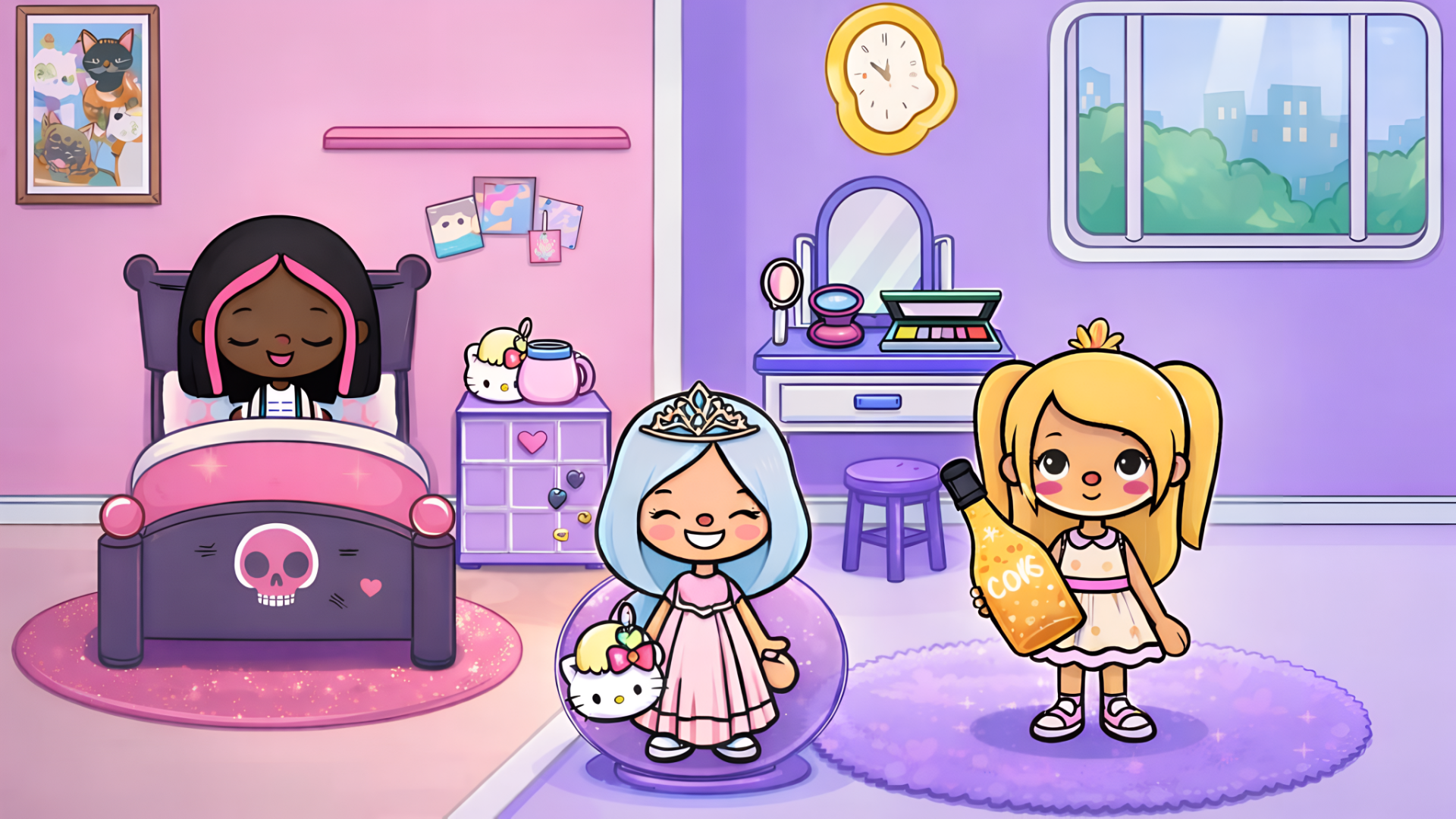
Avatar is a simulation game set in a bright, diverse world of virtual adventures. The game lets you create and customize your own avatar, selecting clothes, accessories, and other style elements to shape a personal look. Beyond character creation, you build and decorate a virtual space using a variety of objects and decorations, and interact with a cast of characters by controlling their actions and observing their behavior.
Several scenes show a world map containing various buildings, including a medical clinic, a basketball court, and a school-like structure with an open book on the roof. In one interior scene, a purple sofa, a large potted plant, and a tall shelf filled with pink rolled items furnish a side-view room.
How to Play Avatar: Create, Decorate, and Interact
The core loop moves between character interaction, interior decoration, and photography. Pick up any character or object by clicking or tapping it, then hold and drag it to a new position within the location. To interact with characters and objects, place an item directly into a character's hands — food and drink items can be used to feed characters.
Interior Creation
Inside the interior creation location, a dedicated menu gives access to a selection of interior items. Switch between different categories of furniture suited to different rooms and needs, then click on any furniture item to place it in the interior. Hold and drag the placed piece to position it exactly where you want it.
Photography
At any moment during play, click the photo icon to take a screenshot and save the most vivid moments of your adventures.
Controls
- Click / Tap on character or object: Select it
- Hold and drag character or object: Move it around the location
- Place object into character's hands: Interact with the character; feed them if the item is food or drink
- Click on a furniture item in the menu: Make it appear in the interior
- Hold and drag furniture: Move it to the desired location
- Click the photo icon: Take a screenshot
Games You Might Like
If you enjoy Avatar's mix of character customization and creative decoration, Girls games on Playgama brings together a wide collection of dress-up, fashion, and simulation titles in one place. Fans of life-simulation style play will also want to explore The Sims Games series, which shares Avatar's focus on building virtual lives and spaces.
For more open-ended world exploration with characters and locations, Toca World Adventure offers a vibrant city full of unique characters and home decoration much like Avatar's interior creation mode. TB World lets you craft original looks and cozy interiors, echoing Avatar's dual focus on style and space design. Toca World - Superstar's Mansion combines an interior simulator with a fashion editor across eight unique houses, a natural next step for Avatar players who love both decorating and character styling. The Kids games category rounds out the recommendations with a broad range of accessible, creative titles suited to the same audience.
Video