




























Armed Forces io
About Armed Forces io
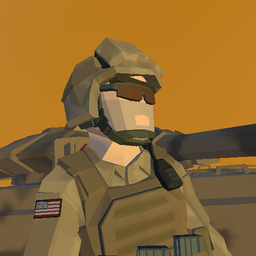
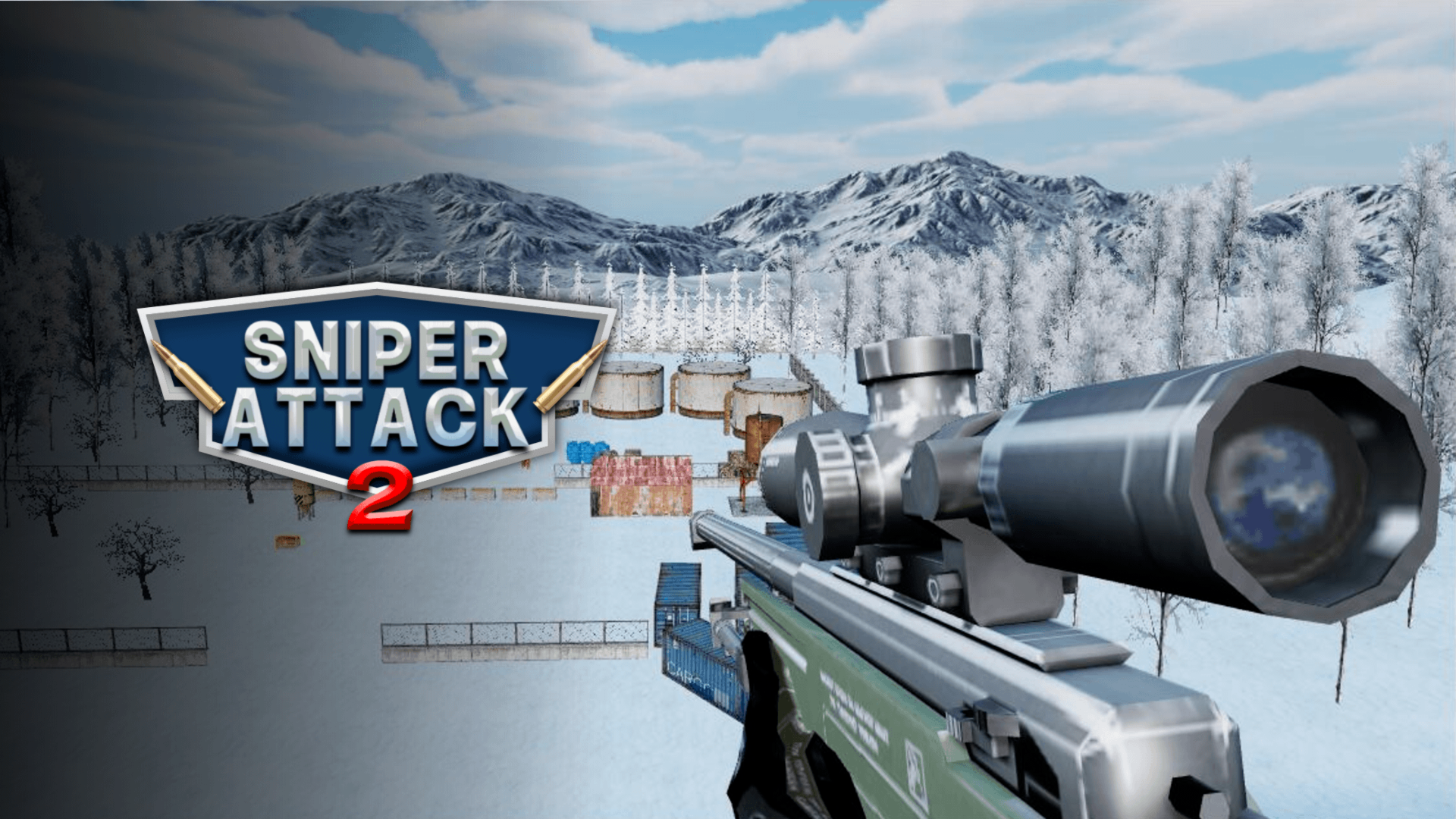
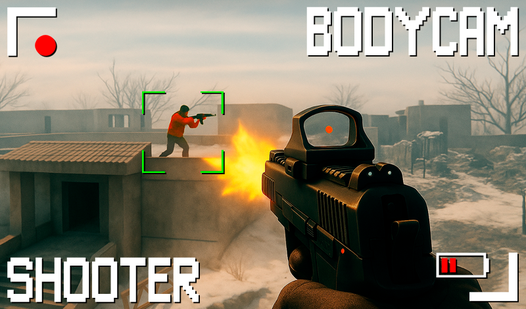
Armed Forces io drops you into the boots of a soldier and puts you in the fight across a set of new maps built for intense combat. The game offers multiple modes, so whether you're a seasoned player or just starting out, there's a mode suited to your experience. Several scenes show industrial environments, including one where three weathered yellow cylindrical silos with black and yellow striped bases stand in a row. Another scene features a building made from gray rectangular blocks with a white corrugated metal roof and a row of horizontal windows near the top.
How to Play Armed Forces io
Gear up, pick your game mode, and get into the fight. Armed Forces io centers on soldier combat across multiple maps, with the goal of surviving and taking down opponents. Weapons can be picked up from the environment, dynamite can be thrown when available, and medkits can be used when on hand. The scoreboard tracks how the match is going at any moment.
Controls
- WASD or Arrow Keys: Move
- Left Mouse Click: Fire
- Right Mouse Click: Aim
- Space: Slide while moving
- Left Shift: Run
- 1, 2, 3: Change weapon
- E or F: Interact / pick up weapon
- G: Throw available dynamite
- H: Use available medkit
- T: Chat
- L: Toggle cursor lock
- C: Crouch
- Hold N: Show scoreboard
- Escape: Pause
Games You Might Like
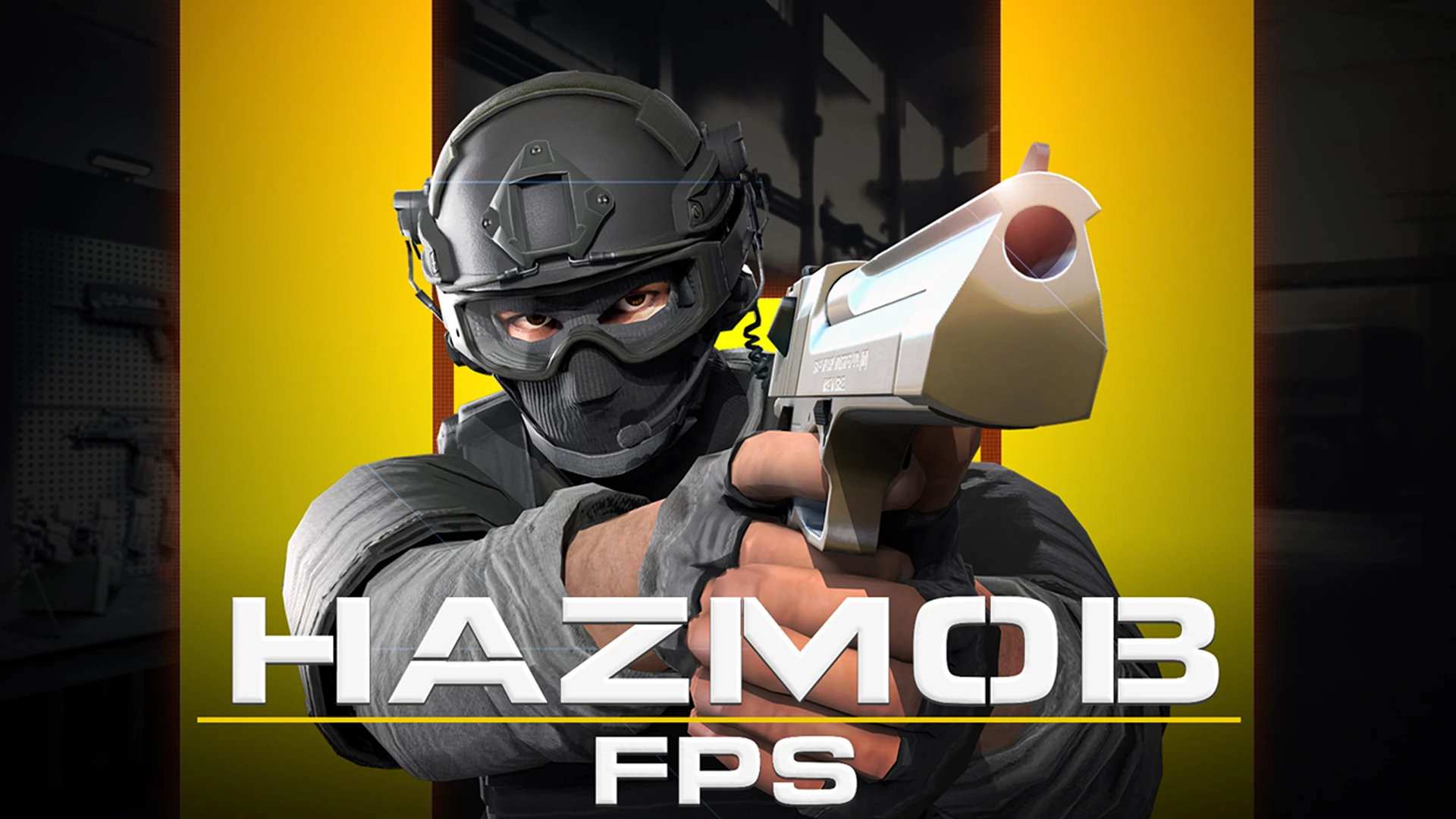
If the first-person soldier combat in Armed Forces io keeps you coming back, the broader world of shooting games on Playgama has plenty more firefights waiting. For another multiplayer FPS with multiple game modes and clean 3D graphics, Hazmob FPS: Online Shooter delivers close-quarters battles with weapon switching and clan-based team play. If capturing bases and choosing sides in a 3D battlefield appeals to you, Battlefeel puts you in a dynamic red-versus-blue war with a wide arsenal including assault rifles, sniper rifles, and grenade launchers. You are able to also browse the full io games category for more browser-based multiplayer action in the same competitive spirit.