























Aircraft Simulator 3D
About Aircraft Simulator 3D: Flight Through Diverse Maps and Aircraft
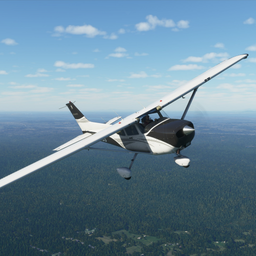
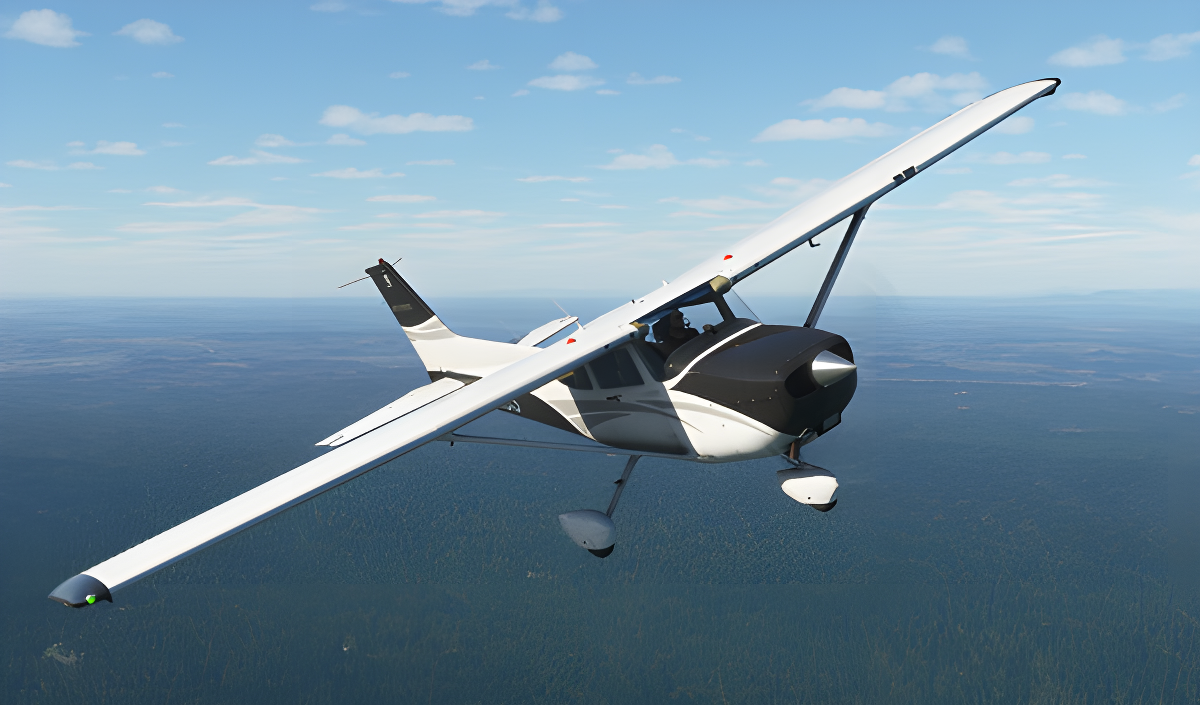
Aircraft Simulator 3D puts you in the cockpit for an open-sky flight experience spanning a wide range of aircraft and locations. Classic cornhuskers, modern passenger liners, and powerful fighter jets are all available, each carrying its own handling characteristics. Maps stretch across diverse landscapes, from European peaks to Arctic deserts and other striking locations. Realistic weather, lighting, and atmosphere shape every session, and post-processing details make each flight visually distinct.
In one scene, a grey fighter jet sits on a dark grey road flanked by white three-story buildings with blue-framed windows. Another scene shows a white propeller plane parked on an asphalt surface beside a structure with red trim and three fuel dispenser units.
How to Play Aircraft Simulator 3D
Progress in Aircraft Simulator 3D is tied to its quest system. Completing missions unlocks new planes and maps, expanding both the aircraft roster and the locations available to explore. Every aircraft has its own characteristics, so the handling shifts as new planes become available.
Controls
On Computers
- WASD: Steering wheel
- Q/E: Steering wheel
- F: Air/ground braking
- Shift: Full throttle
- Up arrow: Increase the gas
- Down arrow: Decrease the gas
- 1 / 2: Flaps
- Y: Parking brake (handbrake)
- T: Engine start
- U: Engine stop
- G: Chassis
- C: Camera change
- LMB: Camera rotation
- PCM: Moving the camera
- SCM: Zoom in and out of the camera
On Phone
- Screen and corresponding buttons: Full plane control
On Gamepad (PlayStation DualShock 4)
- L3: Steering wheel
- L2 / R2: Steering wheel
- Square: Engine start
- Right arrow button: Engine stop
- Cross: Increase throttle
- Circle: Decrease throttle
- Left arrow button: Handbrake
- Triangle: Brakes
- L1 / L2: Flaps
- Options: Camera change
- R3 + Hold and direct: Rotate the camera
- Upper and lower arrow buttons: Increase and decrease the camera distance
Games You Might Like
For more simulation action, browse the full range of simulation games on Playgama, where flight titles sit alongside driving and physics-based challenges. If high-speed thrills appeal after mastering the skies, Mega Ramp Stunt delivers adrenaline-fuelled car stunt racing across a variety of tracks. Open-world driving fans may also enjoy Crime and Vice City Police, which features multiple locations and realistic vehicle collisions.
Explore more titles in the boys games collection for action-packed picks, or head to the flying games category for more aviation adventures alongside Aircraft Simulator 3D.